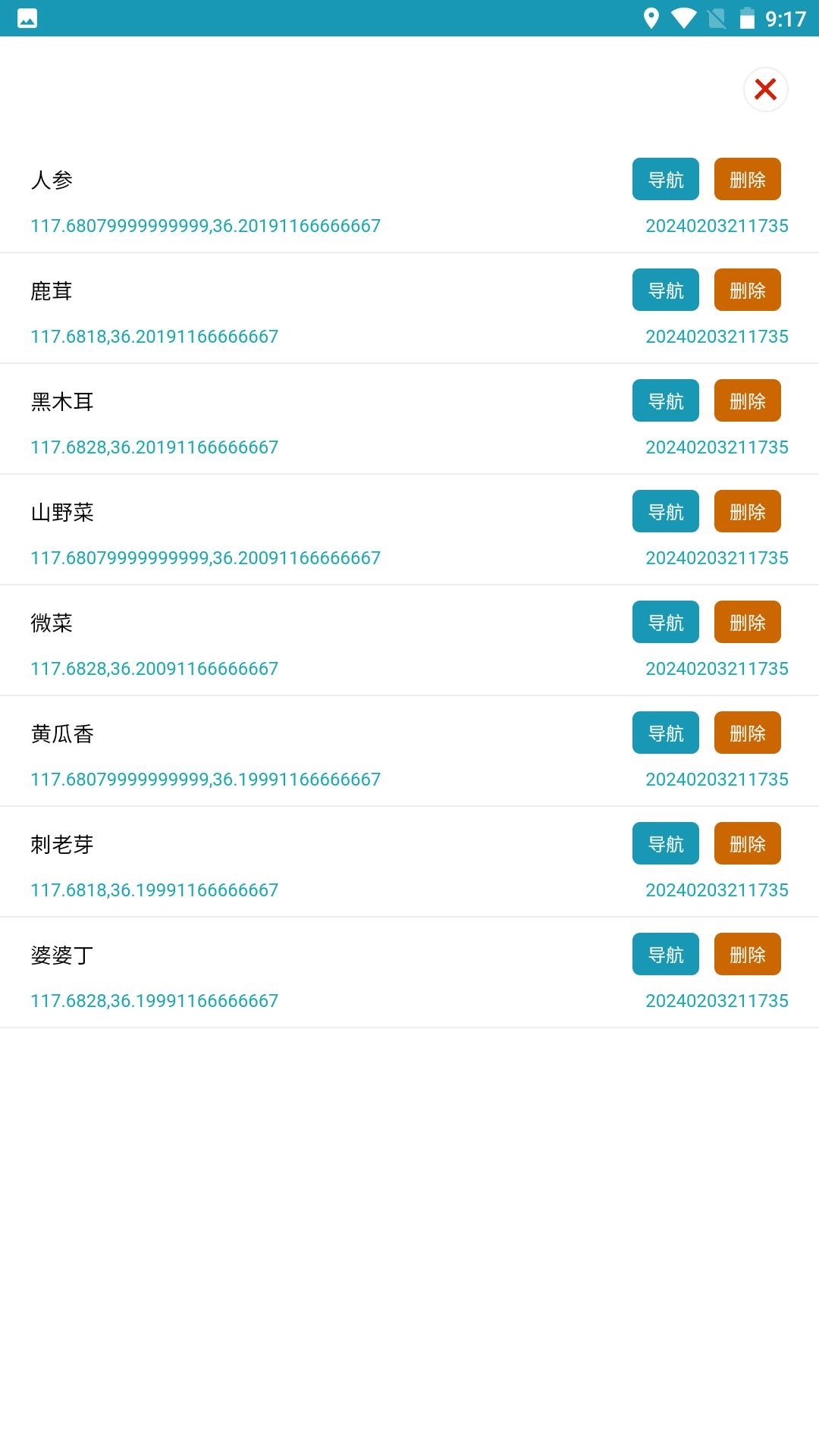
林区定位 is a Tools application developed by 郝维明, but with the best Android emulator-LDPlayer, you can download and play 林区定位 on your computer.
Running 林区定位 on your computer allows you to browse clearly on a large screen, and controlling the application with a mouse and keyboard is much faster than using touchscreen, all while never having to worry about device battery issues.
With multi-instance and synchronization features, you can even run multiple applications and accounts on your PC.
And file sharing makes sharing images, videos, and files incredibly easy.
Download 林区定位 and run it on your PC. Enjoy the large screen and high-definition quality on your PC!
Forest positioning is a mobile phone location positioning tool based on satellite positioning. It supports recording the current location, making it easy to share and find locations. It can also obtain real-time locations without the Internet. It aims to solve the problem of mountain running in forest areas every year. Lost and trapped in the mountains. The forest area is large, the road conditions are complicated, the vision is poor, and the weather is changeable. Even experienced mountain runners sometimes get lost. In order to solve such a pain point, I started to make this APP. Record your location before going up the mountain. No matter where you are or what the weather is like, as long as your phone has enough power, you can still find your way down the mountain even if your phone has no signal.