الكتابة على الصور بخطوط عربية is a Photography application developed by Med APK, but with the best Android emulator-LDPlayer, you can download and play الكتابة على الصور بخطوط عربية on your computer.
Running الكتابة على الصور بخطوط عربية on your computer allows you to browse clearly on a large screen, and controlling the application with a mouse and keyboard is much faster than using touchscreen, all while never having to worry about device battery issues.
With multi-instance and synchronization features, you can even run multiple applications and accounts on your PC.
And file sharing makes sharing images, videos, and files incredibly easy.
Download الكتابة على الصور بخطوط عربية and run it on your PC. Enjoy the large screen and high-definition quality on your PC!
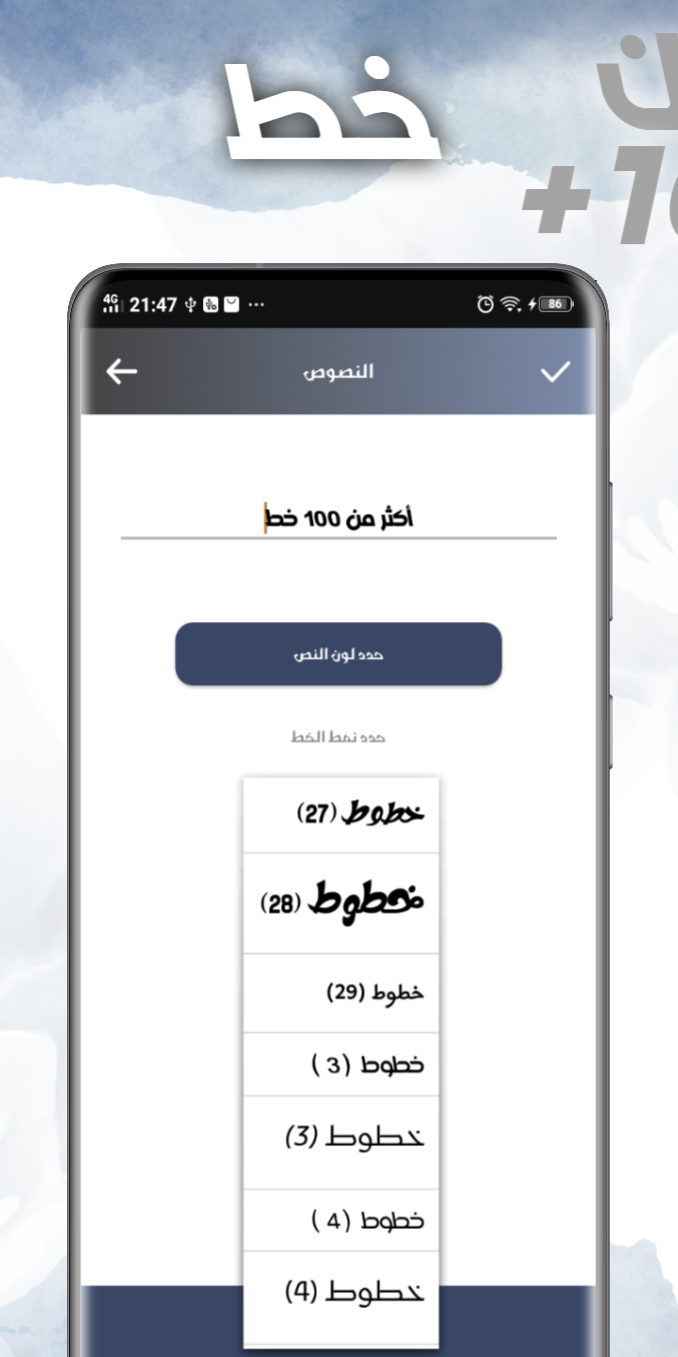
The highest rated writing program for images provides a large number of new and amazing Arabic fonts for writing on images, in addition to the ability to* Change font color.
* Change font size.
* Ability to merge images.
* All texts are stylish and varied.
* Add stickers to the photo.
* Writing on images with more than 100 exceptional fonts.
* Share designed images on all communication programs.
* Save images in high quality and store them on the phone or within the program.
With this software, you can add text to photos, write your name in both Arabic and English, and create custom designs. And many more unique features that enable you to create awesome text designs with its text editor and text generator. You can add texts to images easily and creatively, in addition to the ability to write in Arabic in a unique and beautiful style. You will be able to quickly and easily create various and unique text designs with this software.