Oko VPN is a Tools application developed by Travis Allen Dev, but with the best Android emulator-LDPlayer, you can download and play Oko VPN on your computer.
Running Oko VPN on your computer allows you to browse clearly on a large screen, and controlling the application with a mouse and keyboard is much faster than using touchscreen, all while never having to worry about device battery issues.
With multi-instance and synchronization features, you can even run multiple applications and accounts on your PC.
And file sharing makes sharing images, videos, and files incredibly easy.
Download Oko VPN and run it on your PC. Enjoy the large screen and high-definition quality on your PC!
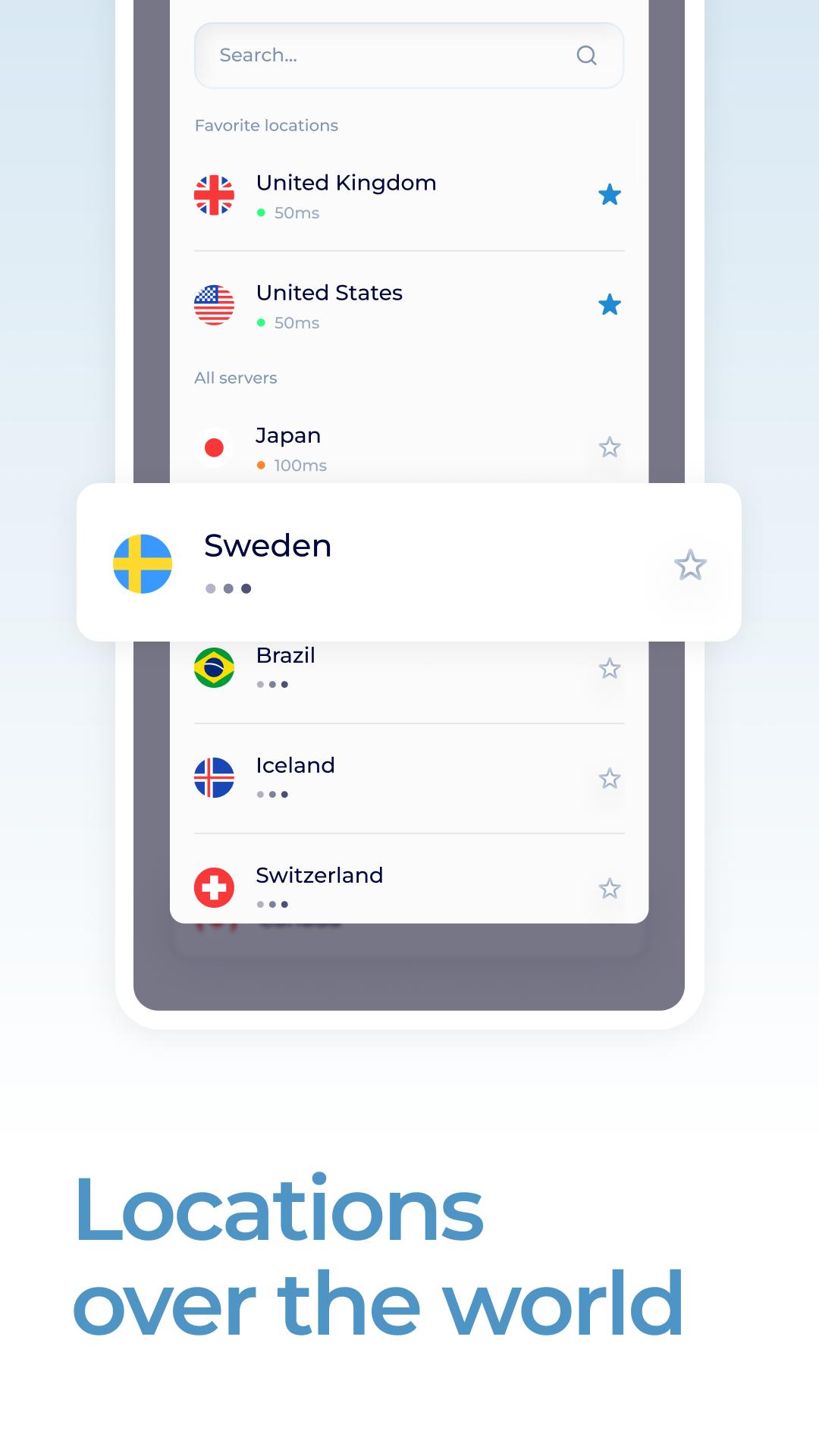
Oko VPN is a private network (VPN) application that allows users to browse the internet anonymously and securely. It encrypts the user's internet traffic and redirects it through a remote server, making it difficult for anyone to monitor or track their online activities.Oko VPN also enables users to access geo-restricted content, such as websites and streaming services, from anywhere in the world. It does so by providing users with a list of servers located in different countries that they can connect to.
Other features of the Oko VPN app include automatic connection to the best available server, the ability to choose between different VPN protocols, and a kill switch that automatically disconnects the user from the internet if the VPN connection is lost.
Overall, Oko VPN is a reliable and user-friendly VPN application that offers a secure and private browsing experience to its users.