Signature Lock Screen is a Tools application developed by Photo Tool Lab, but with the best Android emulator-LDPlayer, you can download and play Signature Lock Screen on your computer.
Running Signature Lock Screen on your computer allows you to browse clearly on a large screen, and controlling the application with a mouse and keyboard is much faster than using touchscreen, all while never having to worry about device battery issues.
With multi-instance and synchronization features, you can even run multiple applications and accounts on your PC.
And file sharing makes sharing images, videos, and files incredibly easy.
Download Signature Lock Screen and run it on your PC. Enjoy the large screen and high-definition quality on your PC!
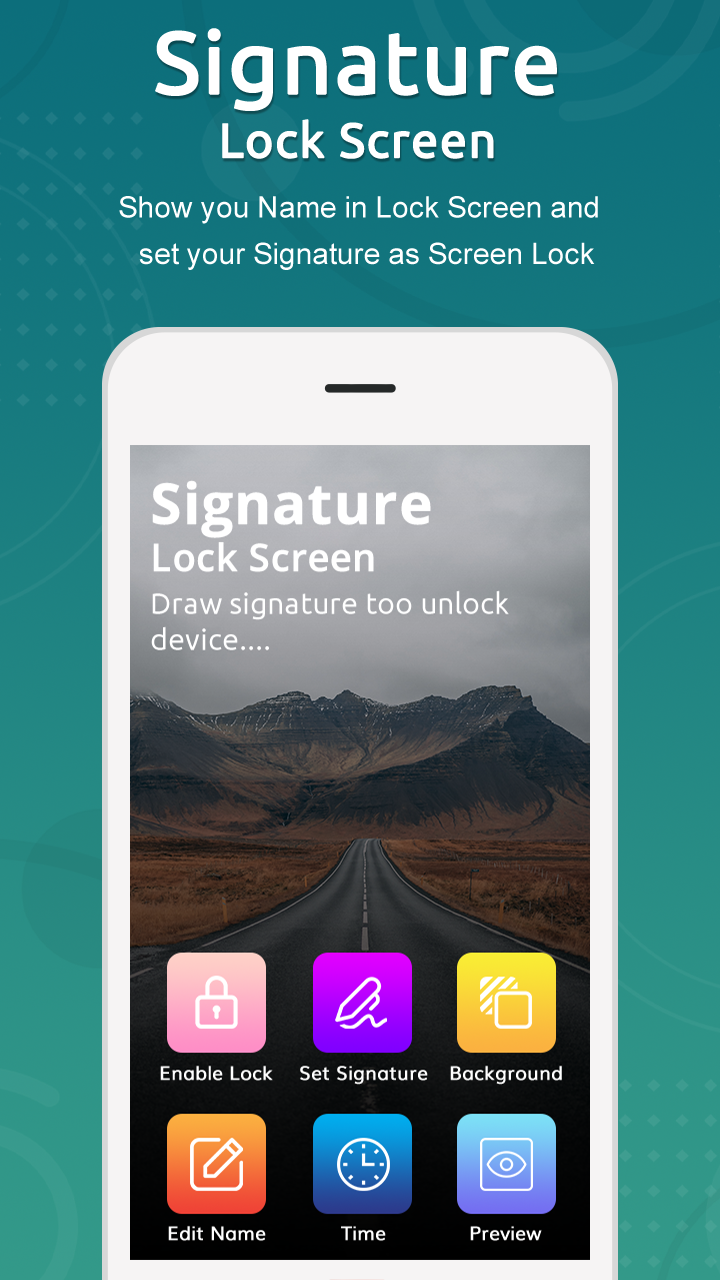
Signature Lock ScreenSignature lock screen - Gesture Lock Screen is the best way to secure your data and your phone with Signature or password.
Gesture Lock Screen - Draw Signature & Letter Lock here is a unique gesture lock screen on android. If you want something different to lock or unlock your phone and tried using old pattern locks try our brand new and unique gesture lock screen app.
The gesture app lock : signature pattern lock is the best way to secure your data and your phone with gesture or password. The gesture lock screen : signature screen lock is wonderful lock screen app for android phones, download free signature app lock and secure phone using gesture or signature.
Key Features of Signature Lock Screen - Gesture Lock Screen :
- Simple user interface and easy to use application.
- Password Create any Shape, Numbers, Letters, Signature etc. provided that. In single stroke without picking up your finger.
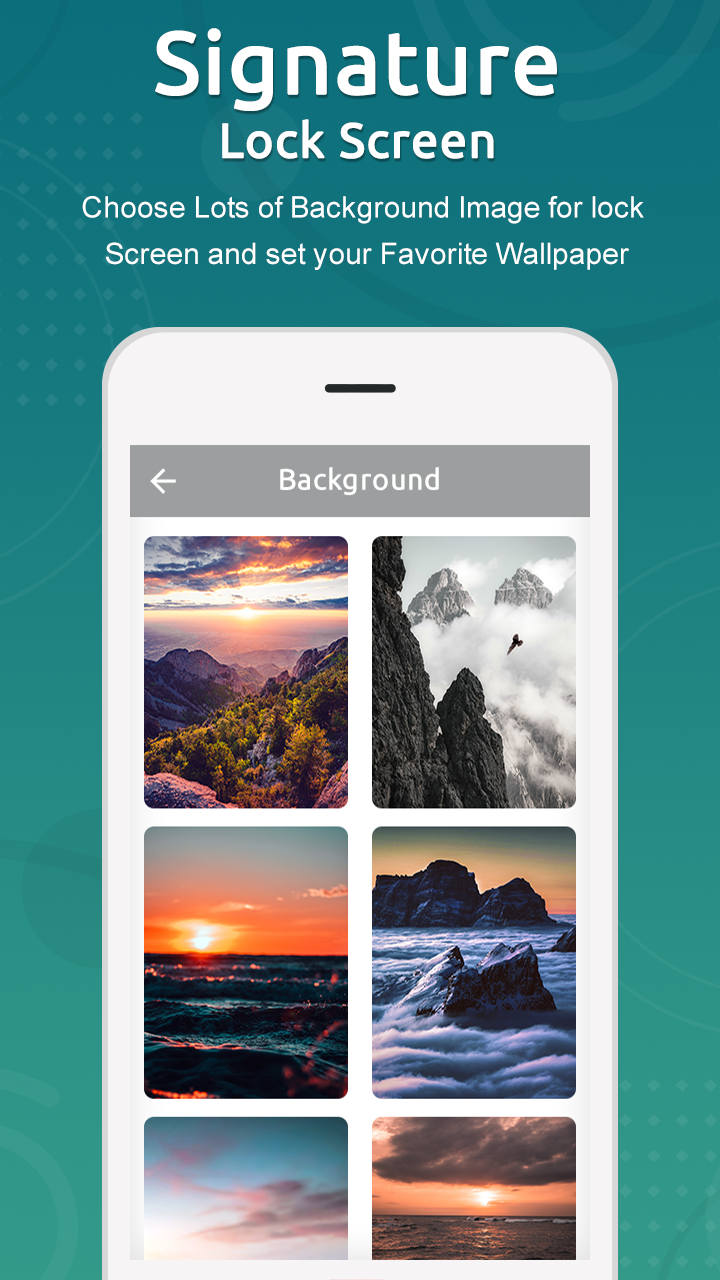
- Lock Set Default or Background from mobile gallery on your screen.
- Edit draws a gesture on the password.
- Invisible path to Unlock Pattern/lock change every minute.
- Double tap app notification to draw signature to unlock and open app.
- Prevents others from using your device.
- Set your own text with font and color adjustment on screen lock.
- Add, remove and edit gesture.
- Set lock your own text name with font and color adjustment on screen.
- 12 hour and 24 hour format both supported.
- Draw gesture, number, signature to unlock a phone.
- Vibration enable/disable.
- Disable system default lock screen to avoid multiple locks.
- Control gesture on the lock screen: Home, Back, Recent, Volume up, Volume down etc.
- Consume less memory and battery, Simple and Clean device.
- Highly secure lock screens.
Please download Gesture Lock Screen, set letters, numbers, symbols, signatures or contextual gestures as password, and draw to unlock your phone.
If you like our application signature lock screen please rate it with 5 Stars.
Thank You for Using Signature Screen Lock app!!