In đơn live TT is a Tools application developed by iClick Software, but with the best Android emulator-LDPlayer, you can download and play In đơn live TT on your computer.
Running In đơn live TT on your computer allows you to browse clearly on a large screen, and controlling the application with a mouse and keyboard is much faster than using touchscreen, all while never having to worry about device battery issues.
With multi-instance and synchronization features, you can even run multiple applications and accounts on your PC.
And file sharing makes sharing images, videos, and files incredibly easy.
Download In đơn live TT and run it on your PC. Enjoy the large screen and high-definition quality on your PC!
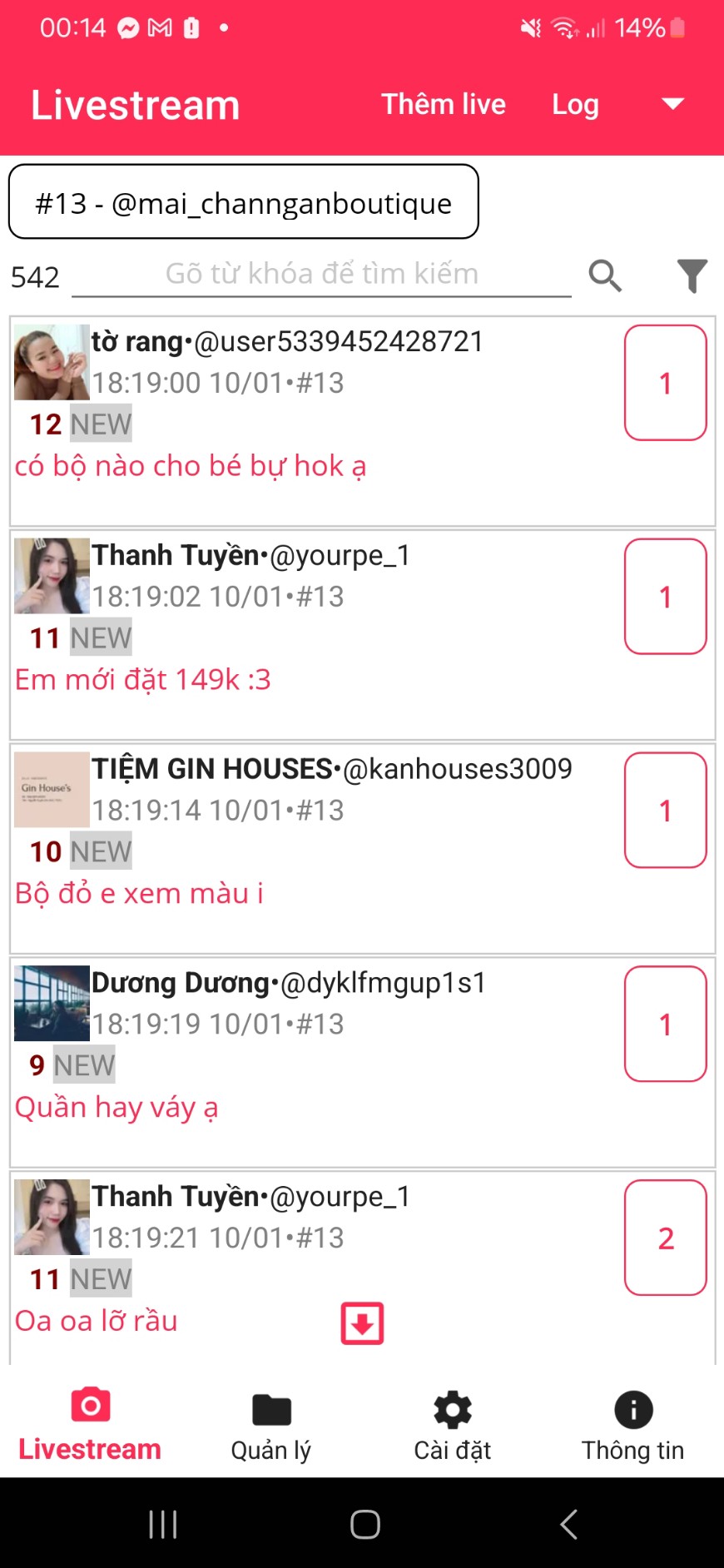
The live TT application printing application supports scanning comments of livestreams on TT.With the scann comment list, you can print, search, filter, export to Excel, mark closing orders, save customer information...
You can only scan comments during the livestream, the scanned comments will be stored and you can view them after the livestream.
To use the software, you only need to declare your TT profile, initiate a new livestream for the application to start getting comments.
To print comments, you need to connect to the printer (paper size is usually 80mm continuous) via the local network using a LAN cable or Wifi.
You will find the printer IP address entry in the settings screen along with other configurations such as automatic printing, paper size.
The application can take one or livestream at the same time.
In addition to managing livestreams and comment lists, the application also manages customers including phone numbers, addresses, and labels.
You can use the application as a simple livestream closing software with the TT platform.
Application data is stored only on the phone you use.
Please contact us for advice and instructions for use.