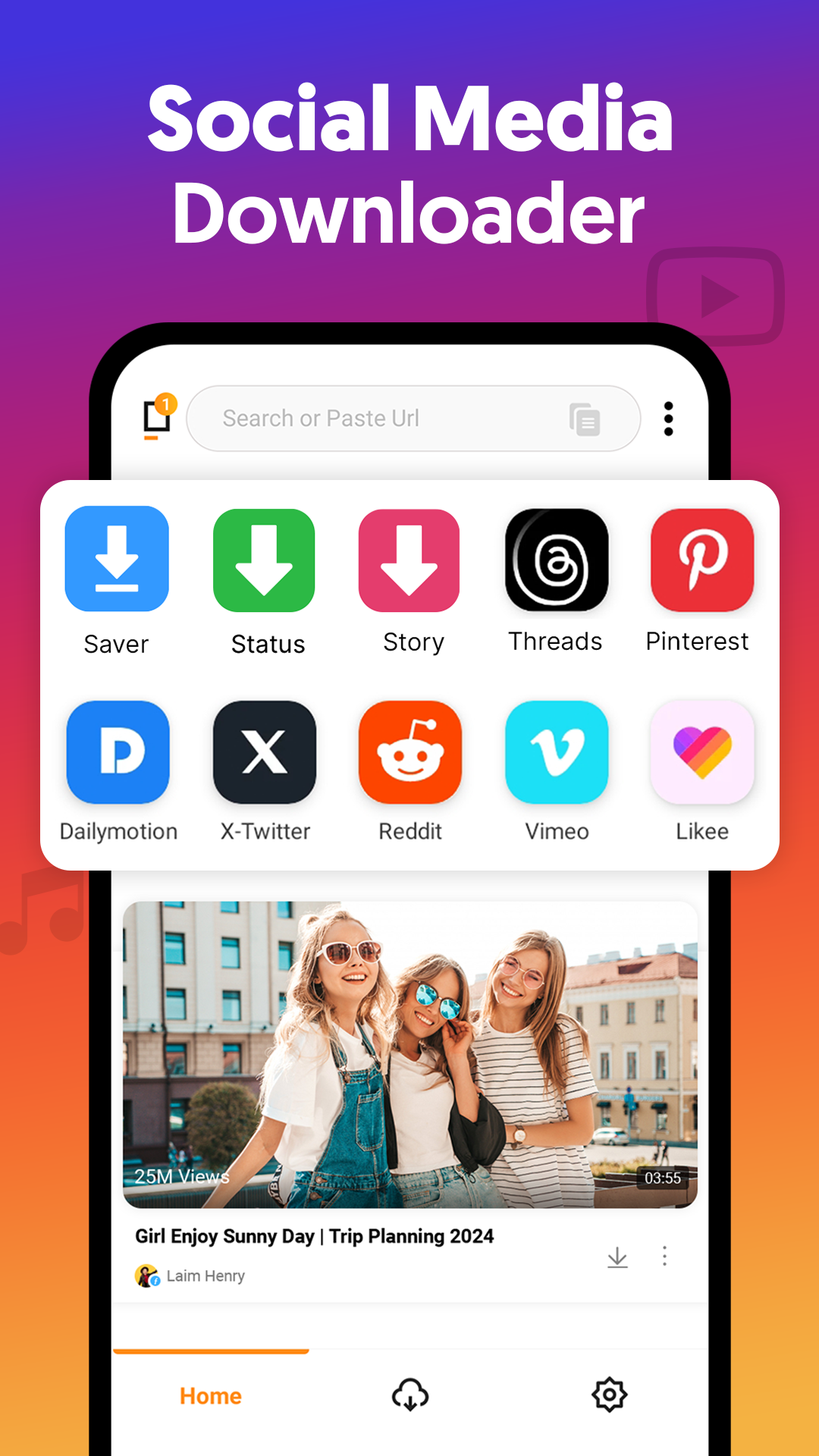
All Video Downloader App is a Video Players&Editors application developed by Colour Sky Studio, but with the best Android emulator-LDPlayer, you can download and play All Video Downloader App on your computer.
Running All Video Downloader App on your computer allows you to browse clearly on a large screen, and controlling the application with a mouse and keyboard is much faster than using touchscreen, all while never having to worry about device battery issues.
With multi-instance and synchronization features, you can even run multiple applications and accounts on your PC.
And file sharing makes sharing images, videos, and files incredibly easy.
Download All Video Downloader App and run it on your PC. Enjoy the large screen and high-definition quality on your PC!
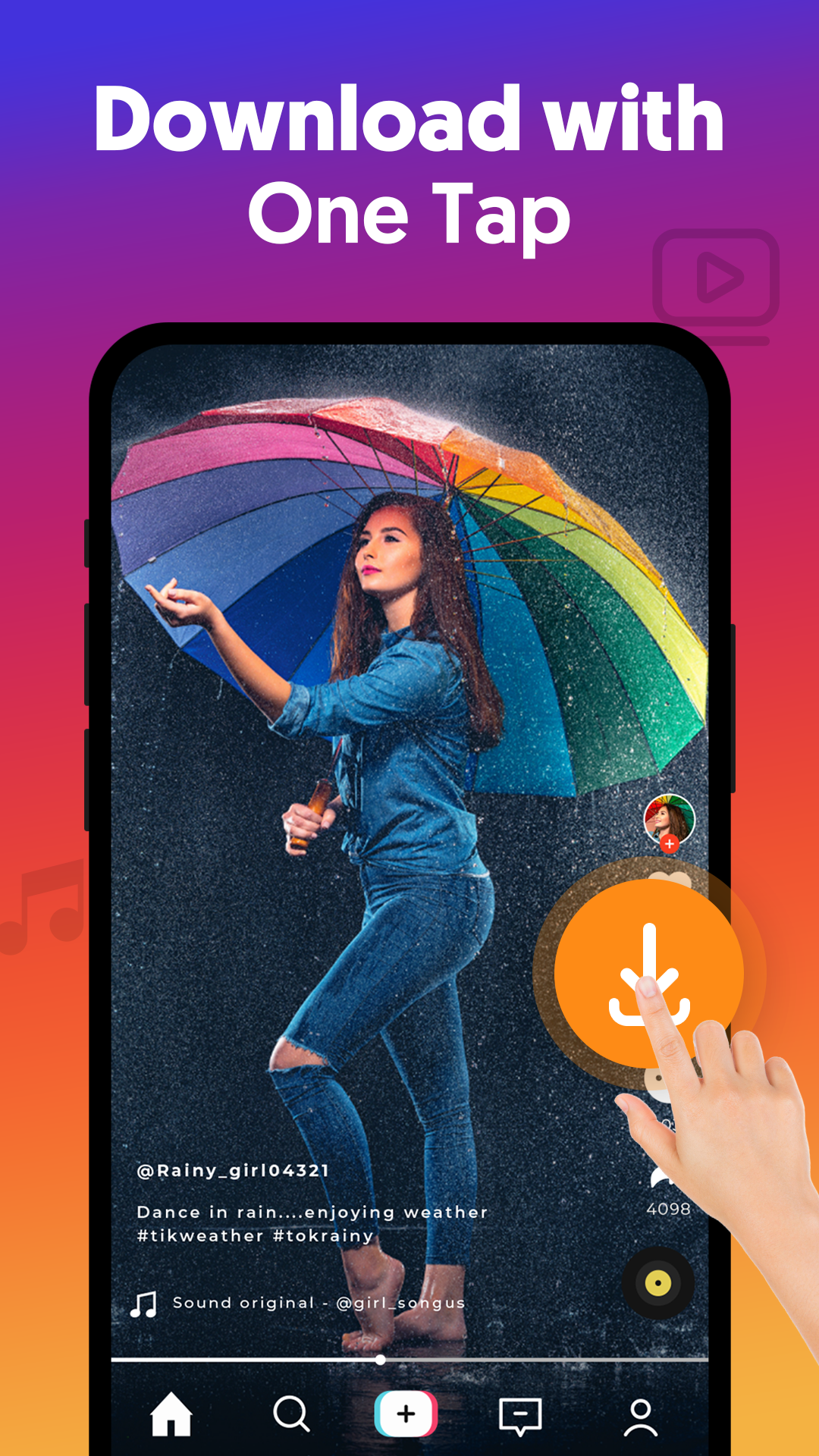
All Video Downloader is a powerful video downloader app to quickly download videos in HD, Full HD, and 4K. Save your favorite videos directly to your device for offline viewing anytime. The smart auto-detect feature finds videos instantly, while the built-in video download manager lets you pause, resume, and control multiple downloads at once.Key Features:
• Auto-detect and download videos instantly
• Supports MP4, M4V, and more
• HD video downloader and 4K video downloader support
• Fast and stable downloading performance
• Background downloading while using other apps
• Manage multiple video downloads at the same time
• Built-in video player for offline viewing
• Wi-Fi and mobile data download options
How to Download Videos:
• Copy the video link
• Paste it into the app
• Tap download to save the video
Fast Video Downloader:
The fast video downloader engine delivers up to 3x faster speeds. Download multiple videos simultaneously without slowing down.
Disclaimer:
• Not affiliated with any social media site.
• Does not support downloading from YouTube.
• Users are responsible for the content they download.