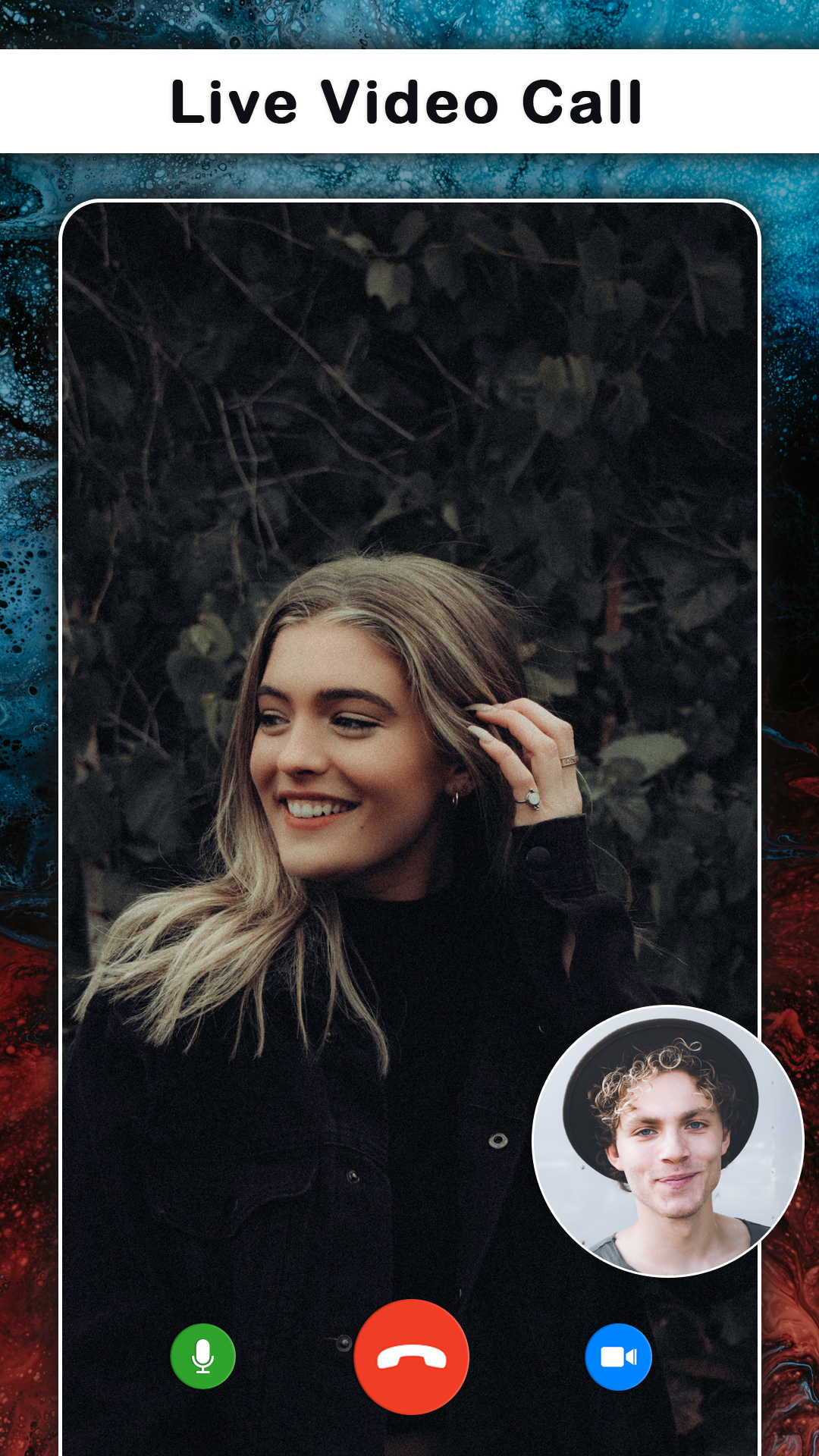


Online Video Call is a Dating application developed by Vipul Infotech, but with the best Android emulator-LDPlayer, you can download and play Online Video Call on your computer.
Running Online Video Call on your computer allows you to browse clearly on a large screen, and controlling the application with a mouse and keyboard is much faster than using touchscreen, all while never having to worry about device battery issues.
With multi-instance and synchronization features, you can even run multiple applications and accounts on your PC.
And file sharing makes sharing images, videos, and files incredibly easy.
Download Online Video Call and run it on your PC. Enjoy the large screen and high-definition quality on your PC!
Do you want to start a video chat or live video chat with girls? With just one tap, you can start a video chat with girls and boys. Meet new people around, flirt and video chat!Are you looking for an online dating app where you can chat and meet other people? Then download this video call app
Video Call, allows you to talk to different peoples and make them your friends with persons from other countries.
Best app for random video calling app with Stranger live chat with them and have fun. Random Live Video Call app is a free app to make live video call to strangers.
Video Call is best app for random video calling with new people or strangers. Video Call is free platform to connect with random new people from all around the world to meet new friends daily.
Communicate with others on live video chat and talk free with friends nearby as well as chat live with peoples all over the world.
Make New Friends with random girls and boys with Live Video Call. Just connect to live talk and have conversation with different people from different countries at any time. Random Video Call is best dating app in which you can have chance to meet beautiful girls.
Anytime and anywhere you can connect with other people and it is the good way to communicate video Chat or call with Girls or Boys and enjoy your valuable time.
ladki se baat karne wala app with most beatiful girls and handsome boys around the world.
There are lot of boys , girls are waiting online to connect with you all. its a fun app by video live chat on your smart phone. It ultimately Free & real time video calling feature.
Disclaimer: The app does not bear any harm and is only for fun.
Protection of Personal Information:
- We only collect your Gender,name,interest or etc information, which is stored locally and not sold nor shared to third parties.
- Information what you say directly to the other party once you connect can not be seen by other users.
- Please take caution when delivering sensitive information, because you are responsible for the information you provide to the other party once you connect.
- All Images provided in screenshot and in this app is available in public domain.
Terms of using "Video Call":
- New people is selected at random in live video call.
- sexual content are not allowed and users generating it will be responsible for it.
- users generate their own content and are responsible for it.