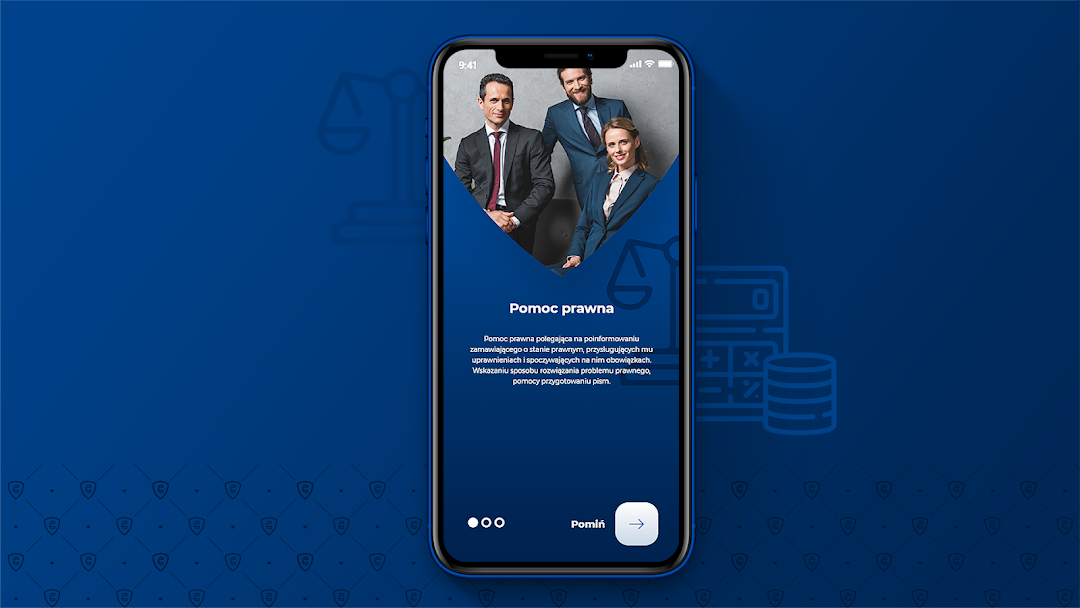


Concierge is a Business application developed by Rubycon, but with the best Android emulator-LDPlayer, you can download and play Concierge on your computer.
Running Concierge on your computer allows you to browse clearly on a large screen, and controlling the application with a mouse and keyboard is much faster than using touchscreen, all while never having to worry about device battery issues.
With multi-instance and synchronization features, you can even run multiple applications and accounts on your PC.
And file sharing makes sharing images, videos, and files incredibly easy.
Download Concierge and run it on your PC. Enjoy the large screen and high-definition quality on your PC!
Every day we look for new, better and more attractive things. Each of us would like to find something unique for ourselves, perfectly suited for ourselves. Is it possible at all. Yes. as long as you know where to look. We know. How can we help you?Financial analysis
- Performing, at the client's request, an assessment of his financial and economic situation
- Acquisition and transfer of information and data at the client's request.
- Providing the Client with a multimedia station
- Searching for credit brokers registered with the Polish Financial Supervision Authority
- Reliable comparison of the Consultation offers previously indicated by the Client before concluding the contract
- Preparation and completion of documentation
- Analysis of the necessary sureties and securities
- Mediation. Representation at the conclusion of the contract