Crosshair Hero is a Tools application developed by chaldeaprjkt, but with the best Android emulator-LDPlayer, you can download and play Crosshair Hero on your computer.
Running Crosshair Hero on your computer allows you to browse clearly on a large screen, and controlling the application with a mouse and keyboard is much faster than using touchscreen, all while never having to worry about device battery issues.
With multi-instance and synchronization features, you can even run multiple applications and accounts on your PC.
And file sharing makes sharing images, videos, and files incredibly easy.
Download Crosshair Hero and run it on your PC. Enjoy the large screen and high-definition quality on your PC!
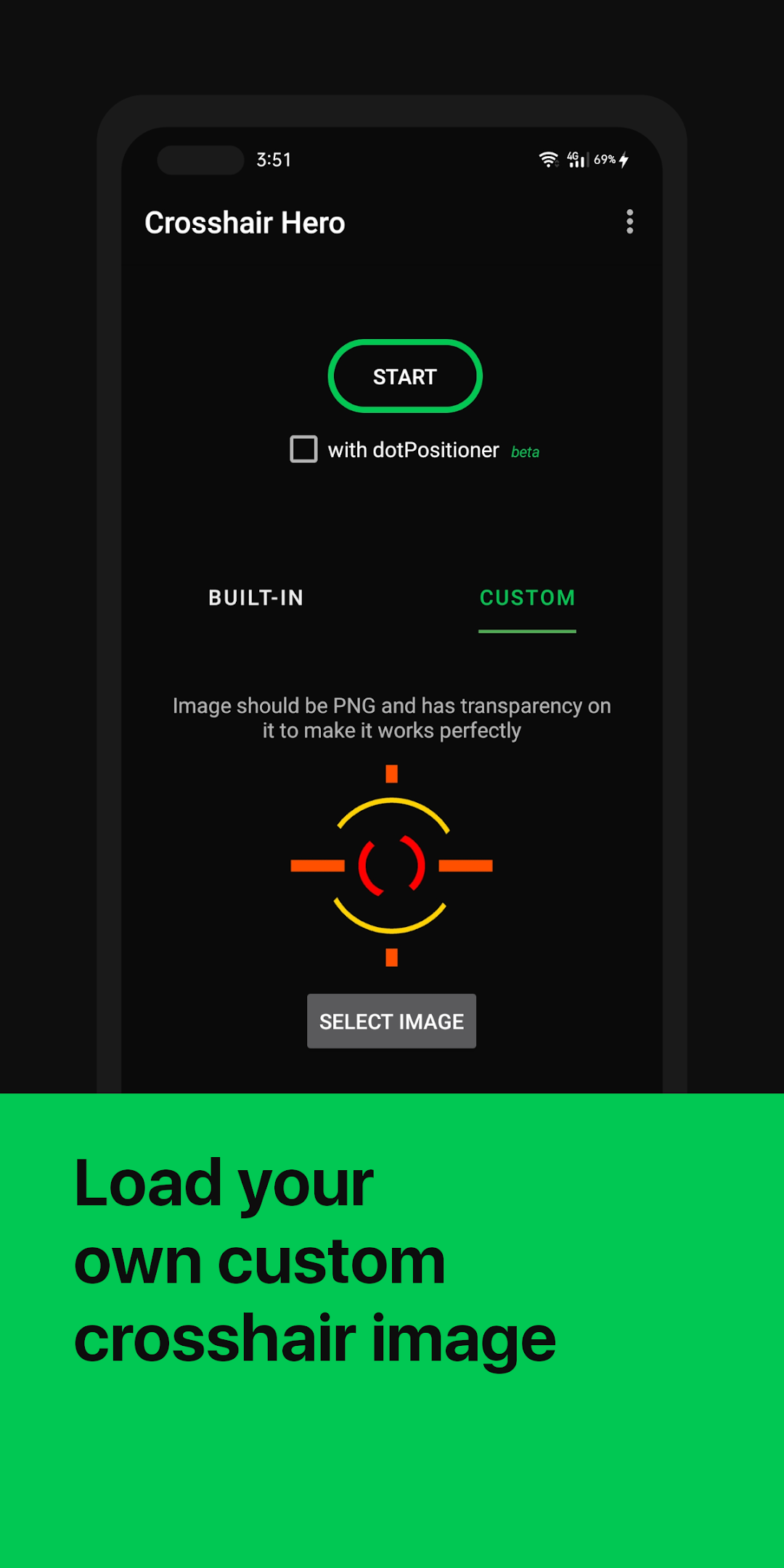
Crosshair Hero is a small and lightweight tool that adds a visual pointer over almost all apps, including your favourite games, similar to other crosshair tools in PC.Improve your skill in almost any FPS games with nice and customizable pointer.
Features :
- Over 30 pointer-style available to use, no need to unlock.
- You can also use your own PNG file for the pointer style.
- Colors, size, and the position are free to customize.
- and many other options available.