CS:GO Crosshair App is a Entertainment application developed by Emre MUTLU - Apps, but with the best Android emulator-LDPlayer, you can download and play CS:GO Crosshair App on your computer.
Running CS:GO Crosshair App on your computer allows you to browse clearly on a large screen, and controlling the application with a mouse and keyboard is much faster than using touchscreen, all while never having to worry about device battery issues.
With multi-instance and synchronization features, you can even run multiple applications and accounts on your PC.
And file sharing makes sharing images, videos, and files incredibly easy.
Download CS:GO Crosshair App and run it on your PC. Enjoy the large screen and high-definition quality on your PC!
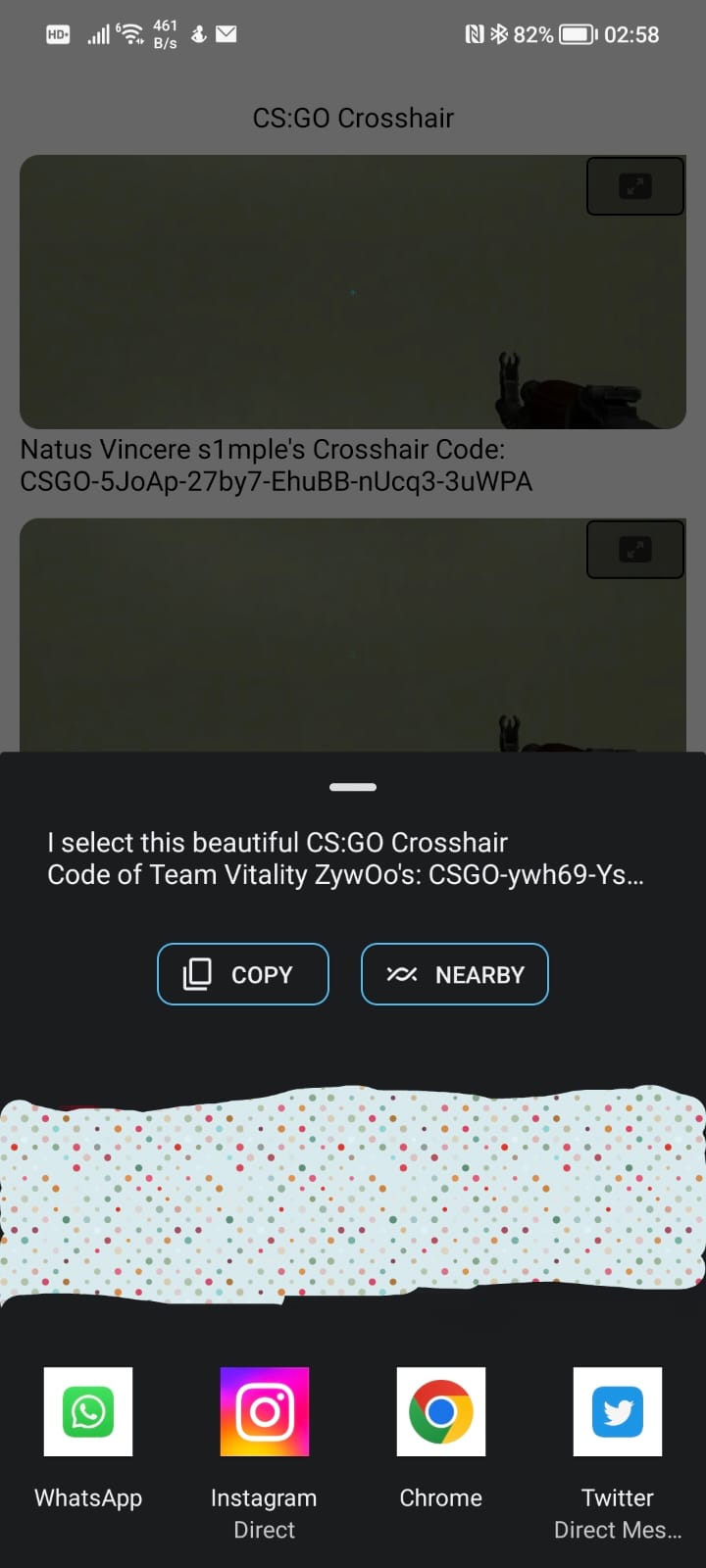
Are you tired of trying to figure out the perfect crosshair settings for your favorite CS:GO players? Look no further than CS:GO Crosshair, the ultimate app for players who want to take their game to the next level. Our app makes it easy to discover and use the crosshairs of popular CS:GO players, giving you a clear advantage over the competition.With CS:GO Crosshair, you can browse a wide selection of crosshairs from popular players like s1mple, NiKo, and more. Our easy-to-use interface makes it simple to find the crosshair that works best for you. Once you've found your perfect crosshair, you can easily apply it to your own game settings or share it with your friends.
In addition to our extensive crosshair library, CS:GO Crosshair also includes helpful tips and tricks for improving your aim and accuracy in CS:GO. Whether you're a seasoned player or just getting started, our app has everything you need to up your game and dominate the competition.
So what are you waiting for? Download CS:GO Crosshair today and start dominating the competition with your new, improved crosshair settings.