Cute Cat Live Wallpaper is a Personalization application developed by Zilag Tools, but with the best Android emulator-LDPlayer, you can download and play Cute Cat Live Wallpaper on your computer.
Running Cute Cat Live Wallpaper on your computer allows you to browse clearly on a large screen, and controlling the application with a mouse and keyboard is much faster than using touchscreen, all while never having to worry about device battery issues.
With multi-instance and synchronization features, you can even run multiple applications and accounts on your PC.
And file sharing makes sharing images, videos, and files incredibly easy.
Download Cute Cat Live Wallpaper and run it on your PC. Enjoy the large screen and high-definition quality on your PC!
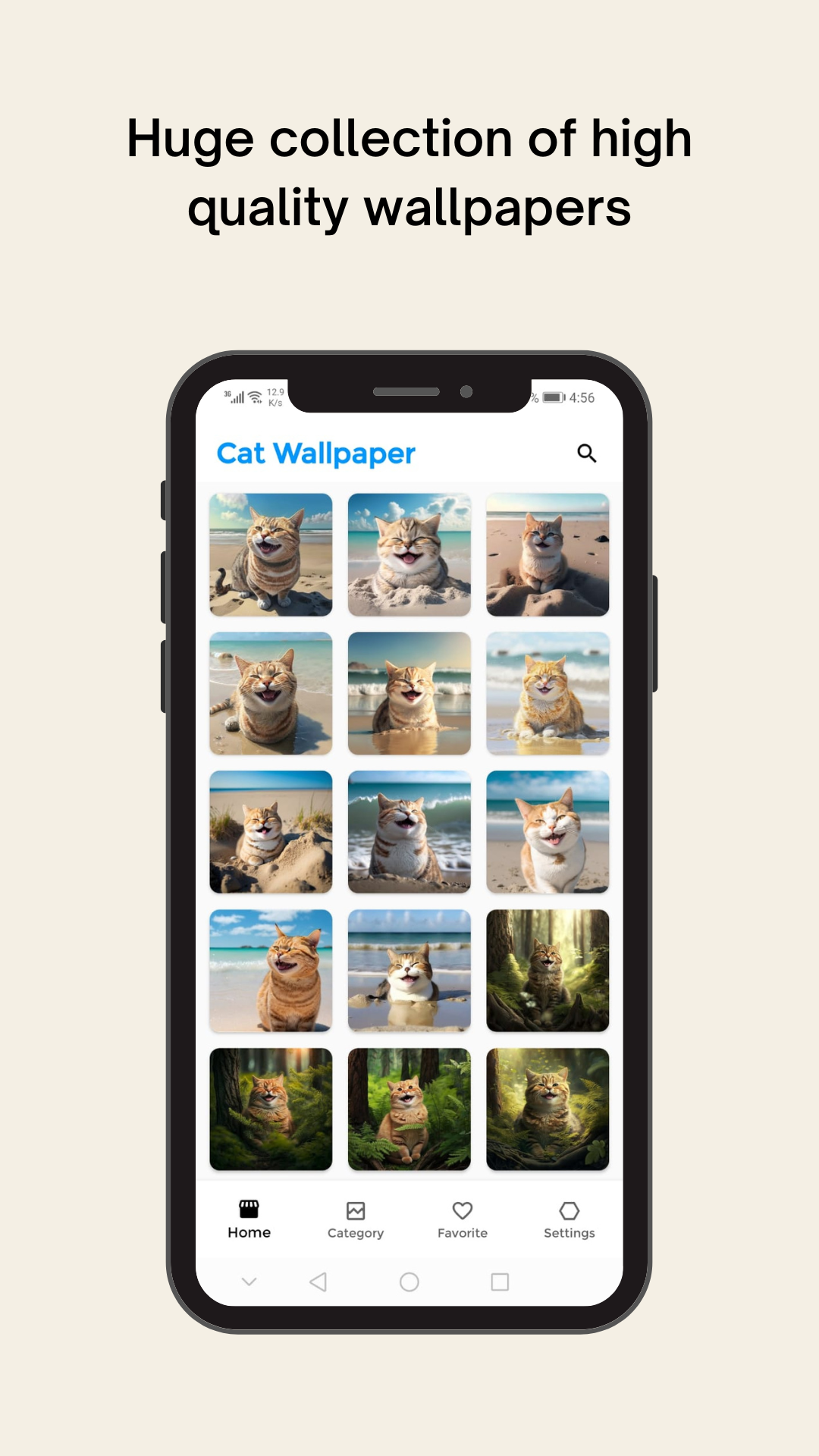
Bring your device to life with the cutest and most adorable cats! Our Cat Wallpaper application offers a collection of high-quality wallpapers featuring playful and cuddly cats in a variety of poses and settings. Choose from a wide range of wallpaper designs including cute kittens, whimsical cartoon cats and more.Our app makes it easy to browse through a variety of cat wallpapers and set your favourites as your device's wallpaper or lock screen with just a few taps. Whether you're a cat lover or just looking for a fun and cute way to personalise your device, our Cat Wallpaper app has something for everyone.
Features:
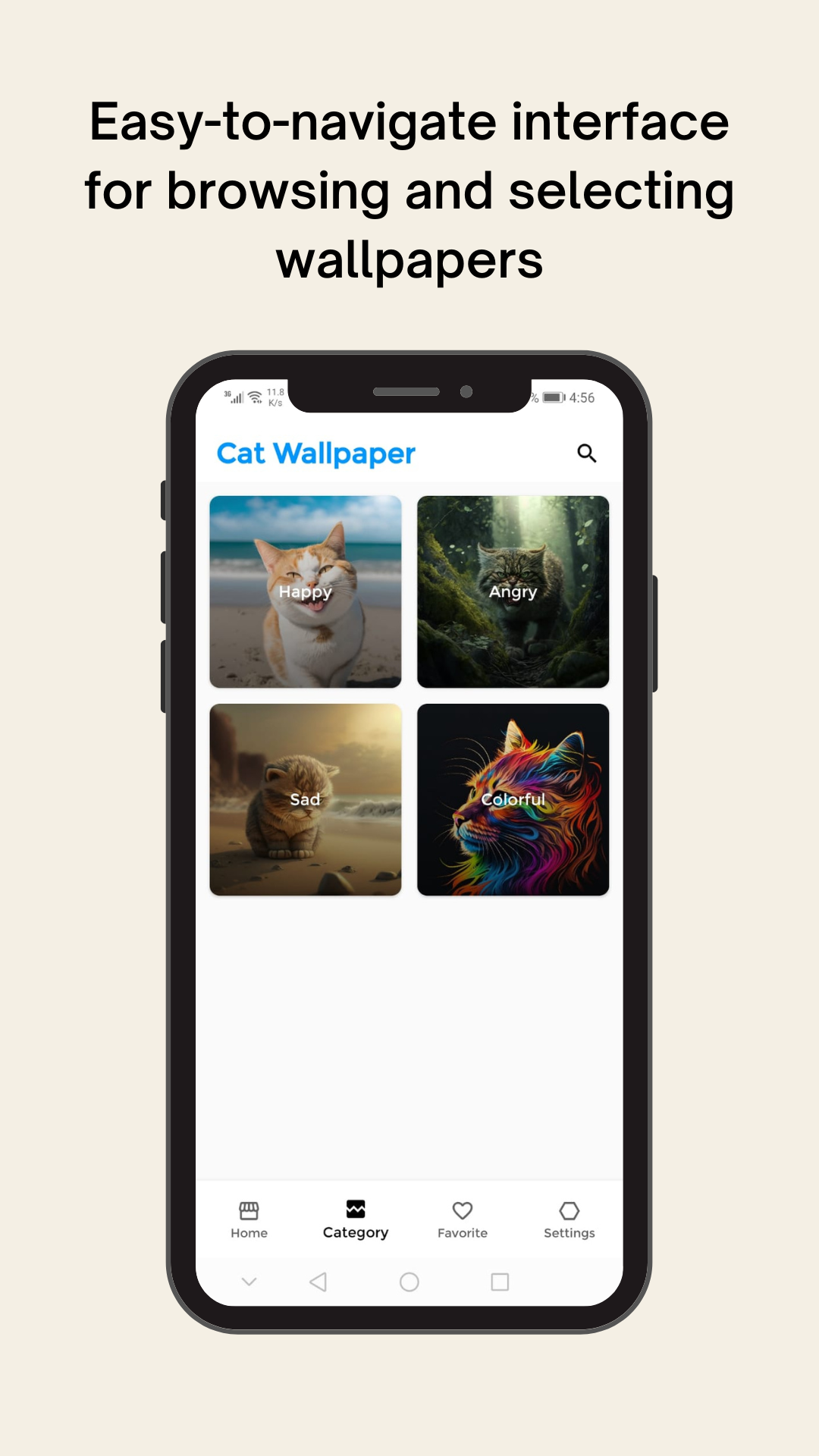
- A huge collection of high quality wallpapers featuring happy, angry, sad and many more cat expressions.
- Easy-to-navigate interface for browsing and selecting wallpapers
- Option to save your favourite wallpapers to your device or share them with friends
- Regularly updated with new wallpapers to keep your device looking fresh and cute
- Add wallpapers to your favorites list for quick access
Download our app now and share the cuteness with your friends and family. Get instant access to a wide range of adorable cat wallpapers and add them to your collection. Save them to your phone or share them with friends, our app makes it easy to add some feline charm to your device!