

Dashboard Screen Saver is a Productivity application developed by RafC02, but with the best Android emulator-LDPlayer, you can download and play Dashboard Screen Saver on your computer.
Running Dashboard Screen Saver on your computer allows you to browse clearly on a large screen, and controlling the application with a mouse and keyboard is much faster than using touchscreen, all while never having to worry about device battery issues.
With multi-instance and synchronization features, you can even run multiple applications and accounts on your PC.
And file sharing makes sharing images, videos, and files incredibly easy.
Download Dashboard Screen Saver and run it on your PC. Enjoy the large screen and high-definition quality on your PC!
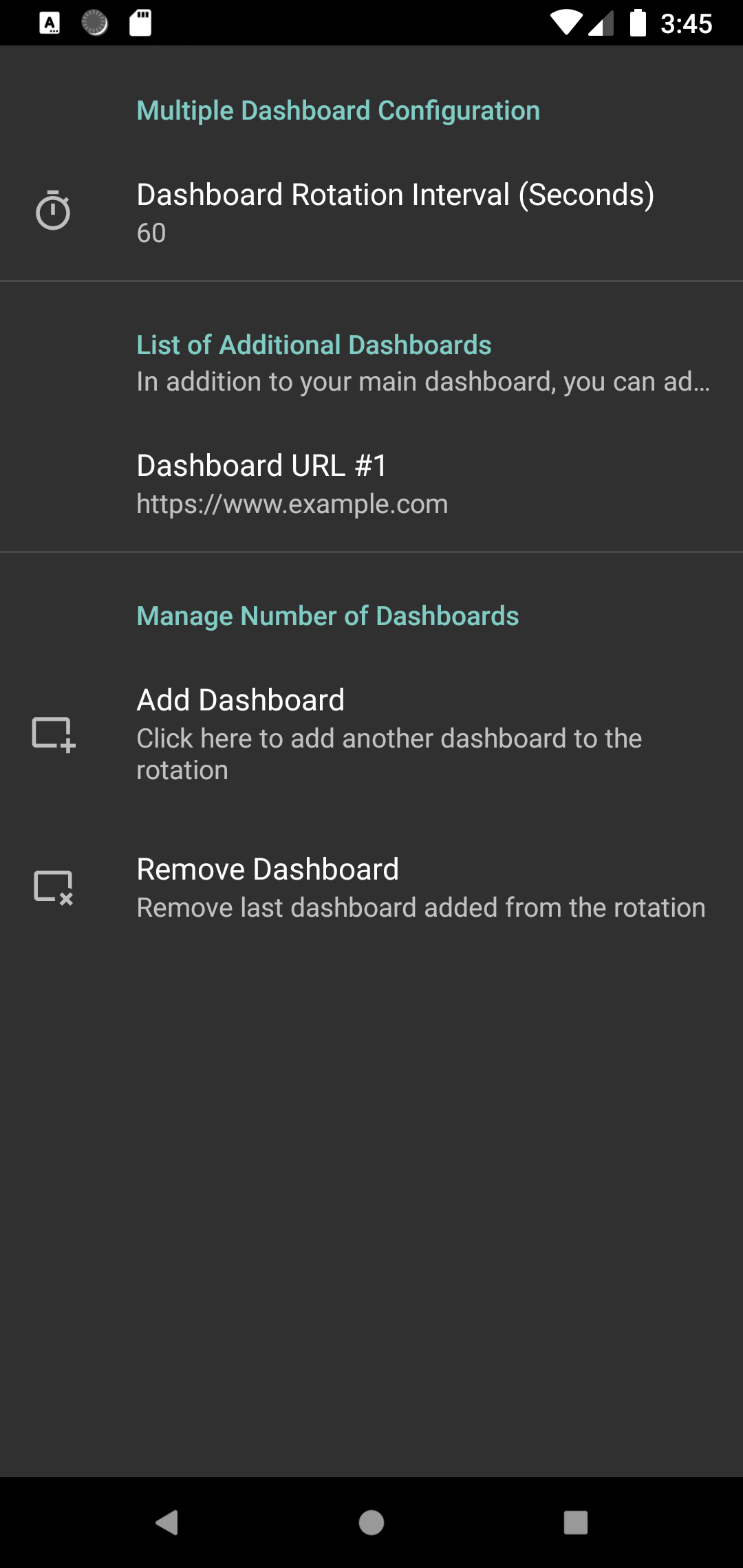
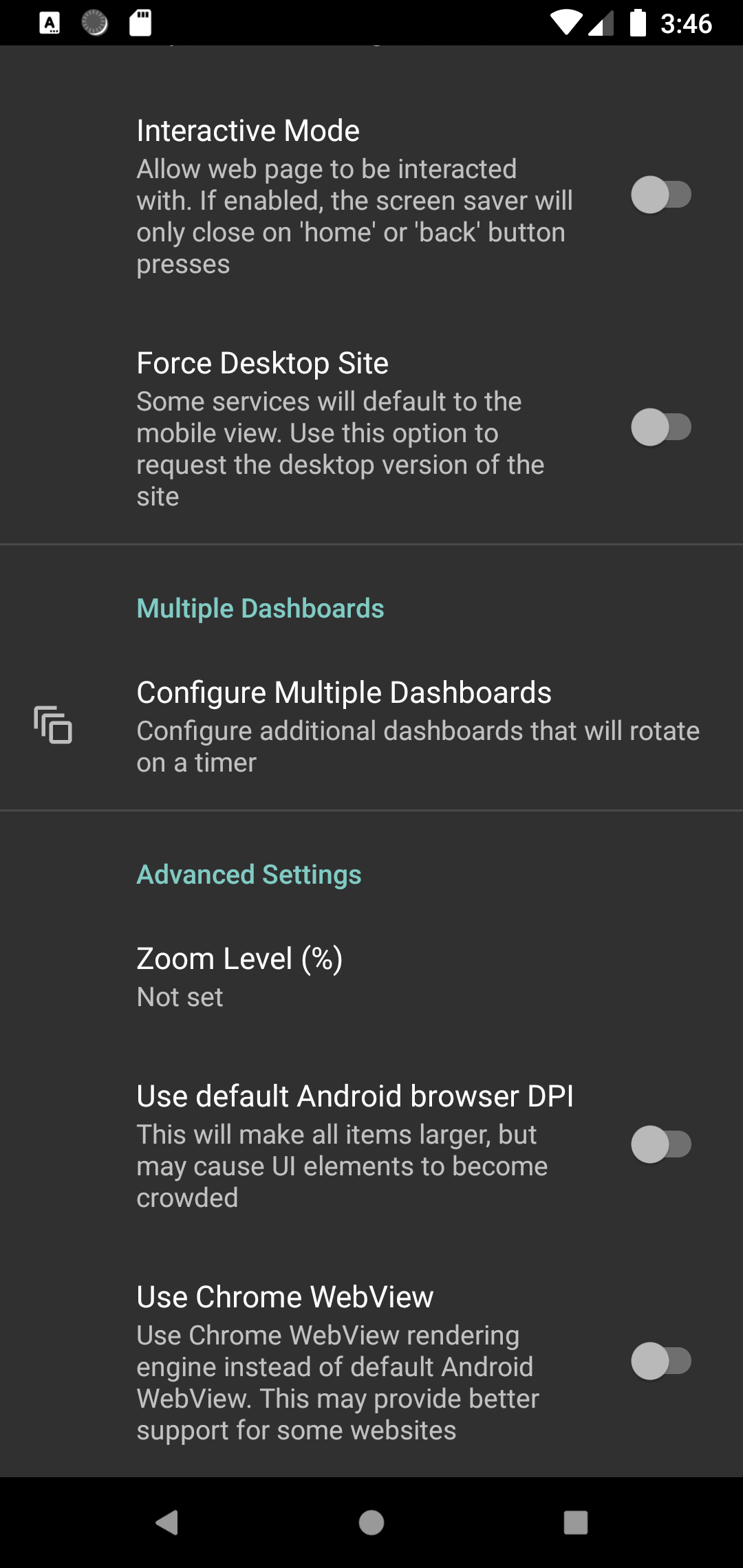
Configure any web page - a dashboard, Home Assistant, Dakboard, or MagicMirror - as the screen saver for your Android TV.One-time payment. No ads or upgrades required. 24h trial.
Instructions:
1) Set the URL of the webpage to display as your screensaver
2) Go to 'Open System Screensaver Settings'
3) Select 'Dashboard Screen saver' to make it the screensaver.
WARNING: Google Chromecast devices removed the ability to set third-party screensavers in Aug 2022 update. This can only be circumvented through adb commands. Other devices can be set through the included UI.