DeNet Storage & Watcher Node is a Productivity application developed by DeNet, but with the best Android emulator-LDPlayer, you can download and play DeNet Storage & Watcher Node on your computer.
Running DeNet Storage & Watcher Node on your computer allows you to browse clearly on a large screen, and controlling the application with a mouse and keyboard is much faster than using touchscreen, all while never having to worry about device battery issues.
With multi-instance and synchronization features, you can even run multiple applications and accounts on your PC.
And file sharing makes sharing images, videos, and files incredibly easy.
Download DeNet Storage & Watcher Node and run it on your PC. Enjoy the large screen and high-definition quality on your PC!
Turn your phone into passive income generator with DeNet's Watcher Nodes! Simply install the app, turn on Watcher Node, and help keep data safe. Invite friends, complete tasks to earn even more!Over 100k+ users trust their files with DeNet Storage. Your data is stored in a decentralized and transparent manner - get absolutely secure, private and convenient video and photo storage:
- Your files are stored on multiple nodes worldwide and can’t be lost
- Files encryption guarantees that you are the sole owner of your data
- Store data anonymous. You don’t have to enter your name, phone number or email to use the app
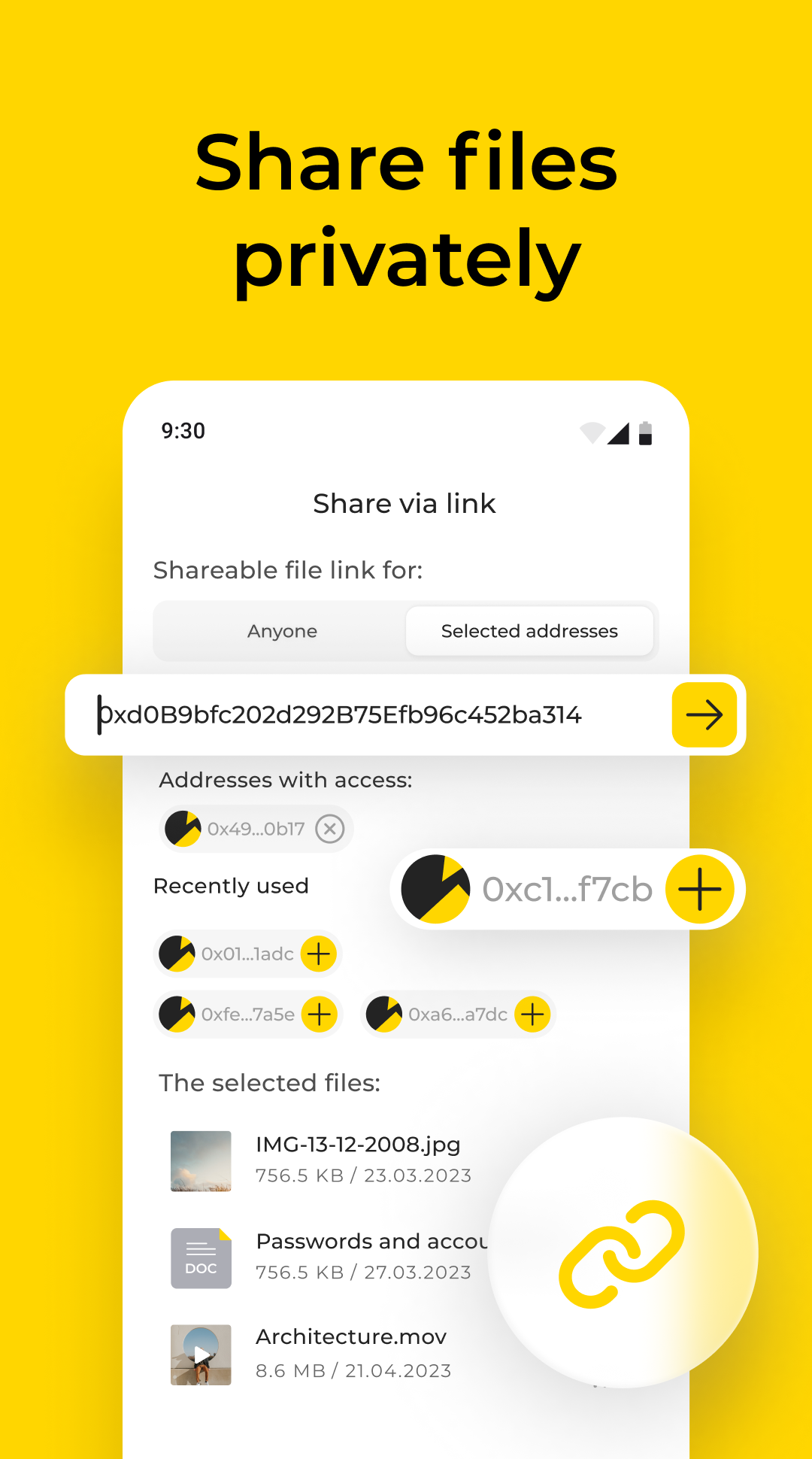
- Use private file sharing to share gallery data and documents