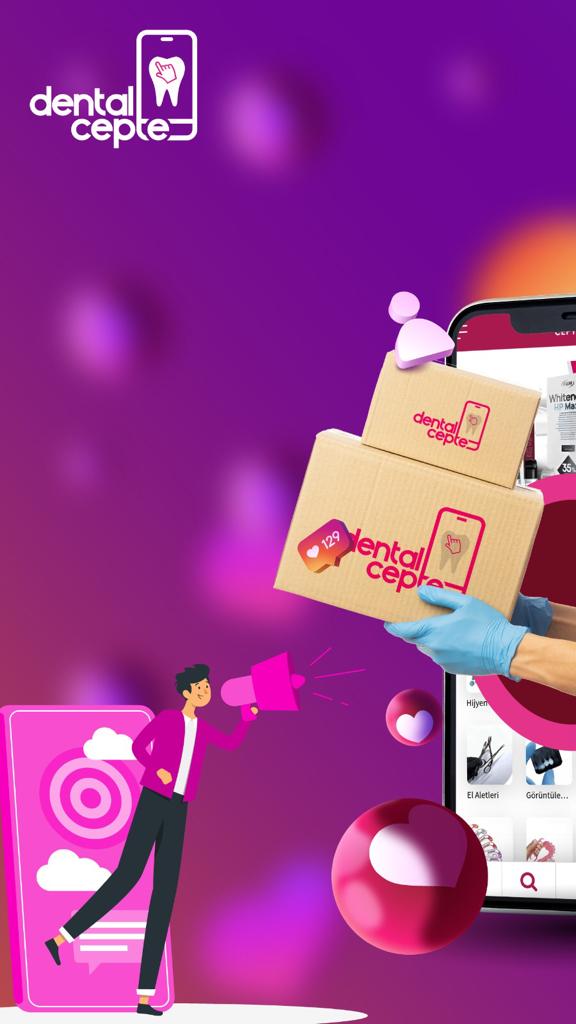
Dental Cepte is a Health&Fitness application developed by Özlem Konuk Güney, but with the best Android emulator-LDPlayer, you can download and play Dental Cepte on your computer.
Running Dental Cepte on your computer allows you to browse clearly on a large screen, and controlling the application with a mouse and keyboard is much faster than using touchscreen, all while never having to worry about device battery issues.
With multi-instance and synchronization features, you can even run multiple applications and accounts on your PC.
And file sharing makes sharing images, videos, and files incredibly easy.
Download Dental Cepte and run it on your PC. Enjoy the large screen and high-definition quality on your PC!
The most beautiful platform where a clinic can meet all its needs from a single address has been opened to the service of our dentists. Dental Cepte is an easy-to-use, diverse and secure shopping site. Dental Cepte is a BARIŞ DENTAL company that carries the understanding of dental warehousing to e-commerce with years of experience. All your orders are sent from a single warehouse from Barış Dental Istanbul central warehouse. We know very well what your needs are and we have designed a new application according to the needs of our age.