DentalMonitoring is a Medical application developed by DentalMonitoring, but with the best Android emulator-LDPlayer, you can download and play DentalMonitoring on your computer.
Running DentalMonitoring on your computer allows you to browse clearly on a large screen, and controlling the application with a mouse and keyboard is much faster than using touchscreen, all while never having to worry about device battery issues.
With multi-instance and synchronization features, you can even run multiple applications and accounts on your PC.
And file sharing makes sharing images, videos, and files incredibly easy.
Download DentalMonitoring and run it on your PC. Enjoy the large screen and high-definition quality on your PC!
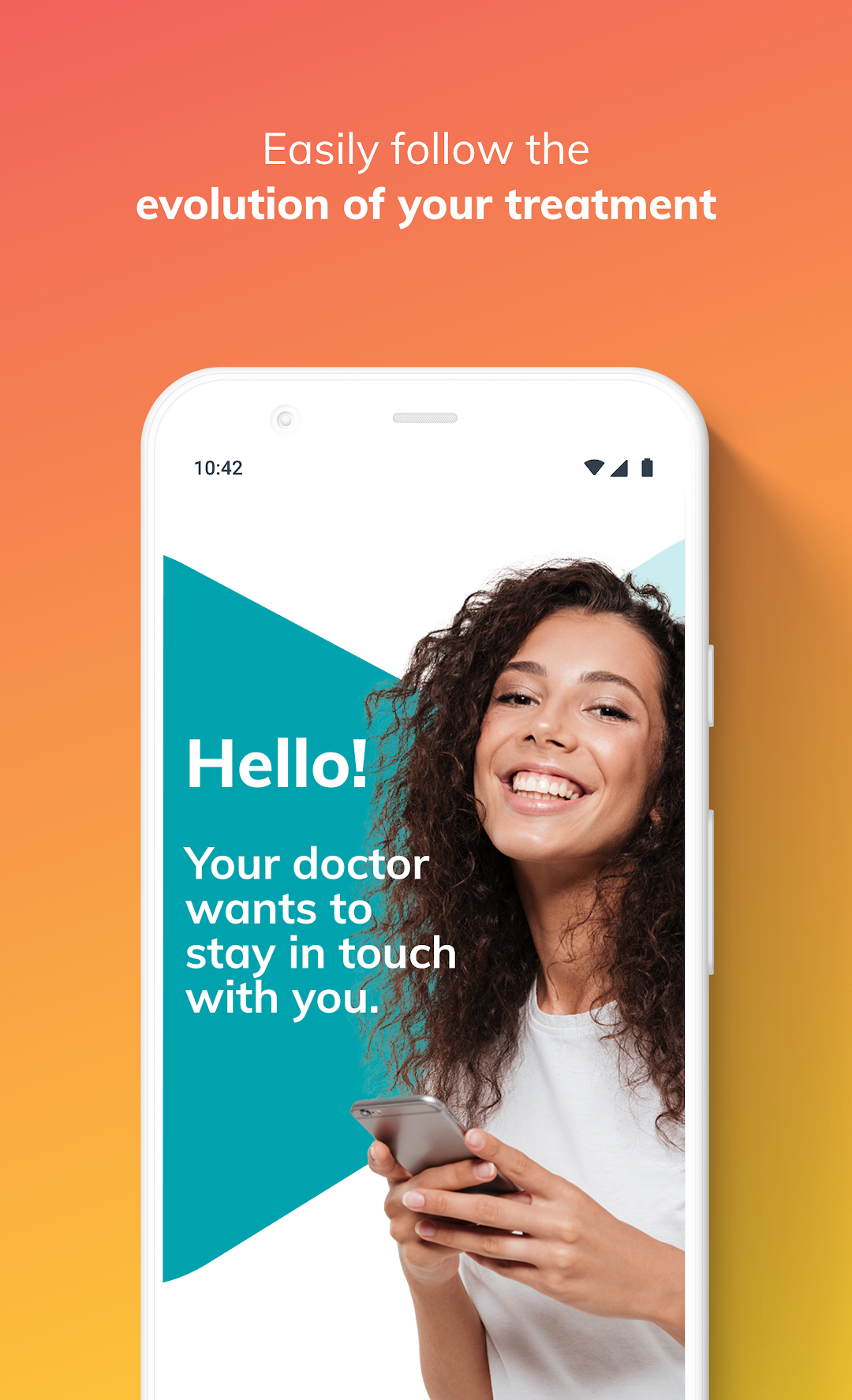
DentalMonitoring is designed to help dental professionals monitor the evolution of their patients’ orthodontic treatments remotely, between in-practice appointments. It can only be used under the supervision of a clinician, who provides patients with their personal login information.The DentalMonitoring app is intended to be used with the patented DM ScanBox and DM Cheek Retractor, to maximize the quality of each intraoral picture taken with patients’ smartphones.
If you’re a patient, the app provides:
• Ease of use: No technical expertise is needed to use DentalMonitoring. An in-app tutorial is available explaining how to take good intra-oral pictures.
• Convenience: With regular screening of the orthodontic treatment evolution, from the comfort of home.
• Control: Regular monitoring can help prevent potential treatment complications.
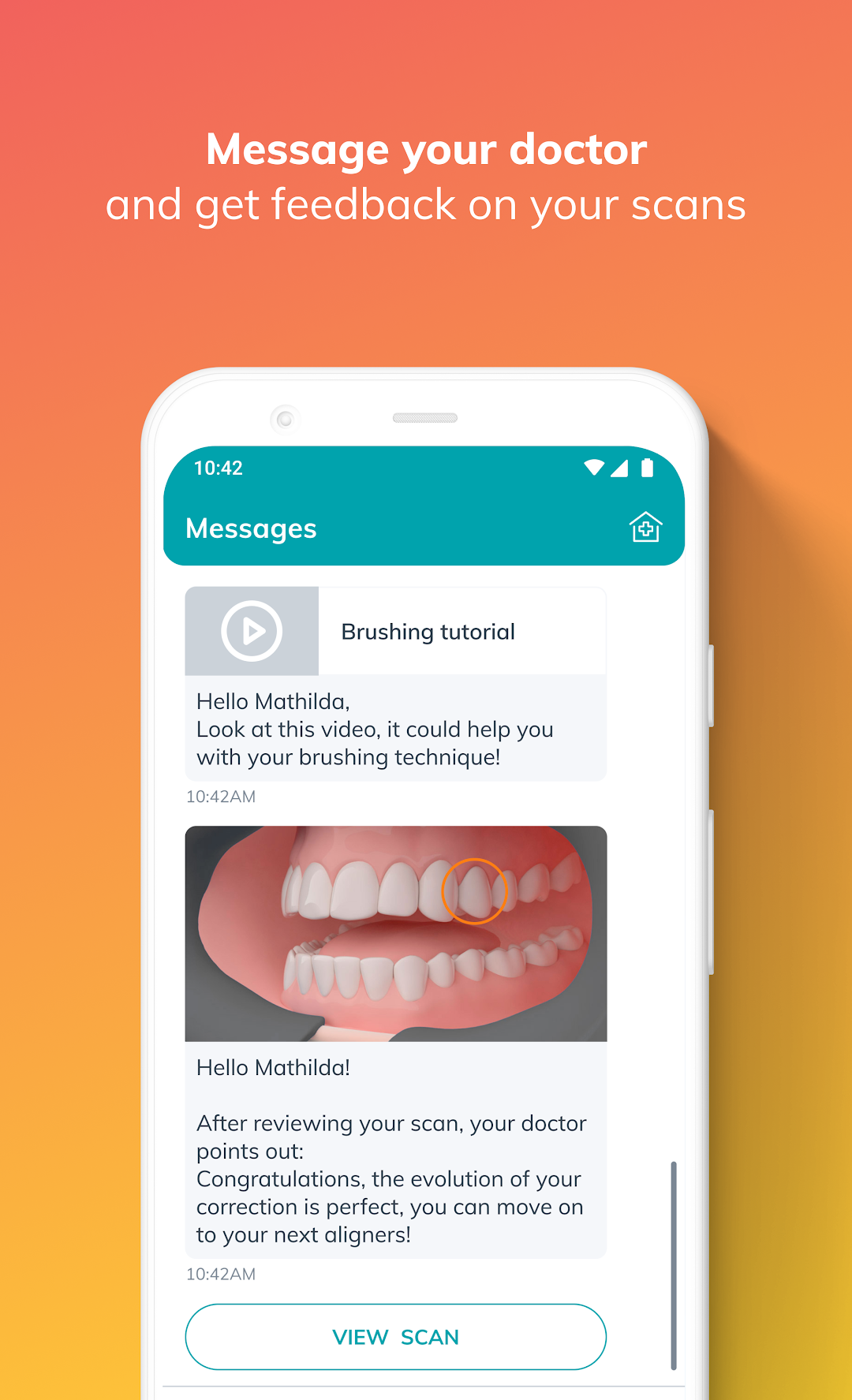
• Communication: Patients receive specific notifications and advice from their practitioner via the app, and can send messages, too.
• Motivation: Patients see their treatment progress with a before/after comparison, and stay motivated throughout their treatment with achievement statistics.
If you’re a dental professional, the app provides:
• Control: Remotely monitor the evolution of patients’ treatments, track potential issues and set clinical goals for complete monitoring of treatment progression.
• Time optimization: Prevent unexpected clinical situations by getting accurate notification according to your customized protocol
• Workflow optimization: Use only one workflow and apply it to all patients for increased efficiency, while ensuring an outstanding patient experience.
• Patient compliance: Regular follow-ups lead to higher treatment adherence!