QR Scan PRO is a Tools application developed by Dunapant Solutions, but with the best Android emulator-LDPlayer, you can download and play QR Scan PRO on your computer.
Running QR Scan PRO on your computer allows you to browse clearly on a large screen, and controlling the application with a mouse and keyboard is much faster than using touchscreen, all while never having to worry about device battery issues.
With multi-instance and synchronization features, you can even run multiple applications and accounts on your PC.
And file sharing makes sharing images, videos, and files incredibly easy.
Download QR Scan PRO and run it on your PC. Enjoy the large screen and high-definition quality on your PC!
Scan PRO offers fast QR code scanning capabilities, allowing you to scan codes quickly and effortlessly. With just a few taps, you can copy and share the content of QR codes, making it easy to share links, texts, addresses, and more with others.The app also features customizable settings, allowing you to tailor the experience to your preferences. From notifications to privacy settings, you have full control over how the app functions.
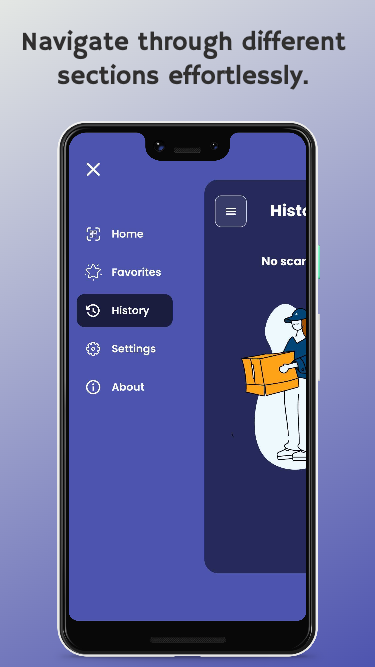
QR Scan PRO boasts a futuristic design that enhances the user experience. Its sleek and modern interface provides a visually appealing environment while you work with QR codes.
Simplify your digital life with QR Scan PRO – the all-in-one solution for QR code scanning. Download the app now and experience fast scanning, easy content sharing, customizable settings, and a futuristic design.