DJ Music Mixer - Equalizer is a Music&Audio application developed by Infa Lab, but with the best Android emulator-LDPlayer, you can download and play DJ Music Mixer - Equalizer on your computer.
Running DJ Music Mixer - Equalizer on your computer allows you to browse clearly on a large screen, and controlling the application with a mouse and keyboard is much faster than using touchscreen, all while never having to worry about device battery issues.
With multi-instance and synchronization features, you can even run multiple applications and accounts on your PC.
And file sharing makes sharing images, videos, and files incredibly easy.
Download DJ Music Mixer - Equalizer and run it on your PC. Enjoy the large screen and high-definition quality on your PC!
DJ Music Mixer - EqualizerLooking for an amazing virtual DJ Music Mixer - Equalizer app? Want to create your music for the party? DJ Music Mixer - Equalizer helps you to scratch and mix your DJ song like the biggest DJ music makers! A real crossfader and editor on your device! 🎧🎶💿
Introducing DJ Music Mixer - Equalizer the brand new version of the famous DJ app - reworked to ensure an even greater performance level. Access millions of tracks coming from TIDAL, SoundCloud, and all your local folders and remix in an instant with more than 20 DJ fixes and features. Not to mention the sampler and the hardware integration to push even further the boundaries of mobile djing.
Experience a music player in the form of a virtual DJ Music Mixer - Equalizer app that you can use to do the DJ work at a party. Normally play continuous music where the DJ shifts songs from one turntable/deck to another without any breaks. You can use any one of the two turntables/decks as a normal music player.
=> Features DJ Music Mixer - Equalizer:
* Record - Record your performance/mixes/remixes/music with the record feature at the top-center of this DJ app
* User-attractive design
* Easily play piano and drums
* Save your favorite piano and drums music
* Play/Pause Next/Previous per turntable/deck
* Live record your mixes with the built-in recorder
* Access and browse your mp3 music library by folder, artist, album, name
Discover the A to Zs of beat mixing and more with DJ Academy. This is your personal music-learning hub where you can take lessons, and tutorials and practice your music skills.
We got the experience. And together we'll be unstoppable. DJ it! helps you learn to make songs by remixing tracks and giving practical tips to remix them to perfection. With our app, you can get lessons, no matter your ability and learn those essential DJ mix skills.
The DJ user interface is like a real DJ machine where the virtual DJ machine is flying and where you can move around the virtual DJ machine for seeing its beauty from different angles by just scrolling. The lock and reset feature is available at the top-right corner of the screen to reset to the original position
It can be tough starting something new. But luckily, we're here to help. DJ Music Mixer - Equalizer app helps you from master looping to learning hot new cues and the ins and outs of mashups! Be a PRO Music DJ and song editor!
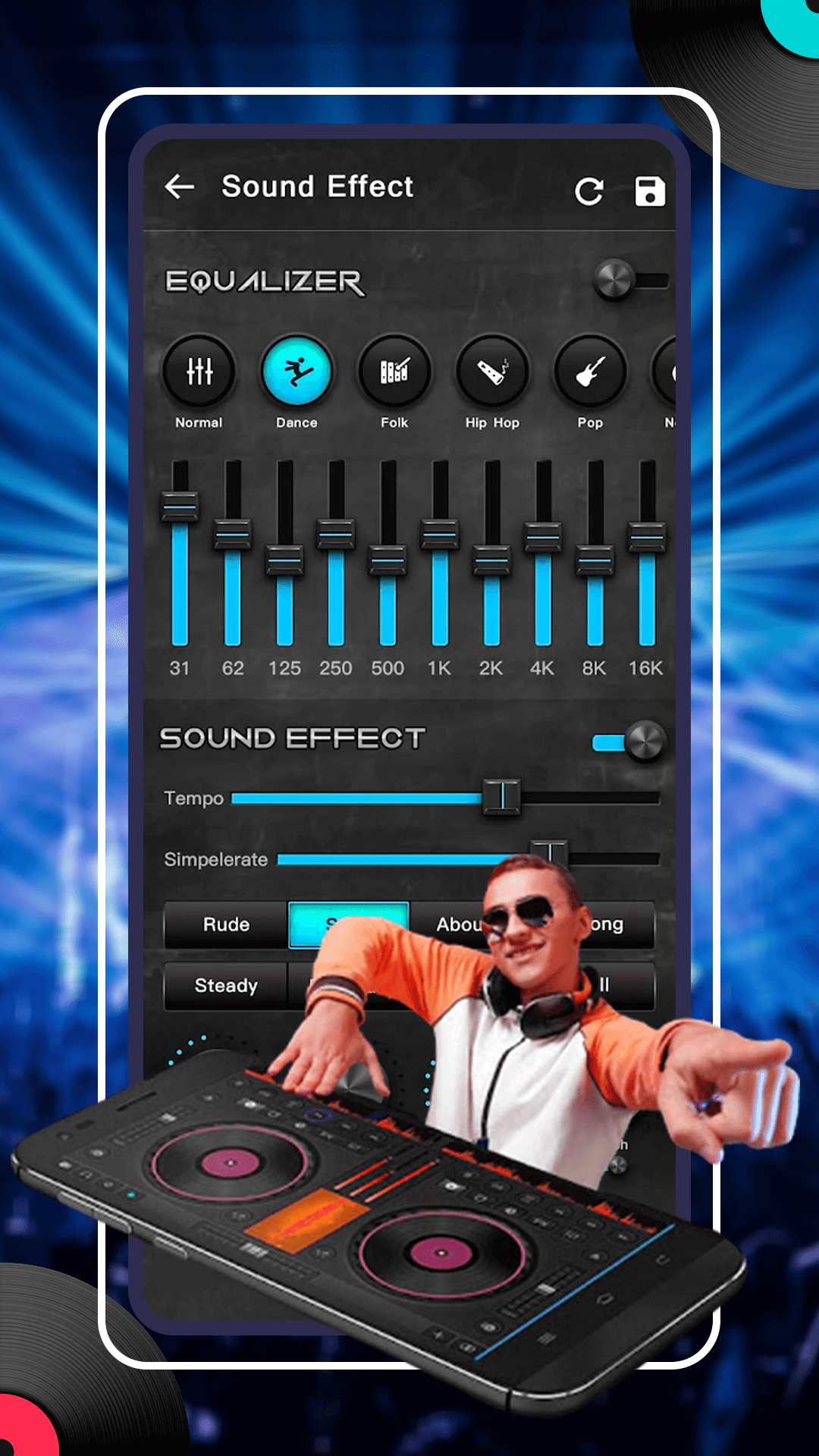
Discover different built-in melodies and sound effects available to mix with your main DJ music.
DJ Music Mixer - Equalizer is the ultimate virtual DJ tool to mix music and songs and play DJ with ease.
This excellent music DJ Music Mixer - Equalizer makes it easy for creative people and music lovers like you! Explore music tracks with different loops and a place where you can edit sound like a PRO. Manipulate the music by adding sound fx like DJ sound effects, using music equalizers, and more.