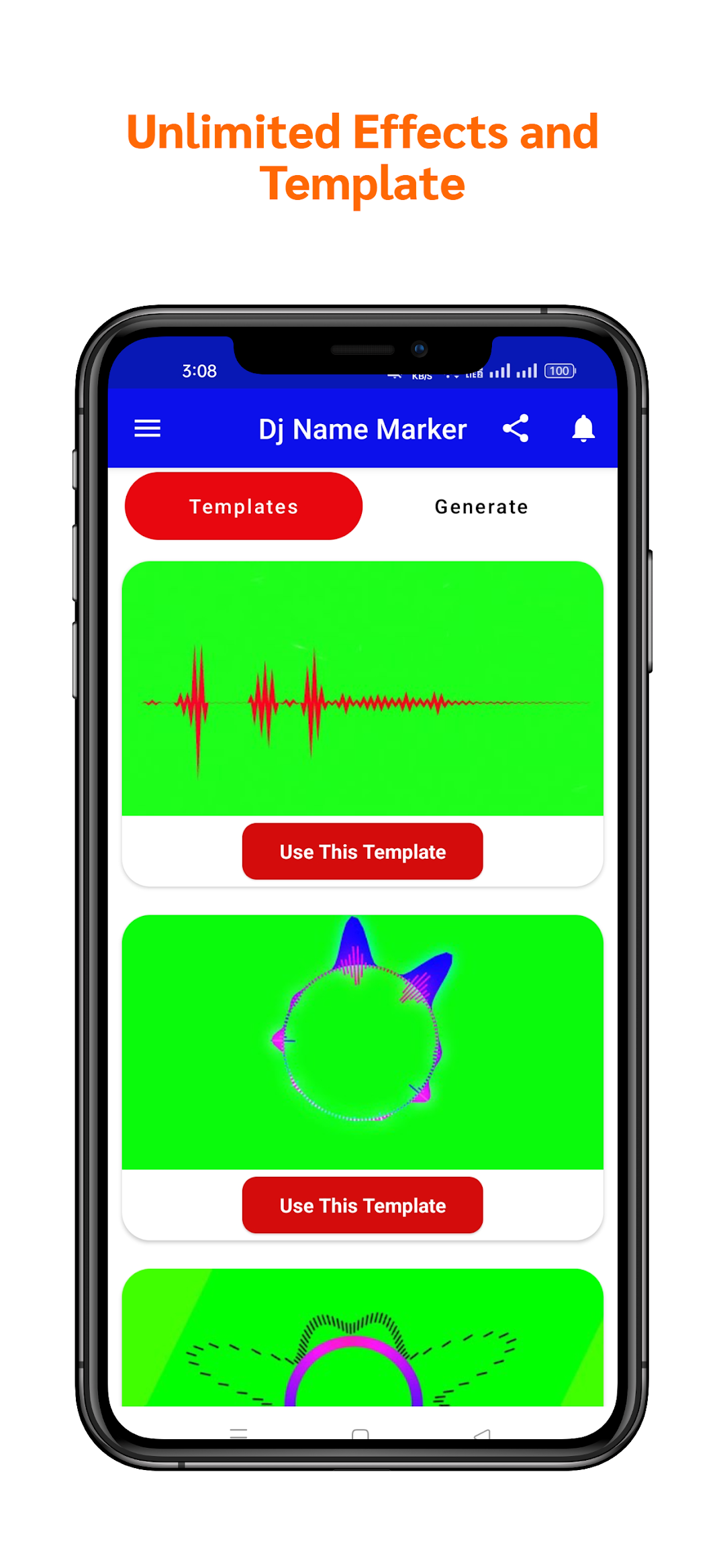
Dj Name Maker - Dj Template is a Music&Audio application developed by LoveKrishna, but with the best Android emulator-LDPlayer, you can download and play Dj Name Maker - Dj Template on your computer.
Running Dj Name Maker - Dj Template on your computer allows you to browse clearly on a large screen, and controlling the application with a mouse and keyboard is much faster than using touchscreen, all while never having to worry about device battery issues.
With multi-instance and synchronization features, you can even run multiple applications and accounts on your PC.
And file sharing makes sharing images, videos, and files incredibly easy.
Download Dj Name Maker - Dj Template and run it on your PC. Enjoy the large screen and high-definition quality on your PC!
DJ Name Maker is the ultimate Android app for DJ enthusiasts, allowing you to unleash your creativity and personalize your DJ voice with ease. With just a few taps, you can generate a distinctive DJ voice by typing your own name. Unleash the power of your voice and stand out from the crowd!Key Features:
Personalized DJ Voices: Create your own unique DJ voice by typing your name. Let your DJ persona shine and captivate your audience with a voice that represents your style and brand.
Download DJ Effects: Explore and download a vast collection of high-quality DJ effects and templates. Elevate your mixes with professional sound enhancements and make your DJ sets truly memorable.
Easy-to-Use Interface: Our intuitive interface makes it a breeze to navigate through the app and create your customized DJ voice. No technical expertise required – simply type your name and let the app work its magic!
Unlimited Creativity: Experiment with different combinations of DJ effects and templates to craft the perfect sound that matches your style and mood. Unleash your creativity and take your DJ performances to new heights.
Share and Collaborate: Share your created DJ voices with friends, fellow DJs, or on social media platforms. Collaborate with other DJs and exchange your unique voice creations to inspire and be inspired.
Get ready to transform your DJ identity with DJ Name Maker. Download now and make your mark in the DJing world with your personalized, powerful voice!
Disclaimer ⚠️
- We are not the owner or actual publisher of the videos shown in this application.
- We are making this app only for the entertainment of DJ remix lovers.
Note: All Green Screen Videos used in this application are available for free in the public domain. All the content provided in this application is displayed using YouTube's public API.
All the videos provided in this application have the copyrights of their respective owners. If you are the owner of a video listed in the app and would like it removed, please send an email. We promise we will remove your video from the app as soon as possible.
Thank you for your
understanding!
Email: app.lovekrishna@gmail.com