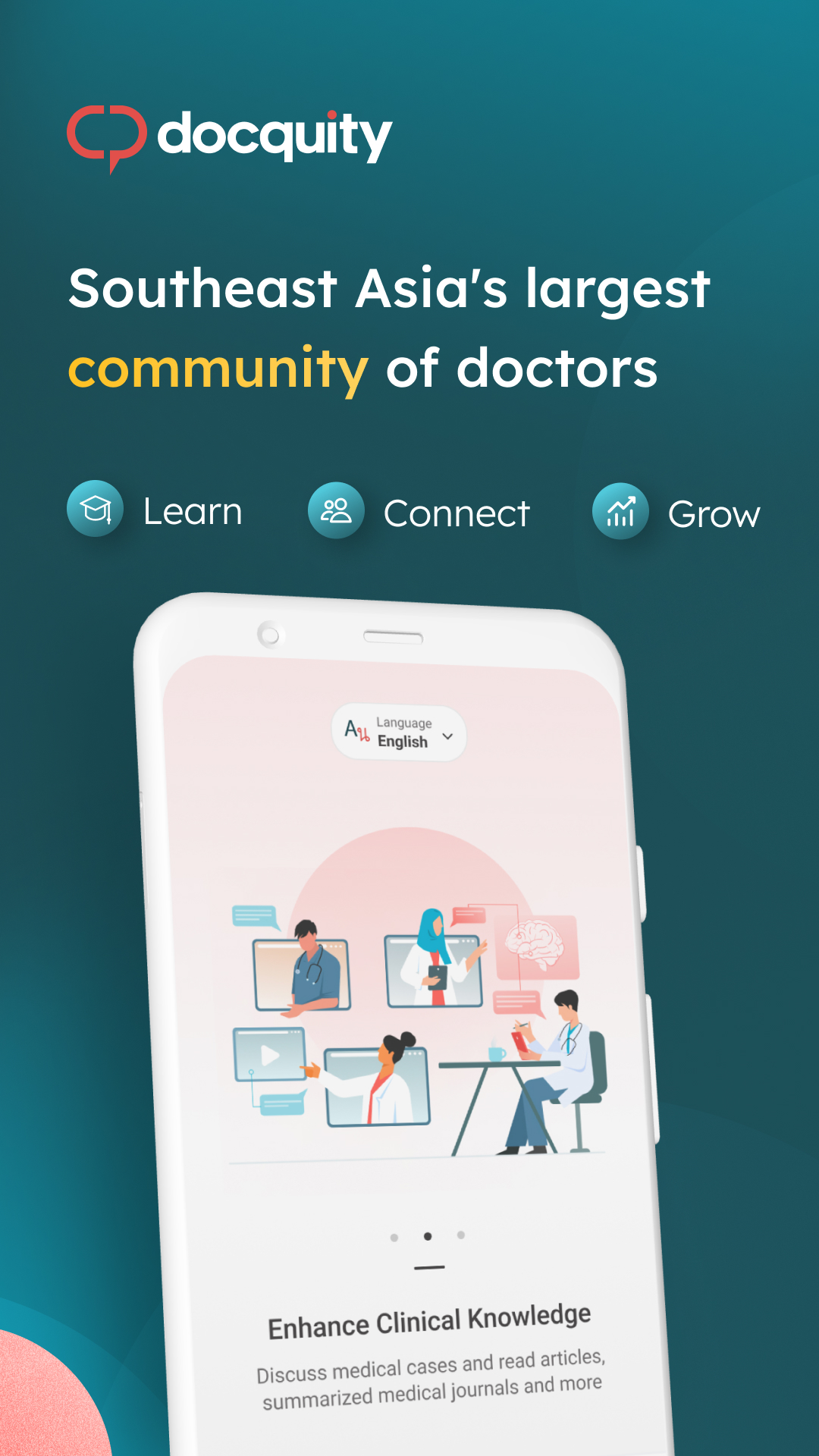
Docquity: The Doctors' Network is a Medical application developed by DOCQUITY, but with the best Android emulator-LDPlayer, you can download and play Docquity: The Doctors' Network on your computer.
Running Docquity: The Doctors' Network on your computer allows you to browse clearly on a large screen, and controlling the application with a mouse and keyboard is much faster than using touchscreen, all while never having to worry about device battery issues.
With multi-instance and synchronization features, you can even run multiple applications and accounts on your PC.
And file sharing makes sharing images, videos, and files incredibly easy.
Download Docquity: The Doctors' Network and run it on your PC. Enjoy the large screen and high-definition quality on your PC!
Docquity is Southeast Asia’s largest professional community of doctors, empowering over 400,000 verified healthcare professionals to learn, connect, and grow.Join Docquity to exchange knowledge with a diverse network of medical experts, conveniently gain access to educational resources and accreditations, attend courses and webinars by industry leaders, and browse an extensive virtual library - all through a private and secure platform.
Notable features:
1. Medical case discussions: gain support from capable peers and specialists who understand the challenges you face.
2. CPD/CME credits: earn certificates from top medical associations and institutions, quickly and seamlessly.
3. Webinars: join informative sessions with industry leaders, brought live to your device or available on-demand.
4. Doctalks: consume short, instructive medical videos created by experts within your field.
5. Medical insights: learn at your own pace from an in-depth database of journals, publications, and recorded sessions.
6. And so much more including knowledge-sharing, events, and job opportunities.
Our greatest resource is ultimately our trusted community of doctors who connect with the desire to improve patient outcomes. Only verified doctors from medical societies and associations are accepted into the Docquity network. All of our conversations are 256K SHA encrypted.
Your lifelong education and support system begins here, with Docquity. Join the largest platform of doctors across Indonesia, Malaysia, The Philippines, Thailand, Vietnam, Singapore, and Taiwan.