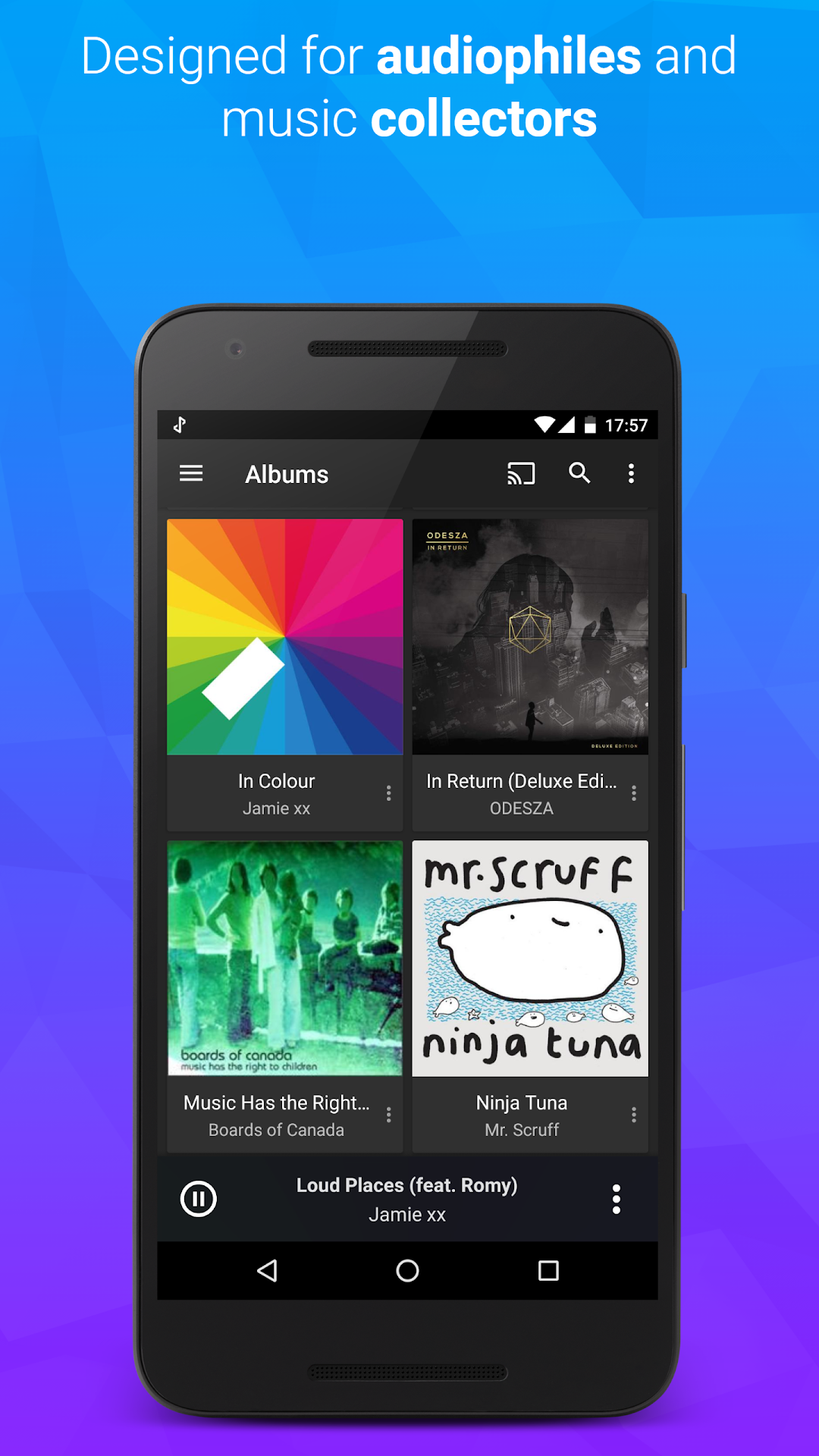
doubleTwist Music & Podcasts is a Music&Audio application developed by doubleTwist ™, but with the best Android emulator-LDPlayer, you can download and play doubleTwist Music & Podcasts on your computer.
Running doubleTwist Music & Podcasts on your computer allows you to browse clearly on a large screen, and controlling the application with a mouse and keyboard is much faster than using touchscreen, all while never having to worry about device battery issues.
With multi-instance and synchronization features, you can even run multiple applications and accounts on your PC.
And file sharing makes sharing images, videos, and files incredibly easy.
Download doubleTwist Music & Podcasts and run it on your PC. Enjoy the large screen and high-definition quality on your PC!
doubleTwist is a powerful music player and podcast manager. doubleTwist Player has over 100,000 five star ratings and a fast, easy-to-use interface that eliminates the need to jump between different apps to play music and manage podcasts. Plus, you can cast or AirPlay music from your Android with an optional purchase!doubleTwist Music Player has been recommended by the New York Times, BBC, Wall Street Journal and numerous tech publications.
What's the catch?
Unlike other music players, doubleTwist is a free download, not a "trial". We update it frequently and listen to your feedback to make it better.
We make money from an optional in-app upgrade to doubleTwist Pro unlocking the following premium music player features:
♬ Chromecast, AirPlay & DLNA support
♬ 10-band equalizer & SuperSound
♬ Gapless playback
♬ Album art search
♬ Removal of ads in the podcast & radio screens.
♬ Premium themes
♬ Sleep timer
doubleTwist is handmade with ❤ in Austin, Texas, live music's world capital. Thanks to you, we manage music & podcasts for more than 10 million loyal listeners.
Help? Visit http://www.doubletwist.com/help/platform/android/
Follow us on Twitter: https://twitter.com/doubletwist
Use of this app is subject to the doubleTwist Terms of Use and Privacy Policy: http://www.doubletwist.com/legal/