Drum Machine - Beat Groove Pad is a Music&Audio application developed by iGroove - Game Master, but with the best Android emulator-LDPlayer, you can download and play Drum Machine - Beat Groove Pad on your computer.
Running Drum Machine - Beat Groove Pad on your computer allows you to browse clearly on a large screen, and controlling the application with a mouse and keyboard is much faster than using touchscreen, all while never having to worry about device battery issues.
With multi-instance and synchronization features, you can even run multiple applications and accounts on your PC.
And file sharing makes sharing images, videos, and files incredibly easy.
Download Drum Machine - Beat Groove Pad and run it on your PC. Enjoy the large screen and high-definition quality on your PC!
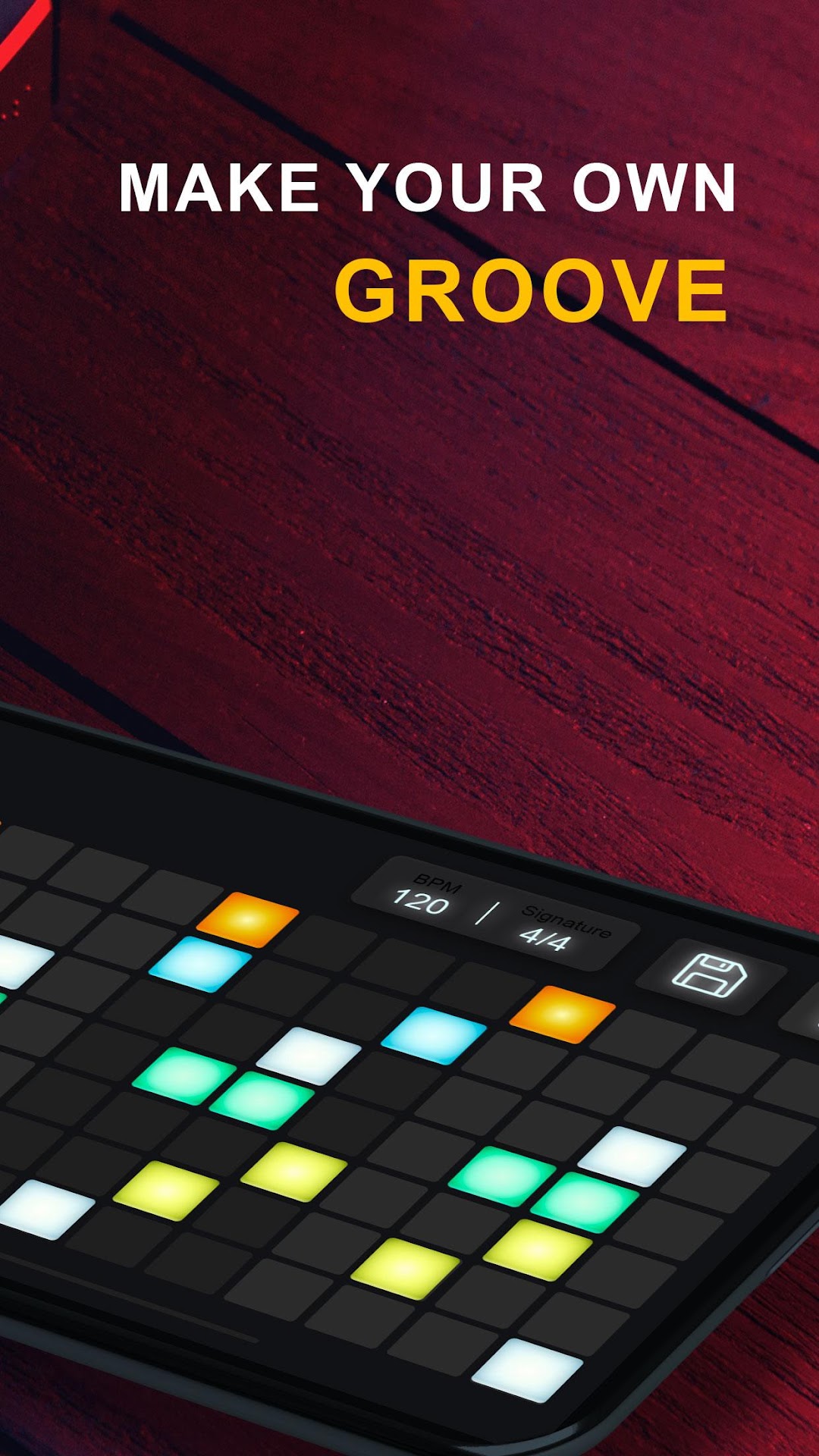
Dive into the world of music creation with Drum Machine - Groove & Beat Maker! Packed with features, it's a step sequencer-based drum machine, groovebox, sampler, drum pads, and mixer all rolled into one. No complicated functions – just unleash your musical creativity without needing GarageBand and easily become a drummer!Enjoy high-quality sounds from popular acoustic and advanced digital drum machines like Roland TR and MPC. The integrated DJ drum pad lets you take your band on the go and record beats wherever inspiration strikes.
Whether you're a professional musician or just looking to have fun, our DJ tool ensures maximum enjoyment. With easy step sequencing, versatile mixer effects, and a diverse preset library featuring 72 drum kits across different genres, Drum Machine - Beat Groove Pad is perfect for unleashing your musical potential.
Key Features:
🎶 Easy Step Sequencer
Simple 16 & 32-step sequencing
Customize timing & measure with BPM, swing quantization, time signature
8-track beatbox
Metronome for staying in rhythm
Seamless playback & looping
Realistic & clear interface
🎶 Preset Library
Explore 72 drum kits covering various genres
From acoustic to vintage, trap, hip hop, jazz, and more
Access over 50 patterns & loops anytime
🎶 Various Play Options
Mixer with up to 8 channels
Mixer effects including quantize, mute, solo, reverb
Download Drum Machine - Beat Groove Pad now and start creating your own beats today!