Dual Calculator-Two Calculator is a Tools application developed by Nakacircle Technology, but with the best Android emulator-LDPlayer, you can download and play Dual Calculator-Two Calculator on your computer.
Running Dual Calculator-Two Calculator on your computer allows you to browse clearly on a large screen, and controlling the application with a mouse and keyboard is much faster than using touchscreen, all while never having to worry about device battery issues.
With multi-instance and synchronization features, you can even run multiple applications and accounts on your PC.
And file sharing makes sharing images, videos, and files incredibly easy.
Download Dual Calculator-Two Calculator and run it on your PC. Enjoy the large screen and high-definition quality on your PC!
dual calculator, calculator, instant calculator, multiple calculator, double calculator, two calculator,Dual calculators in one app for easy multitasking and efficiency
Maximize Efficiency with Dual Calculator – The Ultimate Multitasking App
Introducing Dual Calculator, a revolutionary app designed to cater to the multitasker in you. With our unique dual-display, perform two separate calculations simultaneously without the need to toggle between tasks. Streamline your productivity and save precious time with this one-of-a-kind tool that doubles your calculating power.
Key Features:
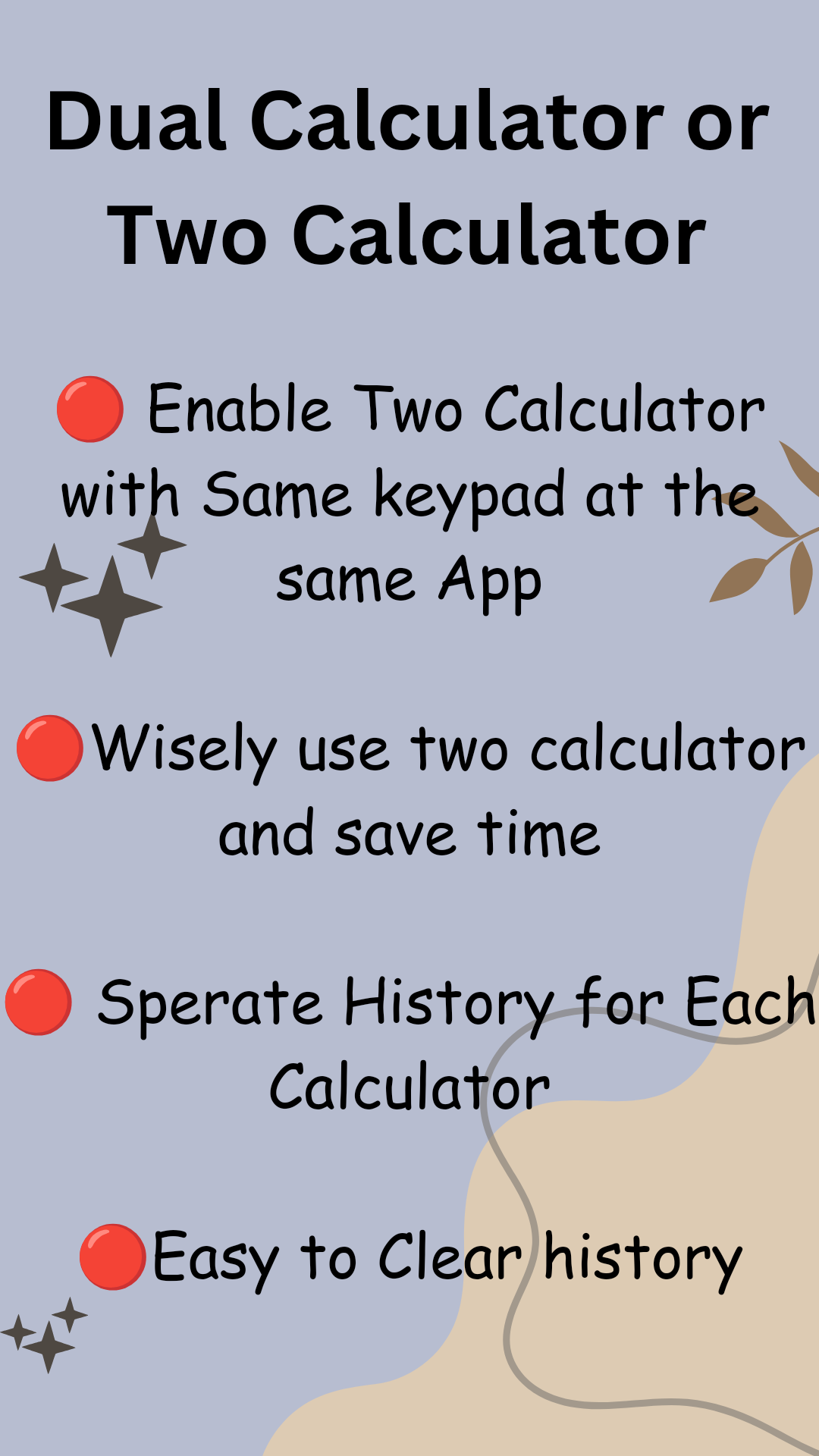
Two Calculators in One: Access dual calculating engines on a single screen, perfect for handling complex math problems or comparing figures on the fly.
Unified Keypad: Effortlessly input numbers and operations into both calculators with a shared keypad interface, designed for convenience and speed.
Independent History Tracking: Each calculator maintains its own separate history, so you can easily review and retrieve past calculations specific to each side.
Latest Result Highlight: Stay organized and on top of your work as each calculator clearly highlights the most recent result, eliminating any confusion.
Clear History with Ease: With a simple tap, clear the calculation history from one or both calculators, ensuring you can start fresh whenever needed.
Time-Saving Functionality: Ideal for professionals, students, and anyone in need of efficient computational tools, Dual Calculator is engineered to save time and simplify your daily tasks.
Whether you're balancing your budget while shopping, comparing loan interest rates, or tackling algebra and geometry homework, Dual Calculator is here to ensure that your calculations are always swift, accurate, and hassle-free. Our mission is to provide a versatile, reliable, and user-friendly calculator that adapts to your needs and enhances your efficiency.
Download Dual Calculator today and experience the convenience of dual calculations in the palm of your hand!