Dual Camera, Dual Photo is a Tools application developed by TRN, but with the best Android emulator-LDPlayer, you can download and play Dual Camera, Dual Photo on your computer.
Running Dual Camera, Dual Photo on your computer allows you to browse clearly on a large screen, and controlling the application with a mouse and keyboard is much faster than using touchscreen, all while never having to worry about device battery issues.
With multi-instance and synchronization features, you can even run multiple applications and accounts on your PC.
And file sharing makes sharing images, videos, and files incredibly easy.
Download Dual Camera, Dual Photo and run it on your PC. Enjoy the large screen and high-definition quality on your PC!
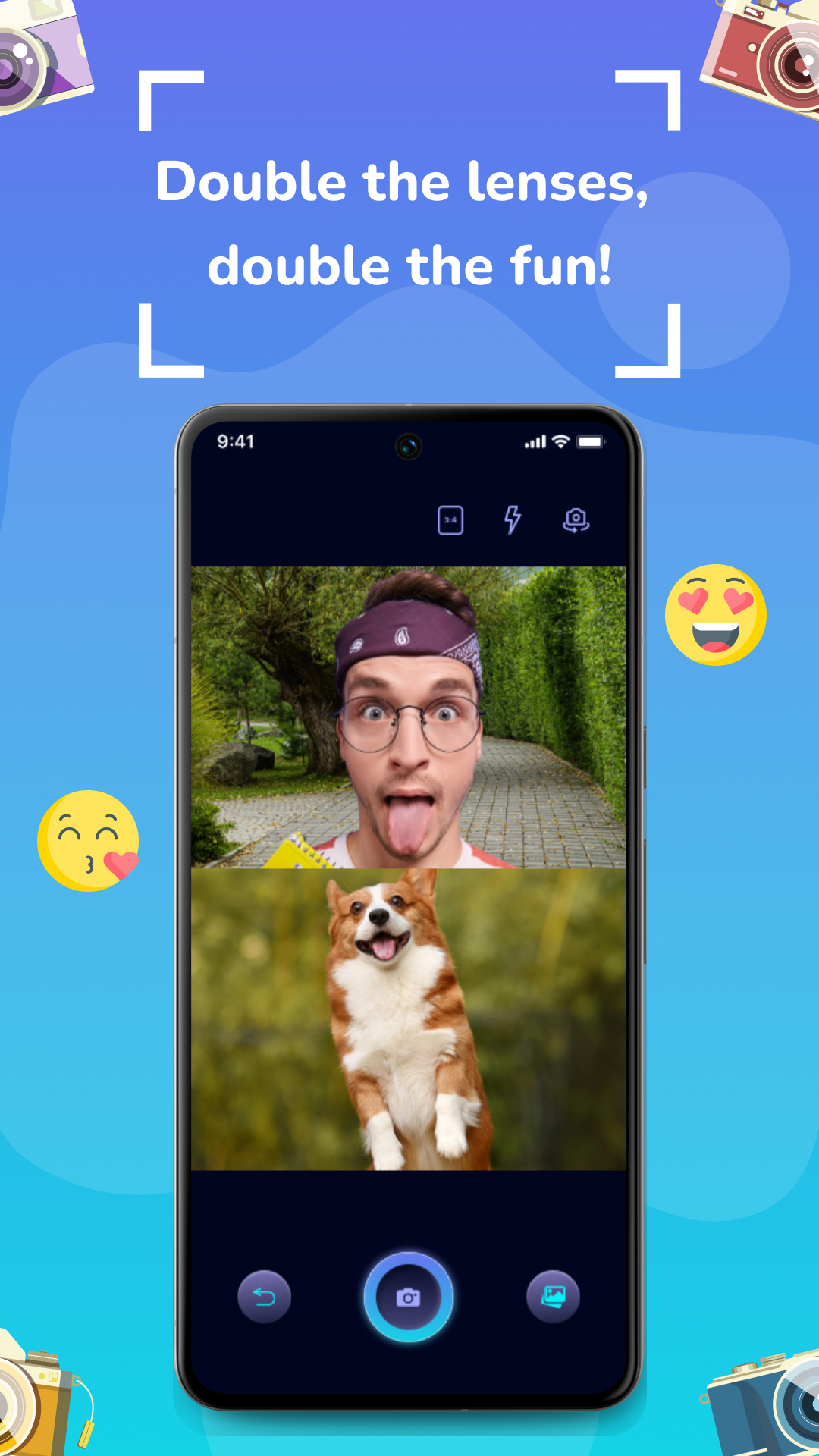
Unleash your creativity with Dual Camera. Double the lenses, double the fun!This dash camera app is able to use front camera & rear camera of the phone at the same time. So you can take photos with the front camera & rear camera simultaneously. Whether you're a budding content creator, or simply someone who loves capturing life's moments, this multiple cam app is designed to elevate your visual storytelling.
With its innovative features, the multicam recording dual camera app offers an unparalleled experience for creating, editing, and sharing exceptional photos. Let’s dive into the benefits and functionalities that make app a must-have tool for anyone passionate about visual media.
📸 Dual Camera:
- This duplicate camera app allows you to simultaneously use both the front and rear cameras of your device, opening up a world of creative possibilitie.
📸 High-Resolution Photos:
- Quality matters, and the dual camera app delivers. The dual photograph app supports high-resolution photo, ensuring that every detail is crisp and clear.
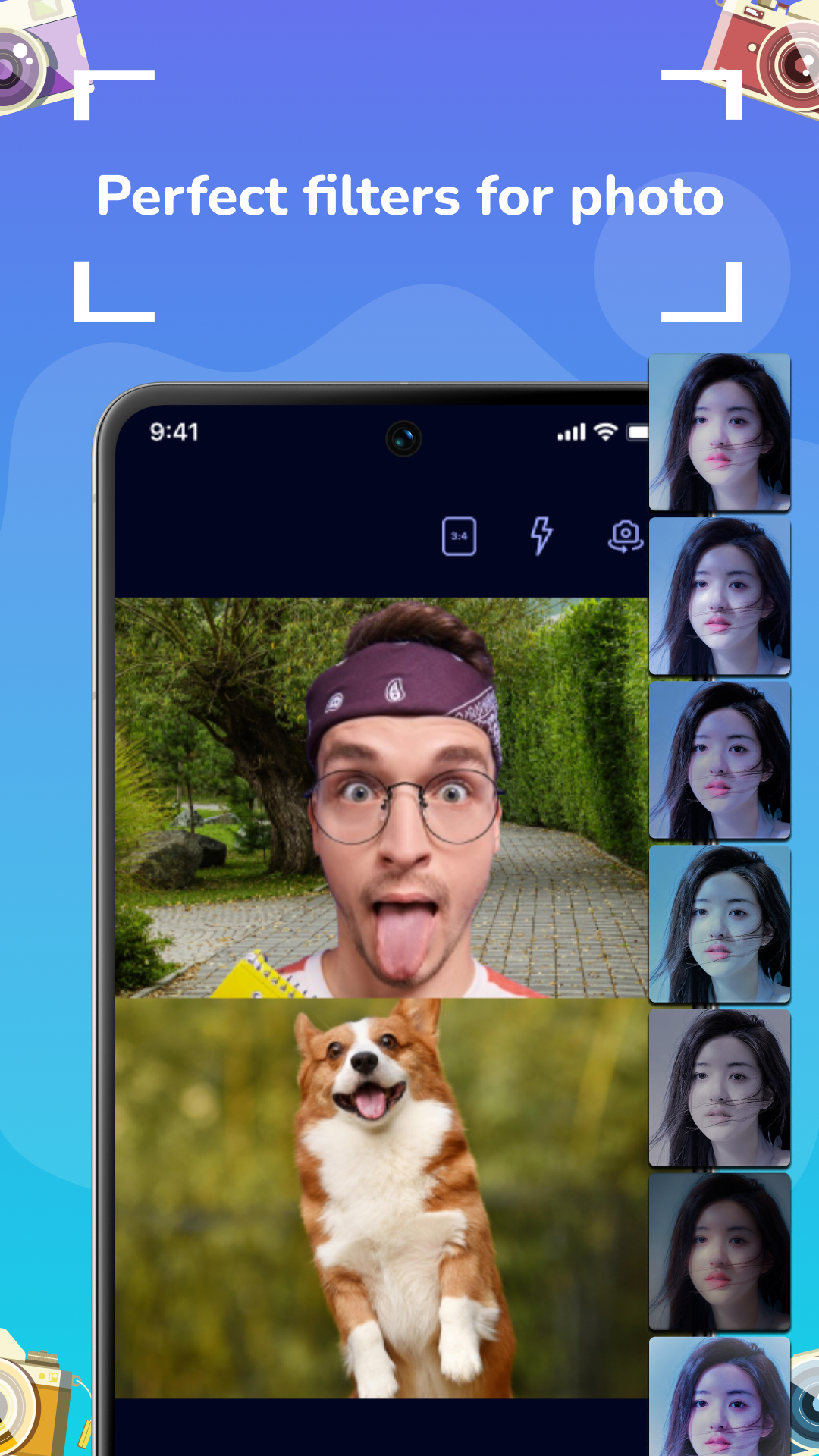
📸 Diverse Filter Options:
- The simultaneously app offers a wide array of filters, from classic black-and-white to vibrant color effects. Each filter is designed to complement different styles and themes, helping you achieve the desired look for your content.
📸 Effortless Sharing and Connectivity:
- Save photo with high quality
- The dual camera app makes sharing your creations a breeze with direct integration to popular social media platforms.
Dual Camera is more than just an app; it’s a comprehensive tool that empowers you to explore new dimensions of visual storytelling. This app is an essential asset for anyone who wants to capture and share stunning photos
Use the camera dual app today and unlock your creative potential. Your best shots are just a tap away! Thanks for choosing the app.