Edge Lighting - Border Colors is a Personalization application developed by EAGLE APPS, but with the best Android emulator-LDPlayer, you can download and play Edge Lighting - Border Colors on your computer.
Running Edge Lighting - Border Colors on your computer allows you to browse clearly on a large screen, and controlling the application with a mouse and keyboard is much faster than using touchscreen, all while never having to worry about device battery issues.
With multi-instance and synchronization features, you can even run multiple applications and accounts on your PC.
And file sharing makes sharing images, videos, and files incredibly easy.
Download Edge Lighting - Border Colors and run it on your PC. Enjoy the large screen and high-definition quality on your PC!
Transform your Android device with edge lighting - border colors!Enhance your phone's appearance with captivating edge lights, customizable borders, and vibrant animations. Personalize your lock screen and notifications to make your phone unique.
✨ Key Features
Edge Lighting and Borders:
• Edge Light and Borders: Add eye-catching edge light effects to your lock screen. Choose from various colors and styles to match your taste.
Wallpapers:
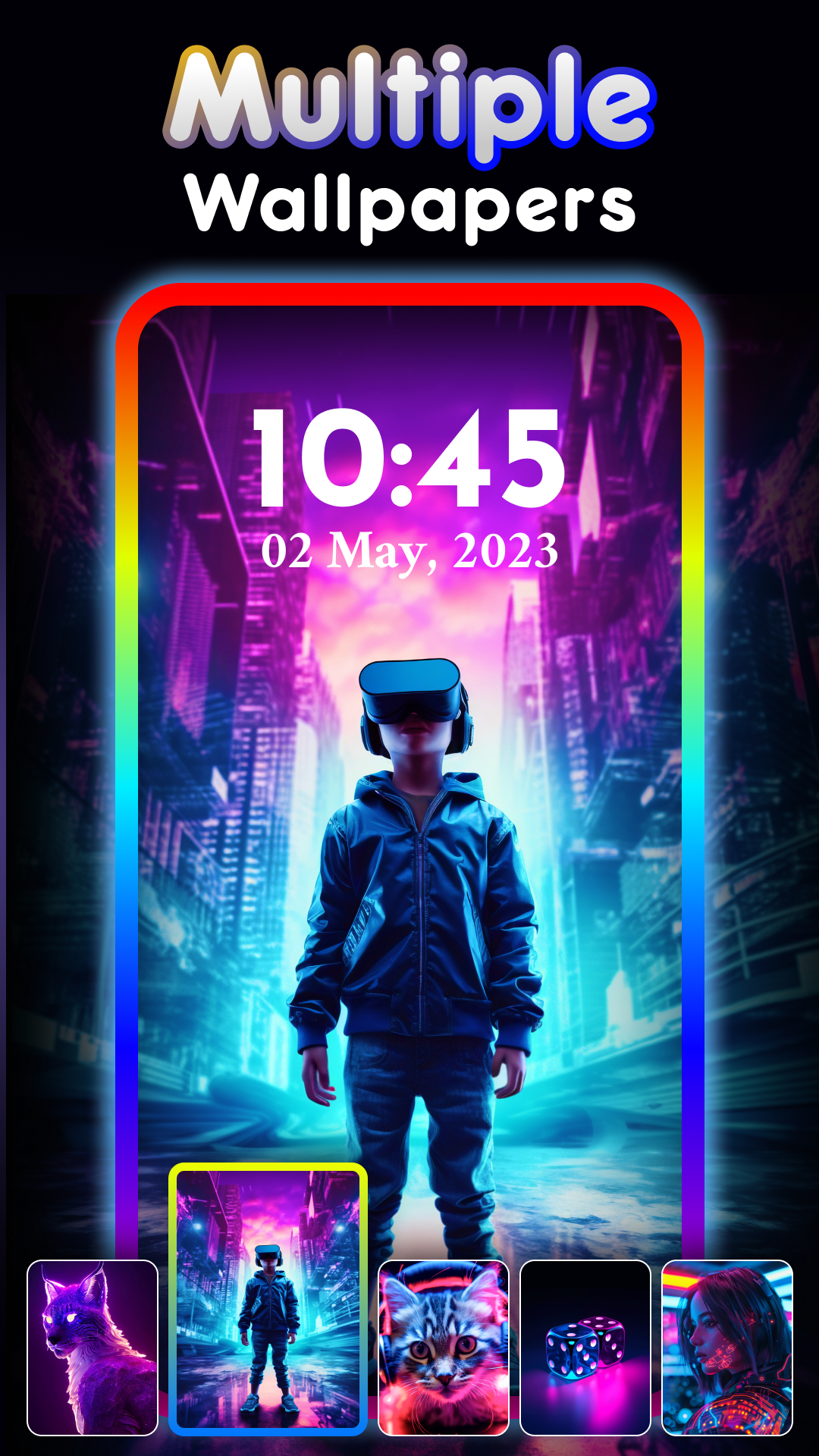
• Wallpaper Download & Selection: Browse and download beautiful wallpapers directly from the app. Select the perfect background to complement your edge lighting.
• Clock Selection: Customize your wallpaper with analogue and digital clocks. Pick the style that suits your aesthetic.
Customization Options:
• Color Selection: Personalize the colors of your edge borders and lights to create a unique look.
• Border Styles: Choose from a variety of border styles.
• Animation Settings: Adjust the animation speed, border size, and corner radius (top and bottom) to achieve the perfect visual effect.
Dynamic Edge Lighting:
• Incoming Call: Enable edge lighting for incoming calls to add a visually appealing notification. Customize this feature in the settings.
• Notifications: Make your notifications stand out with edge lighting. This feature can be toggled on or off in the settings.
• Charging: Show edge lighting effects while charging your device. This can be enabled or disabled according to your preference.
🔒 Permissions
This service is responsible for displaying the Edge lighting feature and provides users with controls to pause or stop it as needed via notification.
📲 Download Edge Lighting - Border Colors now and bring your lock screen to life with vibrant lights and borders!