EDGE MASK is a Tools application developed by uno.kim, but with the best Android emulator-LDPlayer, you can download and play EDGE MASK on your computer.
Running EDGE MASK on your computer allows you to browse clearly on a large screen, and controlling the application with a mouse and keyboard is much faster than using touchscreen, all while never having to worry about device battery issues.
With multi-instance and synchronization features, you can even run multiple applications and accounts on your PC.
And file sharing makes sharing images, videos, and files incredibly easy.
Download EDGE MASK and run it on your PC. Enjoy the large screen and high-definition quality on your PC!
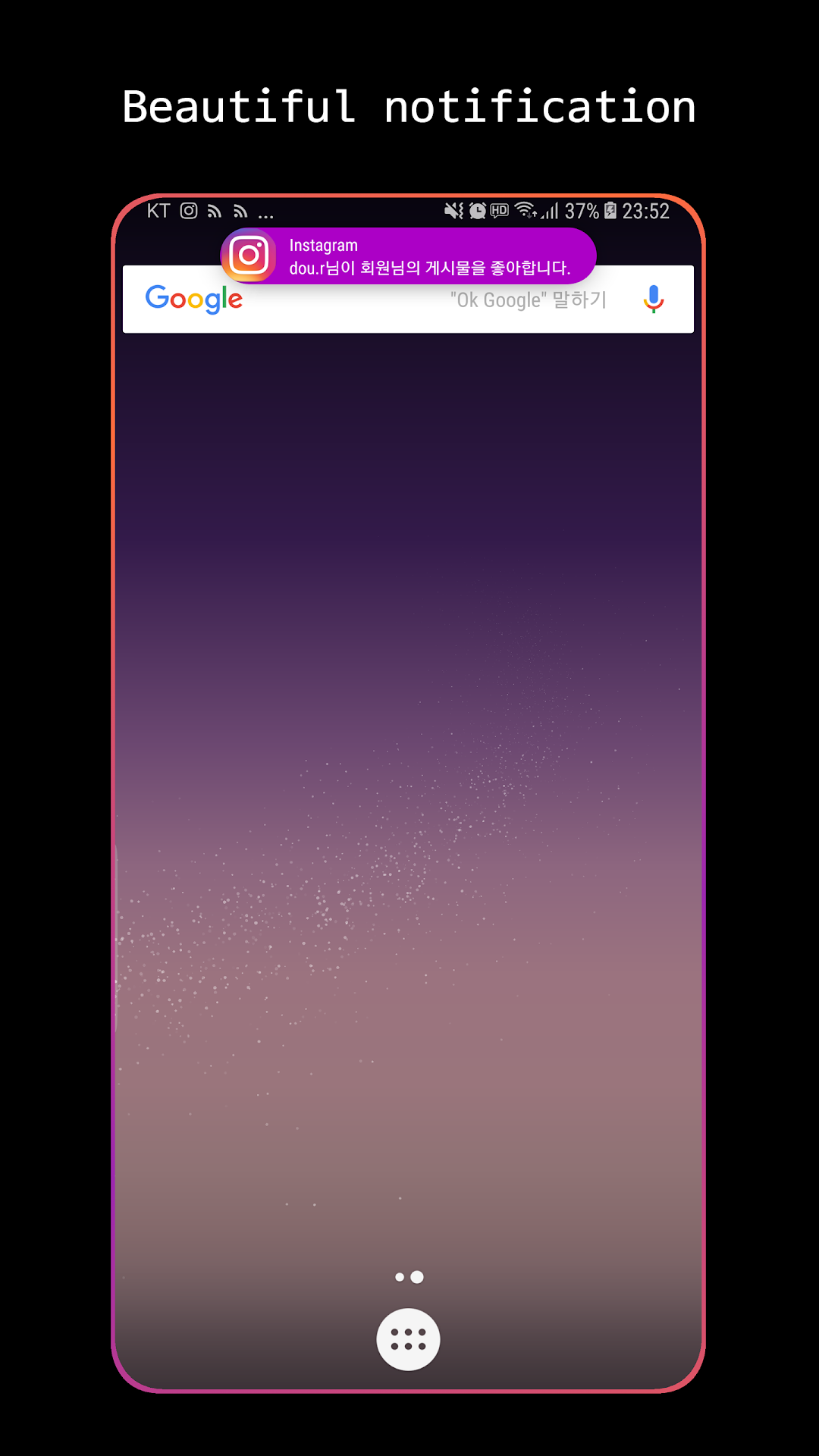
I'll change the design of the old notification.Change to unique notification design.
✓ Notification receive effect
✓ Message pop-up design customize
※ Mask effect
Samsung rounded corners
※ 3 types of Notification receive effects
Punch hole lighting, Edge lighting, Edge lighting wave
※ 7 types of Message pop-up design customize
Ripple, Card, BIg icon, Book mark, Samsung, Apple, Super slim, Dynamic island
※ Effect when the screen is turn on
Hello lighting
※ Always on display support (AOD)
※ Notification TTS (Text to Speech) using the Accessibility API
The Accessibility API is used to provide a feature that reads notification content aloud.
This allows you to listen to notification content even while driving or in situations where you cannot use your hands.
※ Please send us your comments
Tell me about the notification pop-up design and the notification reception effect.
If so, it will update soon.
※ Blocking the system heads-up options guide
https://github.com/ikmuwn/EdgeMaskBlog/raw/main/blocking%20system%20heads-up%20options%20guide.png