Ekahau Analyzer is a Productivity application developed by Ekahau, but with the best Android emulator-LDPlayer, you can download and play Ekahau Analyzer on your computer.
Running Ekahau Analyzer on your computer allows you to browse clearly on a large screen, and controlling the application with a mouse and keyboard is much faster than using touchscreen, all while never having to worry about device battery issues.
With multi-instance and synchronization features, you can even run multiple applications and accounts on your PC.
And file sharing makes sharing images, videos, and files incredibly easy.
Download Ekahau Analyzer and run it on your PC. Enjoy the large screen and high-definition quality on your PC!
COMMERCIAL EKAHAU ACCOUNT & LOGIN REQUIREDEkahau Analyzer is part of Ekahau Connect subscription and requires Ekahau Sidekick measurement device.
The Analyzer app is a professional grade Wi-Fi health validation and troubleshooting tool for Android devices. The auto test function diagnoses your network faster and with more accuracy than any other product on the market. The simple interface provides a quick and easy-to-understand pass/fail indication of Wi-Fi network quality, identifying network problems based on predefined requirements. These predefined requirements are the most common network issues such as channel utilization and co-channel interference
Time is precious. Every second counts. Especially when troubleshooting your network.
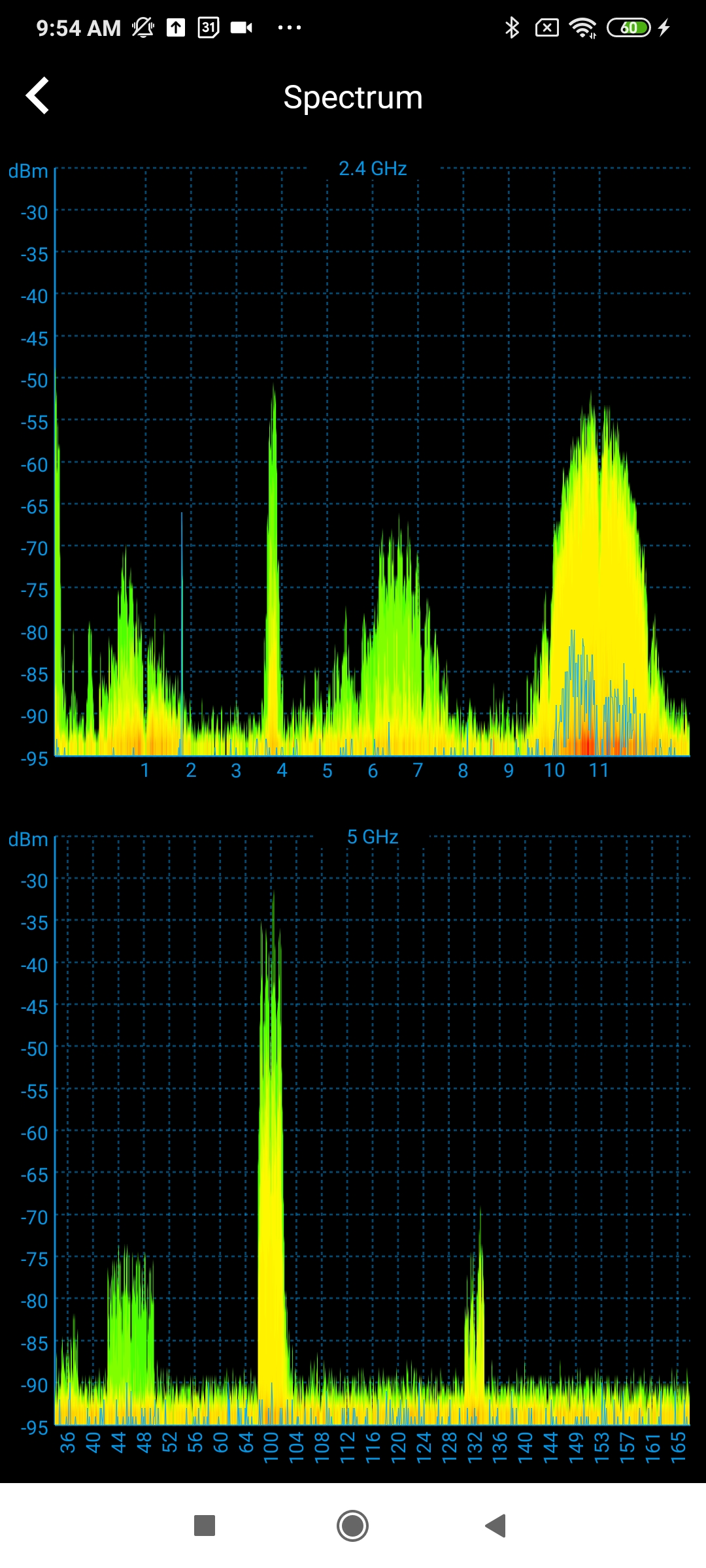
A spectrum analyzer can be critical in the troubleshooting process. It records and measures the strength (power/energy) of both Wi-Fi and non-Wi-Fi traffic that exist in your network environment. This allows you to quickly identify potential interferers such as wireless cameras, cordless phones, or other wireless devices. In addition, a spectrum analyzer can show the channel of the measured traffic. This can allow you to optimize your network channels for peak performance while avoiding interference.