ElfYourself® is a Entertainment application developed by Magic Mirror LLC, but with the best Android emulator-LDPlayer, you can download and play ElfYourself® on your computer.
Running ElfYourself® on your computer allows you to browse clearly on a large screen, and controlling the application with a mouse and keyboard is much faster than using touchscreen, all while never having to worry about device battery issues.
With multi-instance and synchronization features, you can even run multiple applications and accounts on your PC.
And file sharing makes sharing images, videos, and files incredibly easy.
Download ElfYourself® and run it on your PC. Enjoy the large screen and high-definition quality on your PC!
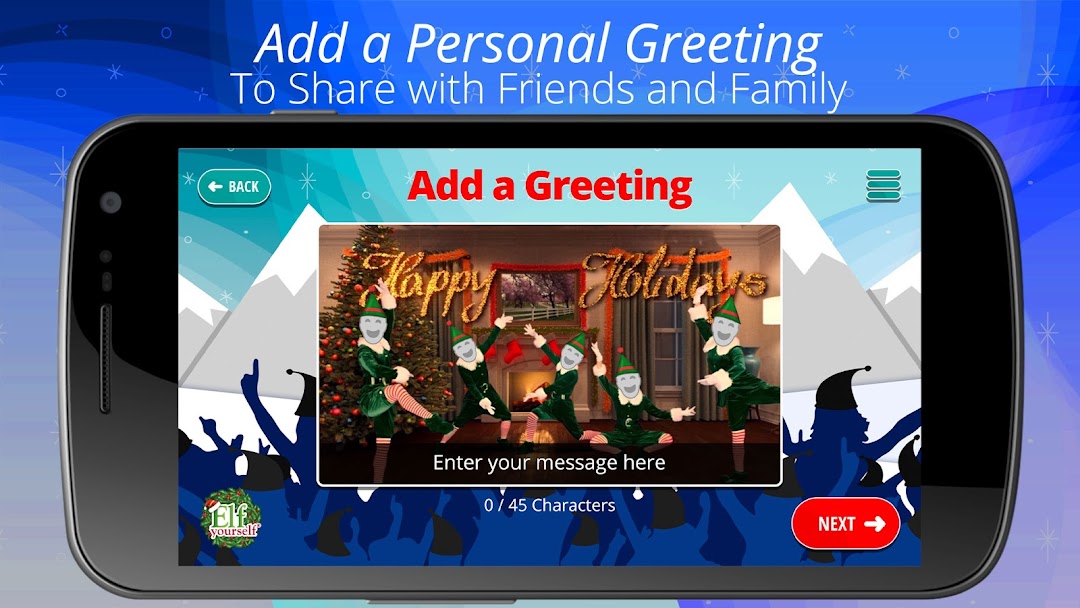
The most popular app of the Holiday Season 14 years running is back with great new dances and features!This holiday tradition lets you "Elf Yourself" and star in dozens of personalized videos with your face on dancing elves. Add up to 5 faces, then select a dance and the app automatically creates your video! Share your dancing skills on social media - or message a super fun holiday greeting to your friends and family. It's as easy as pie!
ElfYourself is FREE to download and enjoy, some dances are free, but most require purchase to unlock. You can purchase dances individually or get our Season Pass to access all content and remove ads for 12 months!
Subscription Details
Choose our Season Pass to subscribe for 12 months.
Your Google Play account will be charged the listed annual fee until you cancel.
Cancellation is easy through your Google Play settings.
When you confirm your purchase, payment will be charged through your Google Play account.
Your subscription will automatically renew unless auto-renew is turned off at least 24-hours before the end of the current period.
Don't want to auto-renew?
Manage your account and renewal settings in your user Account Settings.
Cancel your subscription anytime through your Account Settings.
No cancellation fee.
Privacy Policy: https://www.elfyourself.com/?page=privacy
Terms of Use: https://www.elfyourself.com/?page=tos
Happy Elfing!