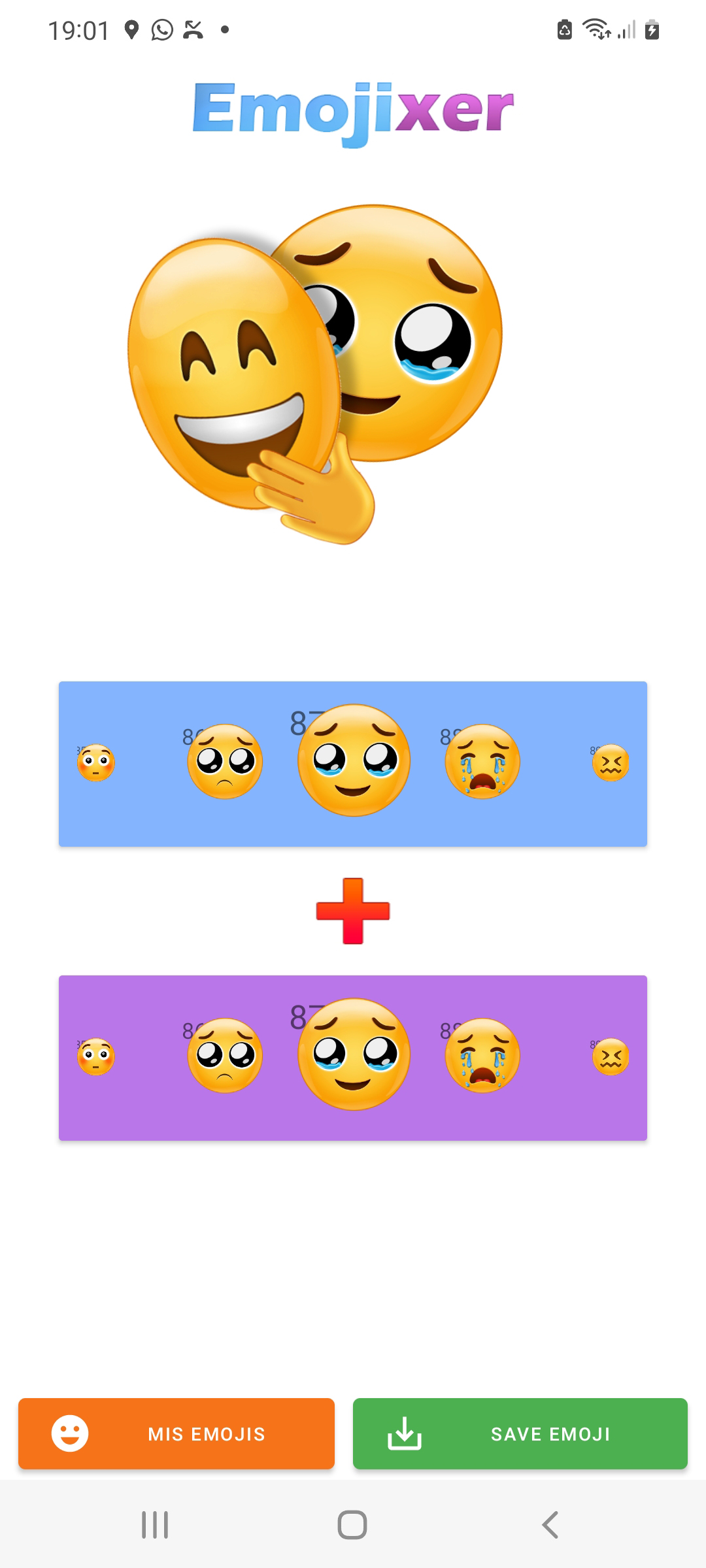
Emojixer - emojimix is a Art&Design application developed by Emoji mix stickers, but with the best Android emulator-LDPlayer, you can download and play Emojixer - emojimix on your computer.
Running Emojixer - emojimix on your computer allows you to browse clearly on a large screen, and controlling the application with a mouse and keyboard is much faster than using touchscreen, all while never having to worry about device battery issues.
With multi-instance and synchronization features, you can even run multiple applications and accounts on your PC.
And file sharing makes sharing images, videos, and files incredibly easy.
Download Emojixer - emojimix and run it on your PC. Enjoy the large screen and high-definition quality on your PC!
Emojixer - emojimix 😇+😈🎨 Create fantastic combinations with emojimix, there are more than 15,000 different combinations and constantly increasing, you can also share them 🔗 as wastickers for whatsapp, or as an image 🖼️ in any other app.
💯We have created a system to merge the emojis and obtain an original and fun result, besides being super easy to use, emojimix makes really beautiful designs.
❤️️ We hope you enjoy creating your emojimix, and for any questions or suggestions, we will be happy to assist you.