Encrypted Document Photo Saver is a Personalization application developed by DevDuo's, but with the best Android emulator-LDPlayer, you can download and play Encrypted Document Photo Saver on your computer.
Running Encrypted Document Photo Saver on your computer allows you to browse clearly on a large screen, and controlling the application with a mouse and keyboard is much faster than using touchscreen, all while never having to worry about device battery issues.
With multi-instance and synchronization features, you can even run multiple applications and accounts on your PC.
And file sharing makes sharing images, videos, and files incredibly easy.
Download Encrypted Document Photo Saver and run it on your PC. Enjoy the large screen and high-definition quality on your PC!
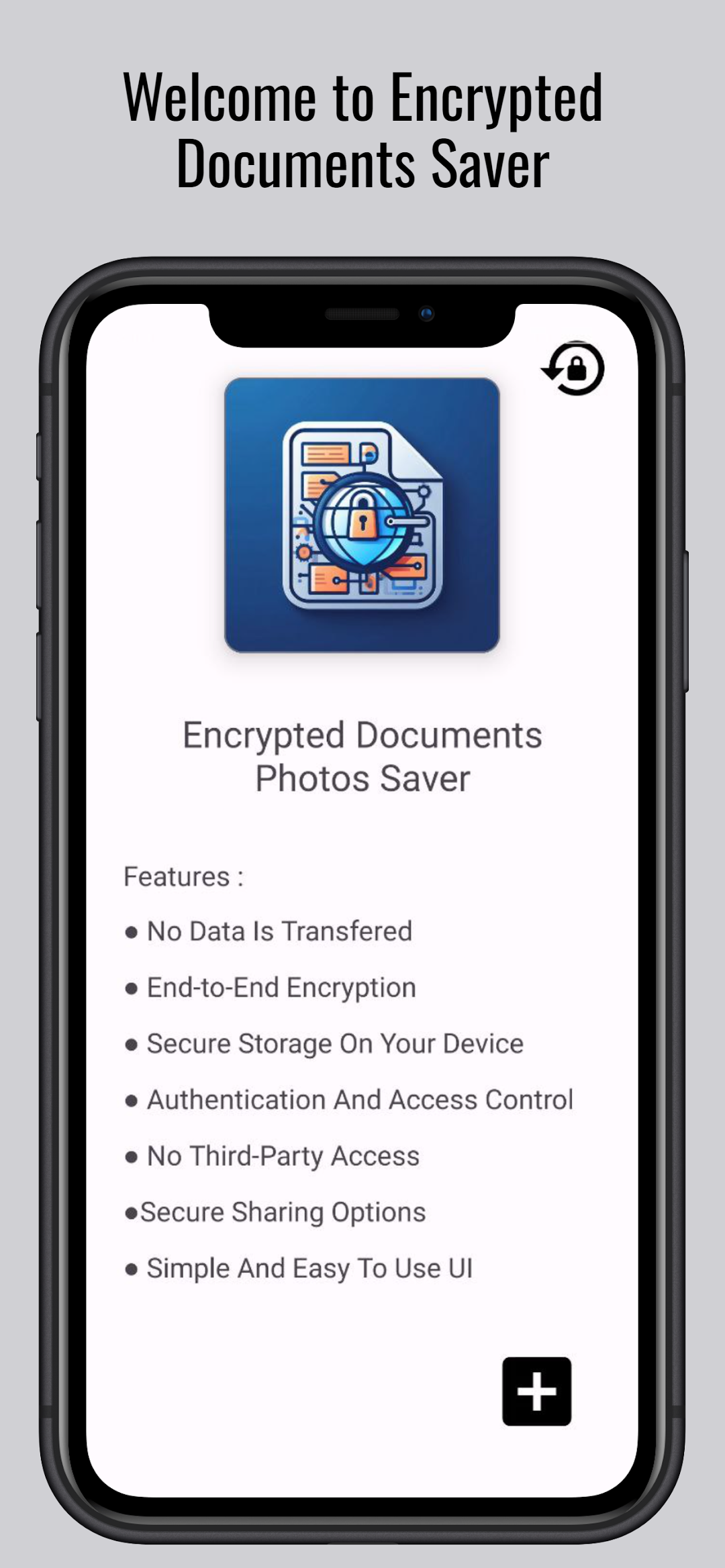
Encrypted Documents Photos Saver is your trusted vault for securing and organizing confidential files and cherished memories. Our app offers robust encryption for documents and photos, ensuring your sensitive information remains private.Key Features:
Powerful Encryption: Utilize cutting-edge encryption technology to safeguard your documents and photos from unauthorized access.
Secure File Storage: Store and organize your confidential documents and precious photos in a highly secure environment.
Password Authentication: Enhance security with password protection, allowing only authorized users to access the encrypted files.
Camera and Storage Permissions: Capture and save photos directly within the app, ensuring a seamless and secure process.
User-Friendly Interface: Enjoy a simple and intuitive interface designed for easy navigation and hassle-free file management.
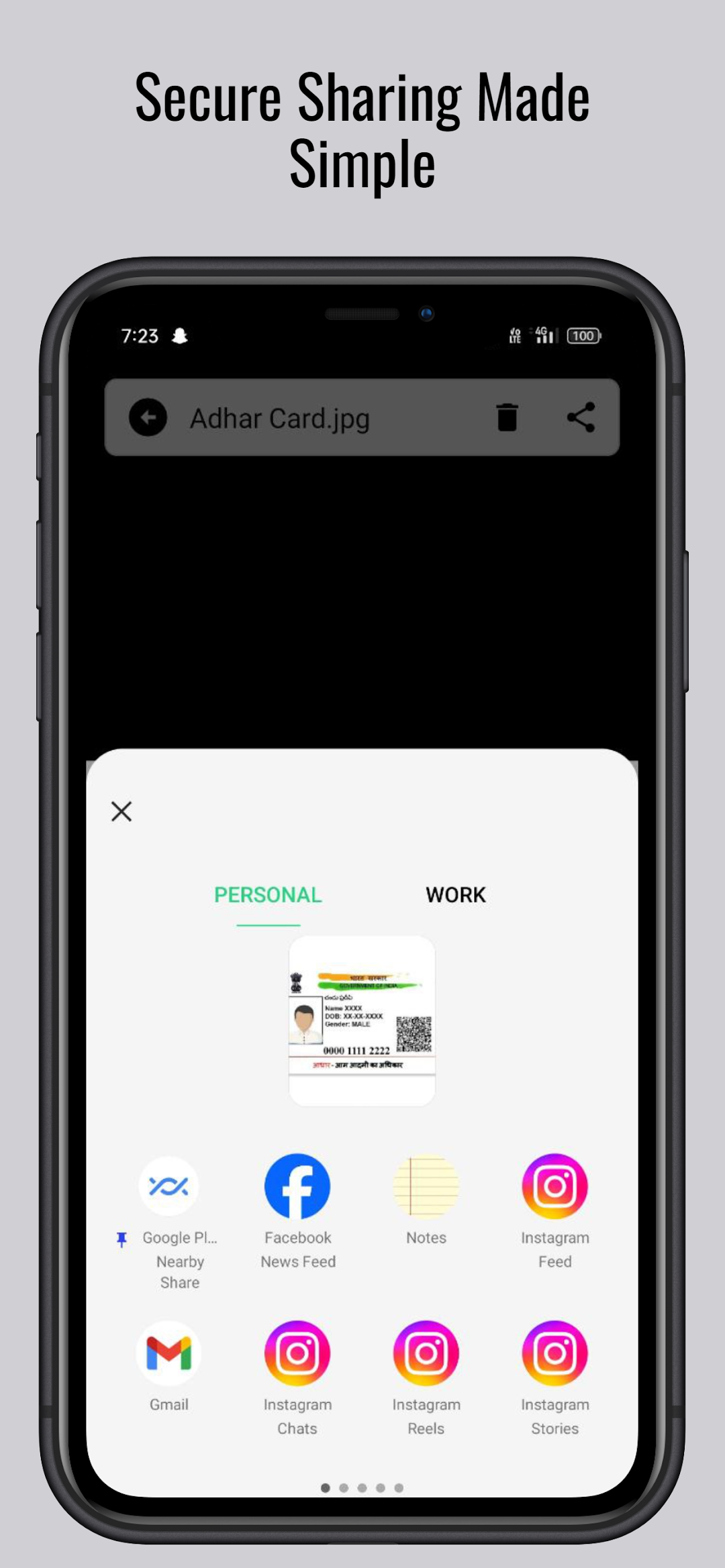
Effortless Sharing: Share files securely with confidence, knowing that your data is protected throughout the sharing process.
Complete Privacy: Rest assured that no personal information, beyond necessary permissions, is collected or shared with third parties.
Fingerprint Authentication: Opt for an additional layer of security by using fingerprint authentication to unlock your encrypted files.
Quick Access: Retrieve your files instantly with quick access features, streamlining the process of viewing and managing your encrypted data.
Security is Our Priority:
We prioritize your data security, employing advanced encryption techniques and stringent access controls. Your documents and photos are stored securely on your device, ensuring complete privacy and peace of mind.
How It Works:
Capture: Use the app to capture photos securely, knowing they are encrypted on the spot.
Organize: Arrange your documents and photos conveniently within the app for easy access.
Encrypt: Apply robust encryption to protect your sensitive information from prying eyes.
Access: Unlock your files effortlessly with password or fingerprint authentication.
Safeguard your memories and confidential documents with Encrypted Documents Photos Saver. Experience the pinnacle of privacy and security in file management. Download now and fortify your digital world with unparalleled protection.