English 2 Smart Start ref book is a Education application developed by Tracy Duong, but with the best Android emulator-LDPlayer, you can download and play English 2 Smart Start ref book on your computer.
Running English 2 Smart Start ref book on your computer allows you to browse clearly on a large screen, and controlling the application with a mouse and keyboard is much faster than using touchscreen, all while never having to worry about device battery issues.
With multi-instance and synchronization features, you can even run multiple applications and accounts on your PC.
And file sharing makes sharing images, videos, and files incredibly easy.
Download English 2 Smart Start ref book and run it on your PC. Enjoy the large screen and high-definition quality on your PC!
Phần mềm Tài liệu hỗ trợ Tiếng Anh 2 mô phỏng toàn bộ các từ vựng theo sách giáo khoa Tiếng Anh 2 I-LEARN SMART START của DTP Education Solutions.- Phần mềm có thể sử dụng offline khi không có mạng internet.
- Học sinh có thể nghe và đọc theo dễ dàng.
- Giáo viên có thể sử dụng phần mềm trên điện thoại, máy tính bảng để trực tiếp giảng dạy tại lớp
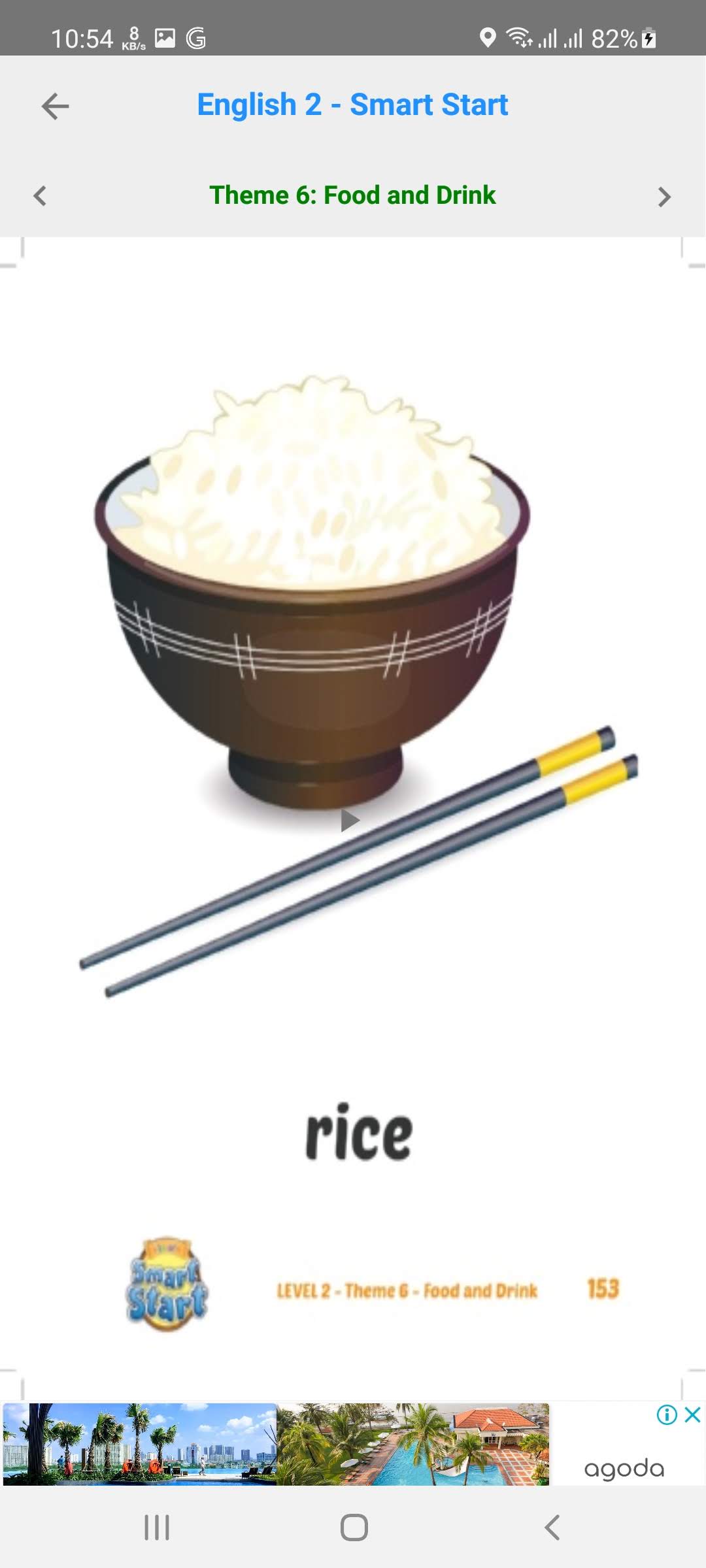
- Mỗi bài, mỗi phần có hình ảnh hiển thị cùng audio minh họa.
- Bấm vào hình bạn sẽ nghe được nội dung của hình ảnh đó.
Thông tin sản xuất:
- Phần mềm tham khảo nội dung từ website của DTP Education Solutions: http://smartstart.i-learn.vn/Trang-chu.html
- Phần mềm phát triển bởi vnbookforkid@gmail.com
- Phần mềm chỉ hỗ trợ học tập và không có giá trị thay thế sách giáo khoa.
- Đây là 1 trong nhóm phần mềm hỗ trợ học tập giúp học sinh tự học, miễn phí và không nhằm mục đích kinh doanh.
Các bạn có thể liên lạc, đóng góp và ủng hộ cho nhóm để giúp chúng tôi tiếp tục hoàn thiện sản phẩm này theo địa chỉ sau: vnbookforkid@gmail.com