English Conversation is a Education application developed by eternal apps, but with the best Android emulator-LDPlayer, you can download and play English Conversation on your computer.
Running English Conversation on your computer allows you to browse clearly on a large screen, and controlling the application with a mouse and keyboard is much faster than using touchscreen, all while never having to worry about device battery issues.
With multi-instance and synchronization features, you can even run multiple applications and accounts on your PC.
And file sharing makes sharing images, videos, and files incredibly easy.
Download English Conversation and run it on your PC. Enjoy the large screen and high-definition quality on your PC!
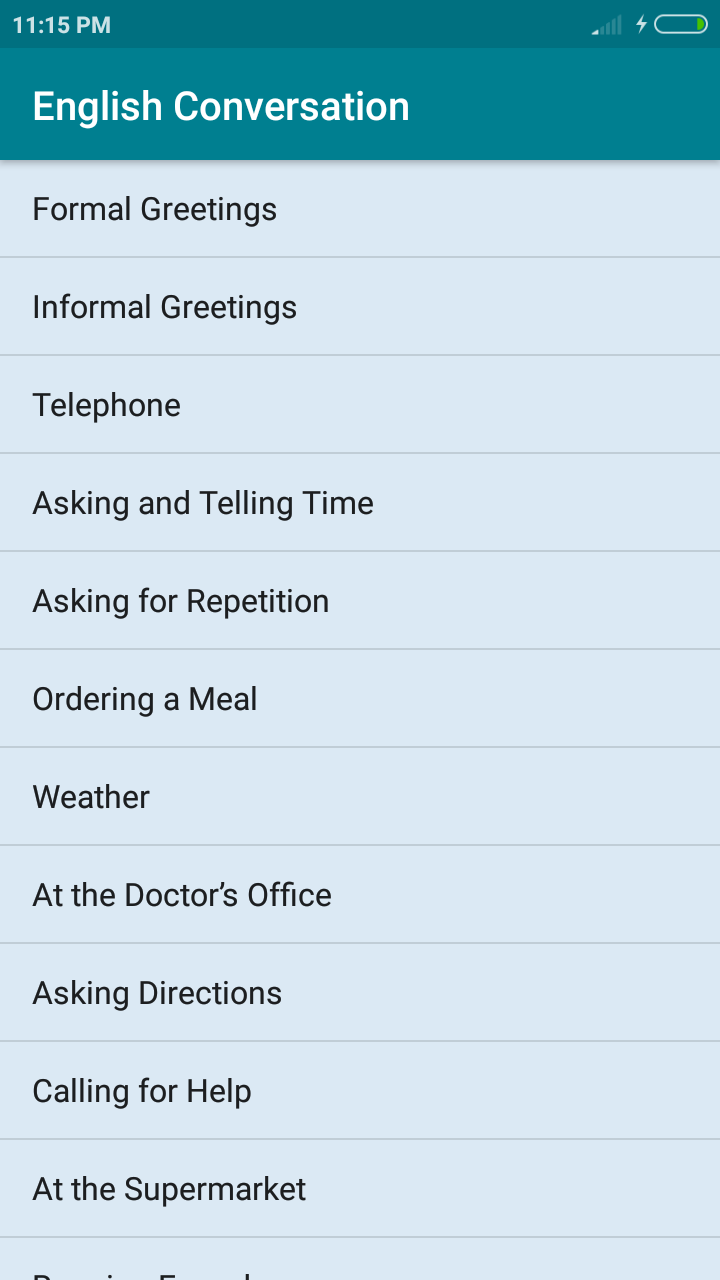
This app contains all English Conversation related to daily activities . English Conversation app contains following conversation -Formal Greetings
Informal Greetings
Telephone
Asking and Telling Time
Asking for Repetition
Ordering a Meal
Weather
At the Doctor’s Office
Asking Directions
Calling for Help
At the Supermarket
Running Errands
At the Post Office
Shopping
Movies
Sport
Vacation
Weddings
Health
Daily Life
Jobs
School Life
Housing
Eating Out
Entertainment
Safety
Food
Between Two Students
During School Admission
The School Assembly
At Grammar Class
About The English Teacher
About Leave Letter
About reason for absence from class
About Computer
Conversations in a Library
Conversations between The Traffic Inspector and The School Student
Conversations between The Sub-Inspector and The School student
Family
Conversations in The Dining Hall
BirthDay Invitation
Conversations between Sister
Conversations during Train Journey
About Tour Program
Conversations in The Park
During Taking Bath in Sea
Conversations in Temple
Conversations in Church
Conversations in Telephone Exchange
Conversations at The Reservation Counter
Conversations at The Bank
Conversations at the Reception Counter
The Birthday of a Friend
Conversations at An Interview
Transportation