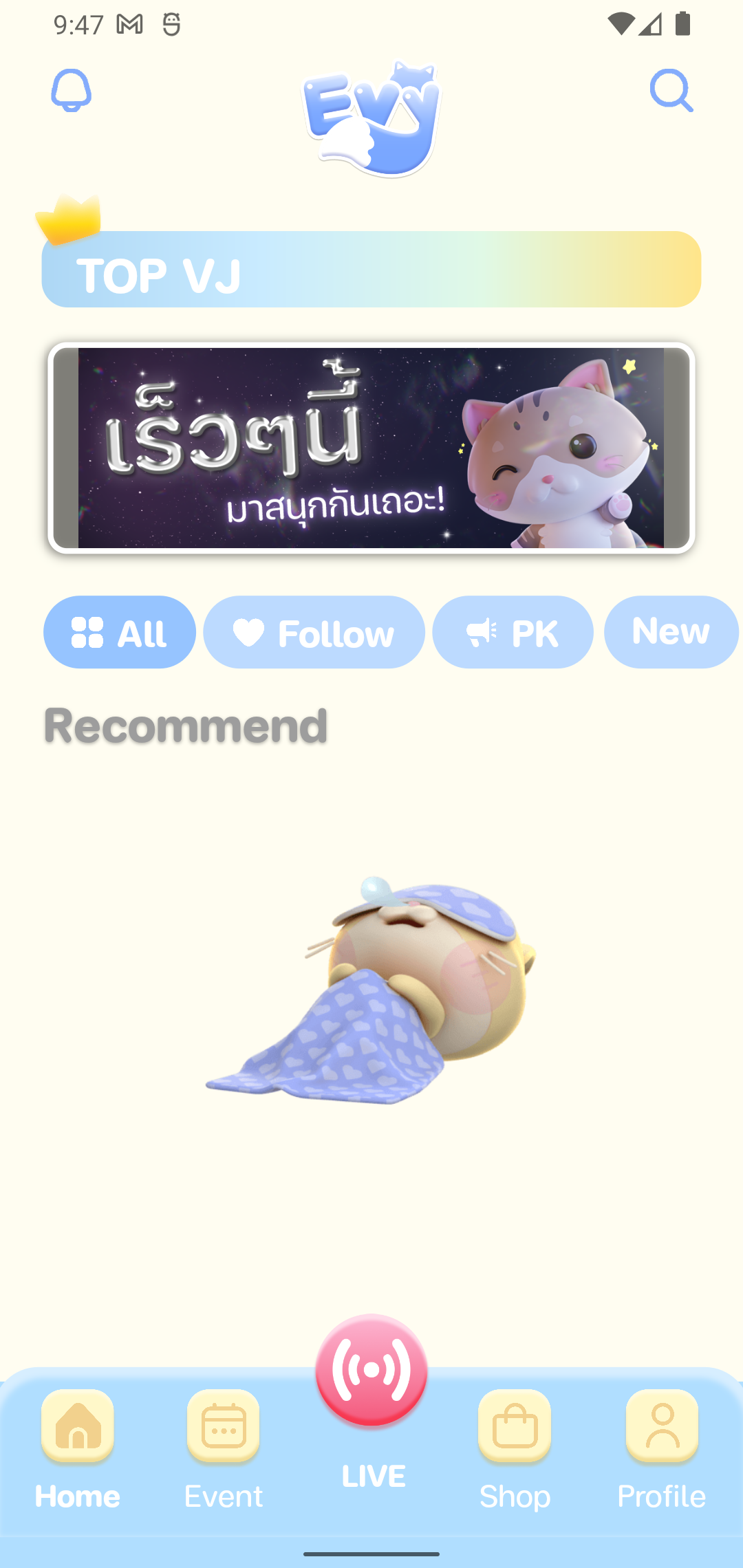
Evy - Live Stream Playground is a Communication application developed by CHUNKY PLANET COMPANY LIMITED, but with the best Android emulator-LDPlayer, you can download and play Evy - Live Stream Playground on your computer.
Running Evy - Live Stream Playground on your computer allows you to browse clearly on a large screen, and controlling the application with a mouse and keyboard is much faster than using touchscreen, all while never having to worry about device battery issues.
With multi-instance and synchronization features, you can even run multiple applications and accounts on your PC.
And file sharing makes sharing images, videos, and files incredibly easy.
Download Evy - Live Stream Playground and run it on your PC. Enjoy the large screen and high-definition quality on your PC!
Evy Live Streaming is a live streaming application that gathers many idols, cute, beautiful, sexy, playful, handsome, cool, fun, hilarious, which will have idols live every day. 24 hours a day Each idol has a different lifestyle. Whether it's singing, playing, dancing, talking, fortune telling and many more. That will come to broadcast the fun through the Evy Live channel, we are ready for everyone to enjoy with idols. Participate in activities within the app to build friendships. every time you come in You will surely get a smile back.Main features:
Live broadcasting: Chatting and stickers with idols can be done in real time.
Campus : Campus is like a school that guides and guides the way to become a professional idol.
Special guests: Surprise with celebrities that will bring fun and smiles to everyone
Activities within the app: There are activities to enjoy between users and idols.
There is a balance withdrawal system for idols within the app: supporting convenience for idols.
Stickers : Meet with 3D Animation stickers.
Coin : Get a high coin rate to send gifts to idols.
The system is evolving all the time. And there will be new features to increase the fun for the players.
Contact and follow-up channels
Facebook: @evylive.official
Twitter: @EvyLiveOfficial
Instagram: @evylive.official
Tiktok: @evyliveth