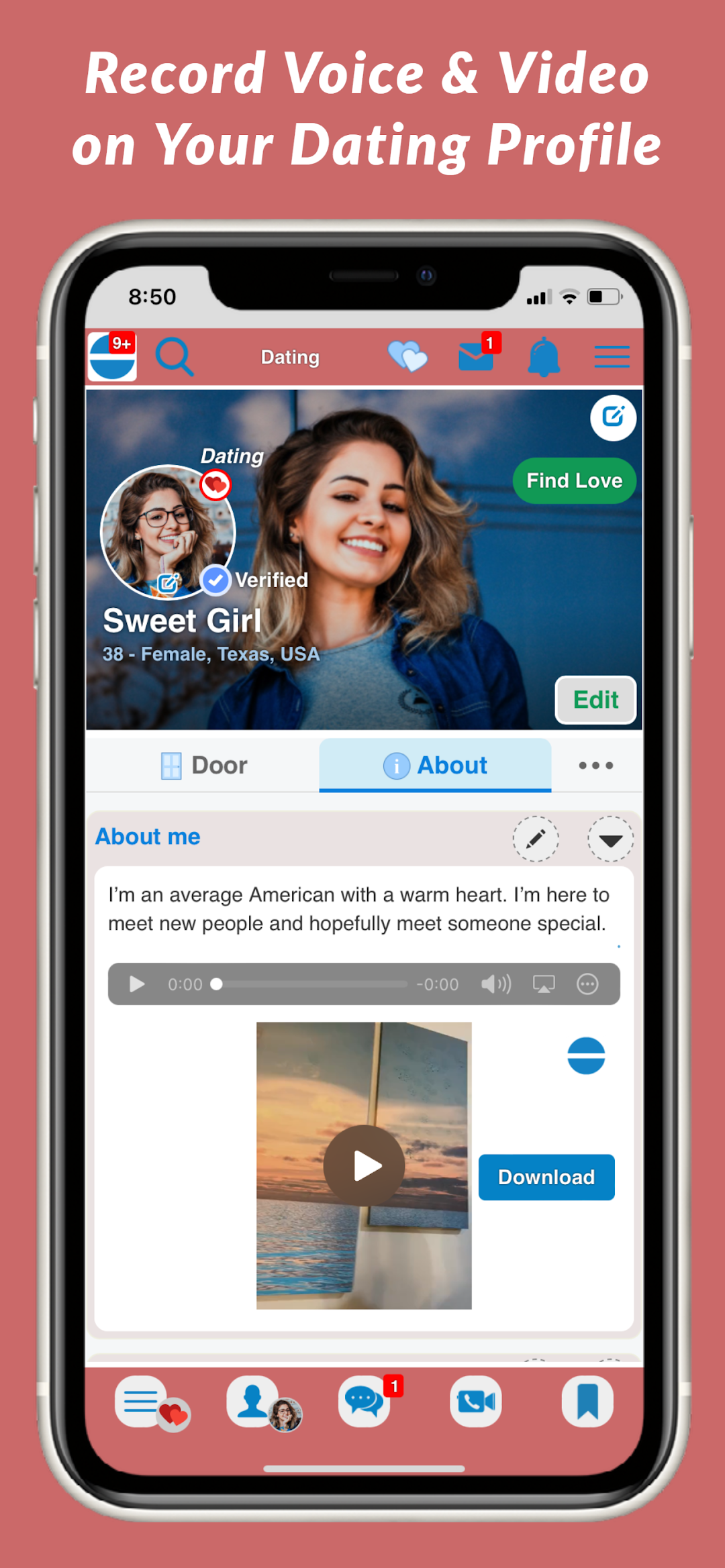
ExtentWorld Dating is a Dating application developed by ExtentWorld LLC, but with the best Android emulator-LDPlayer, you can download and play ExtentWorld Dating on your computer.
Running ExtentWorld Dating on your computer allows you to browse clearly on a large screen, and controlling the application with a mouse and keyboard is much faster than using touchscreen, all while never having to worry about device battery issues.
With multi-instance and synchronization features, you can even run multiple applications and accounts on your PC.
And file sharing makes sharing images, videos, and files incredibly easy.
Download ExtentWorld Dating and run it on your PC. Enjoy the large screen and high-definition quality on your PC!
We offer 10-Day Free Trial.ExtentWorld Dating provides you a fun and safe way to meet real singles for love. It's so easy to find love on ExtentWorld Dating. You are free to browse dating profiles and send text messages but you need a premium account to unlock all advanced features such as secure video chats and video/voice messages. You get 10-day Free Premium Account. Also, it's super affordable to have a premium account. Another easy way to gain a premium account is to tell friends about ExtentWorld.
ExtentWorld Dating prioritizes safety and privacy, so only verified members can interact with others. A blue tick is shown on verified profiles.
If you have signed up for ExtentWorld Dating and experience any technical issue, please email us at support@extentworld.com so we can help you soon.