Extreme Car Sounds Simulator is a Entertainment application developed by ABI GAMES PTE. LTD., but with the best Android emulator-LDPlayer, you can download and play Extreme Car Sounds Simulator on your computer.
Running Extreme Car Sounds Simulator on your computer allows you to browse clearly on a large screen, and controlling the application with a mouse and keyboard is much faster than using touchscreen, all while never having to worry about device battery issues.
With multi-instance and synchronization features, you can even run multiple applications and accounts on your PC.
And file sharing makes sharing images, videos, and files incredibly easy.
Download Extreme Car Sounds Simulator and run it on your PC. Enjoy the large screen and high-definition quality on your PC!
Are you a Race Car Sound Effects enthusiast? Extreme Car Sounds Simulator is the most suitable app for you. We have more than 360+ luxurious engine car sounds.If you cannot afford a luxury car, don't worry. Extreme Car Sounds Simulator is made for you!
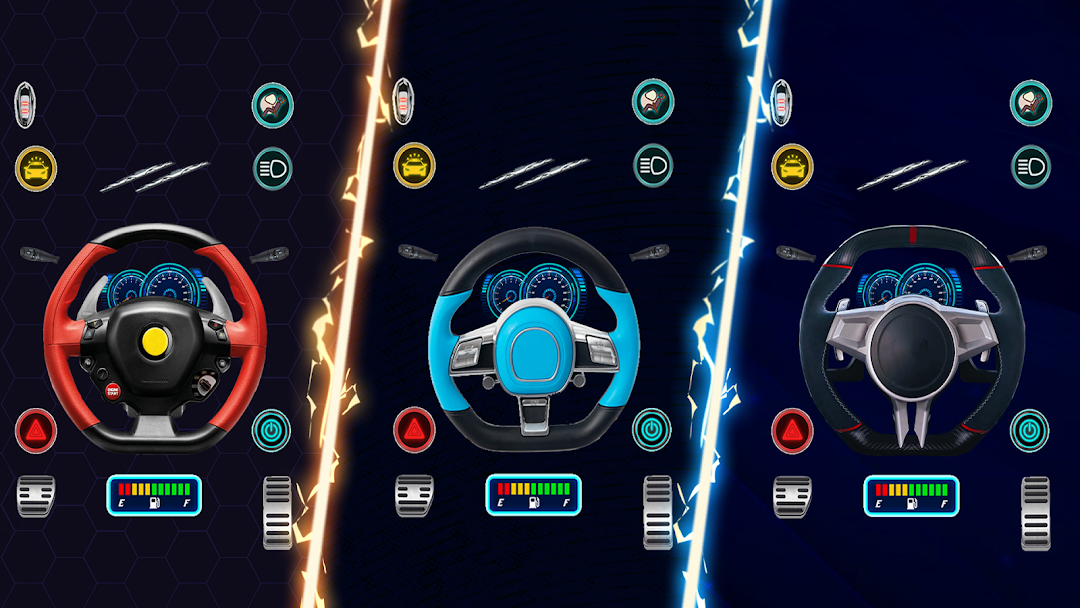
You will be given a realistic manual driving experience with the vehicle and shown how to operate all of the buttons, including the horn, turn signal indicator, airbags, gas pedal, brake pedal, emergency brake, and steering wheel... It gives you the best feeling of driving a powerful car.
❌ Don't forget to fill the tankl in order to keep the car running. ❌
Explore a collection of super cars on the phone, powerful race car sounds collection, and choose any car engine to hear the sound. Listen to the it and try to guess the car. Set as ringtone, notification or default alarm sound. So much fun for a passionate car lover, right?!
With simple tutorial, you will get to know on how to use unique and super car in the world within 5 minutes. Ever caught that chance? 🤔
Tip: You can play a sound with your friends and family - let them try to guess and identify the sounds or you can prank them when they sleep.
Download for free.
Thanks for using the app – have fun! 🔥