EZMira is a Video Players&Editors application developed by Winner Wave Limited, but with the best Android emulator-LDPlayer, you can download and play EZMira on your computer.
Running EZMira on your computer allows you to browse clearly on a large screen, and controlling the application with a mouse and keyboard is much faster than using touchscreen, all while never having to worry about device battery issues.
With multi-instance and synchronization features, you can even run multiple applications and accounts on your PC.
And file sharing makes sharing images, videos, and files incredibly easy.
Download EZMira and run it on your PC. Enjoy the large screen and high-definition quality on your PC!
EZMira is the official app that supports MiraScreen and AnyCast WiFi display receivers.It makes sharing videos and gaming content to big screens easier.
#Features:
1. One-click screen mirroring with Smart View or Miracast to watch Netflix perfectly.
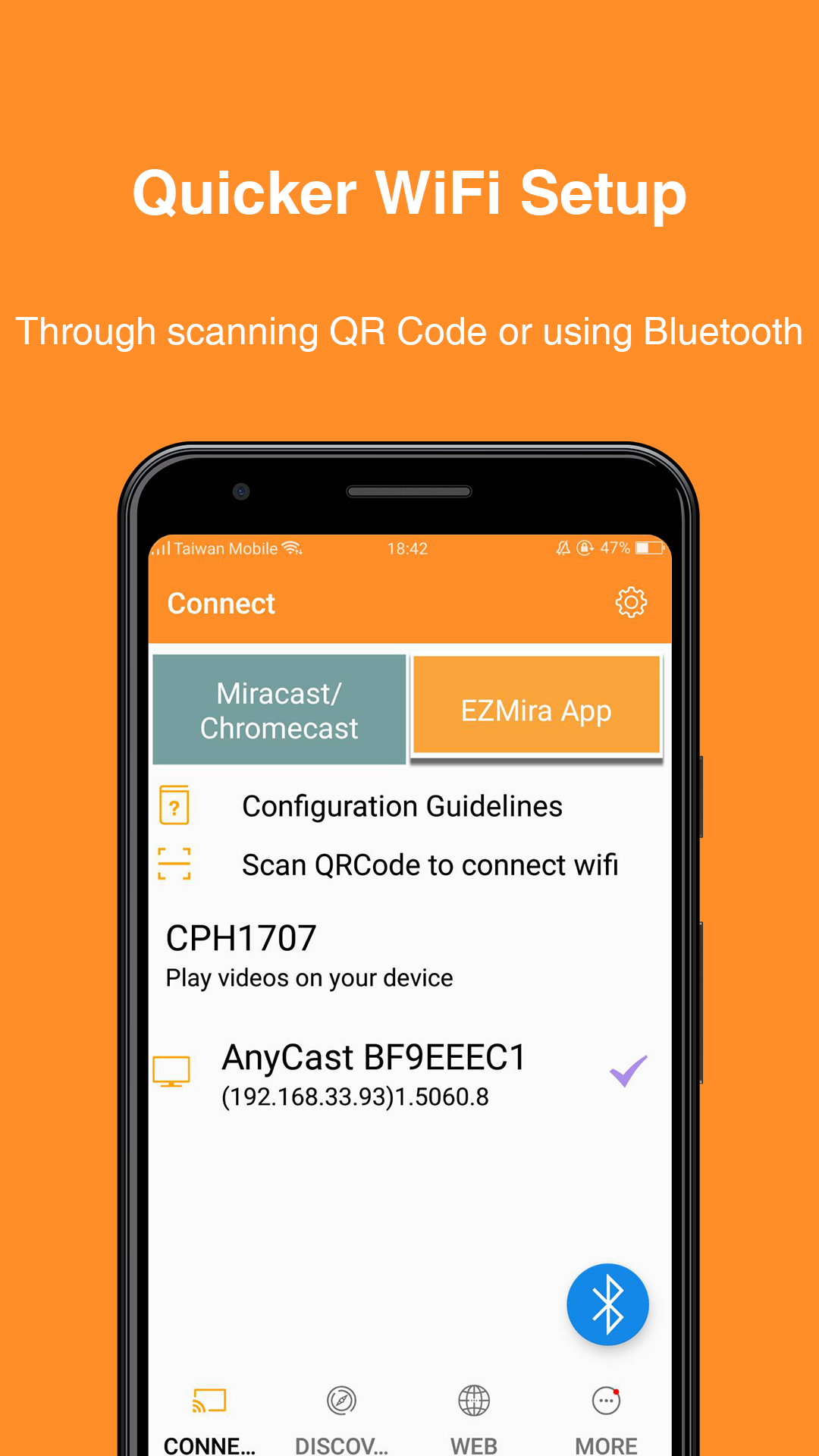
2. Supports quicker WiFi setup by scanning QRCode or using Bluetooth.
3. Supports browsing the internet on the big screen.
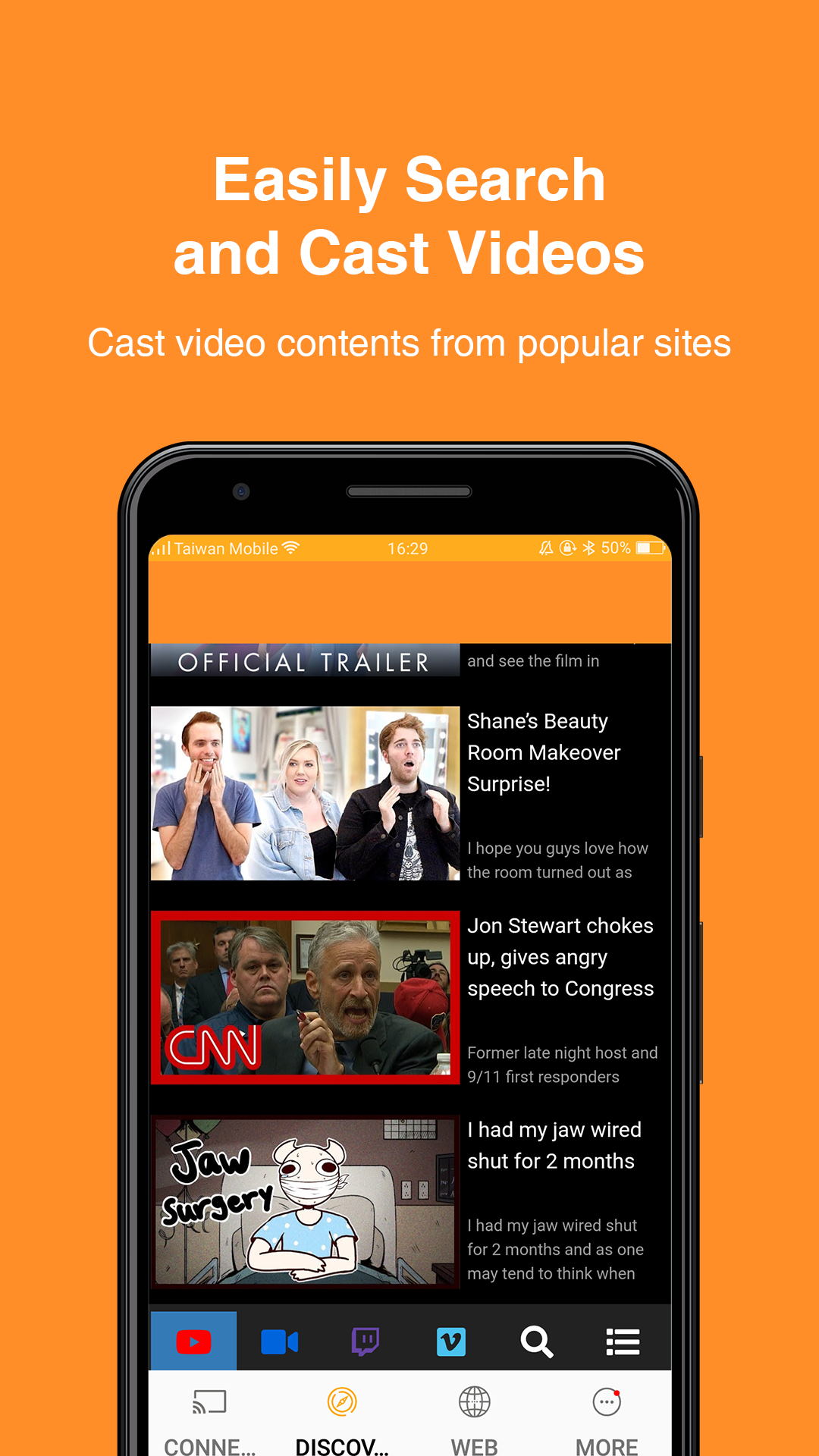
4. Easily search and cast video contents from popular sites like YouTube, Facebook, Dailymotion and Vimeo to HDTV.
5. Supports DLNA for a better video streaming experience, and let you multitask on your phone while the video plays on the big screen.
#Where to Buy Universal Display Receivers:
MiraScreen: https://mirascreen.com/
AnyCast: https://any-cast.com/
#Support:
If you have any problem with your MiraScreen products, please contact: support@mirascreen.com
If you have any problem with your AnyCast products, please contact: support@any-cast.com