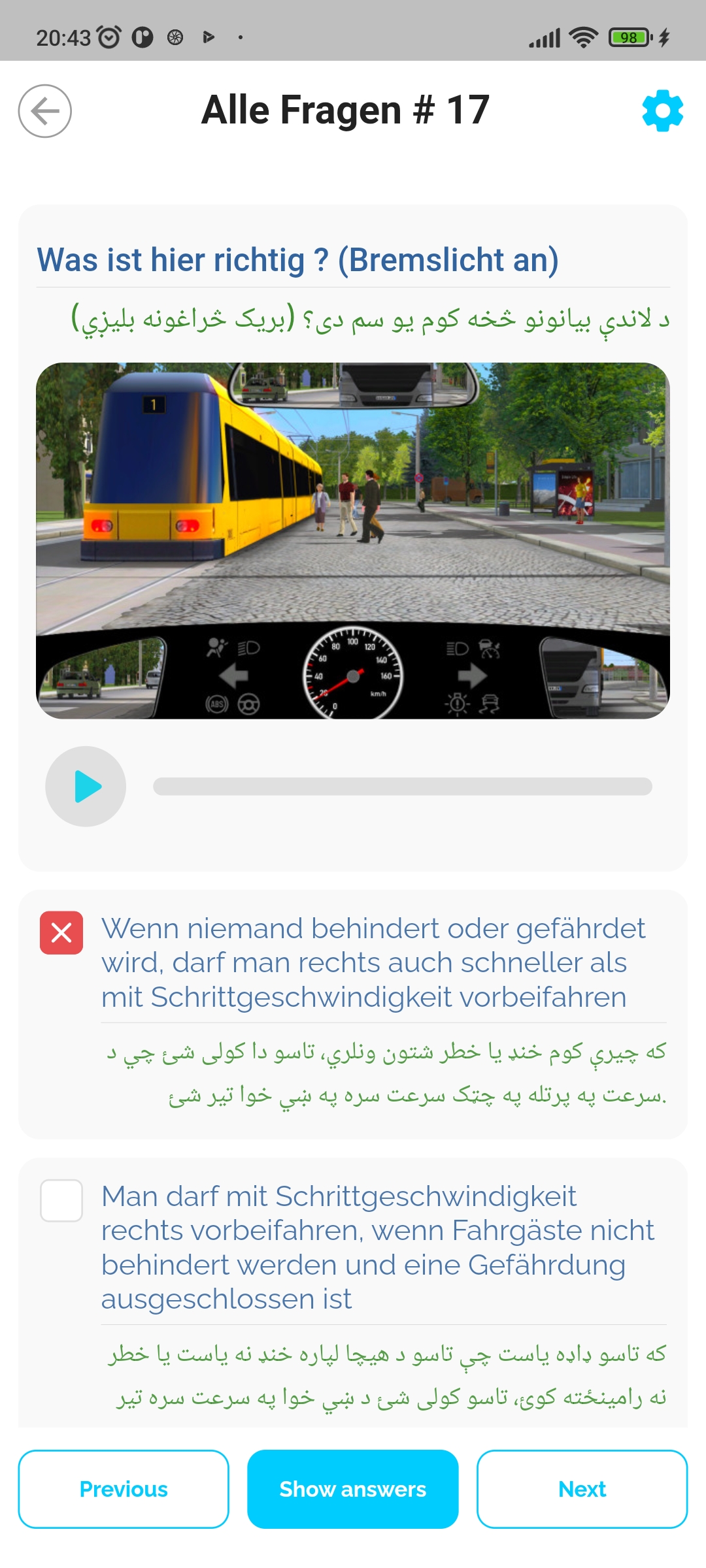
Fahren123 is a Education application developed by Fahren123, but with the best Android emulator-LDPlayer, you can download and play Fahren123 on your computer.
Running Fahren123 on your computer allows you to browse clearly on a large screen, and controlling the application with a mouse and keyboard is much faster than using touchscreen, all while never having to worry about device battery issues.
With multi-instance and synchronization features, you can even run multiple applications and accounts on your PC.
And file sharing makes sharing images, videos, and files incredibly easy.
Download Fahren123 and run it on your PC. Enjoy the large screen and high-definition quality on your PC!
Warum sollten Sie die Fahren123 App wählen?Leicht und verständlich in ihrer Muttersprache
Lernen der offiziellen Führerschein Fragen
Durch Audios und Videos einfach besser zu verstehen
Flexibles Lernen überall
Die App bietet Ihnen die Möglichkeit, die Theorie in 21 Tagen zu lernen.
Die App ist in folgenden Sprachen verfügbar:
Persisch
Paschtu
Arabisch
Bengali
Englisch
Deutsch
Wir wünschen Ihnen viel Erfolg bei Ihrer Führerscheintheorievorbereitung.
Mit freundlichen grüßen
Fahren123 (Führerschein App)