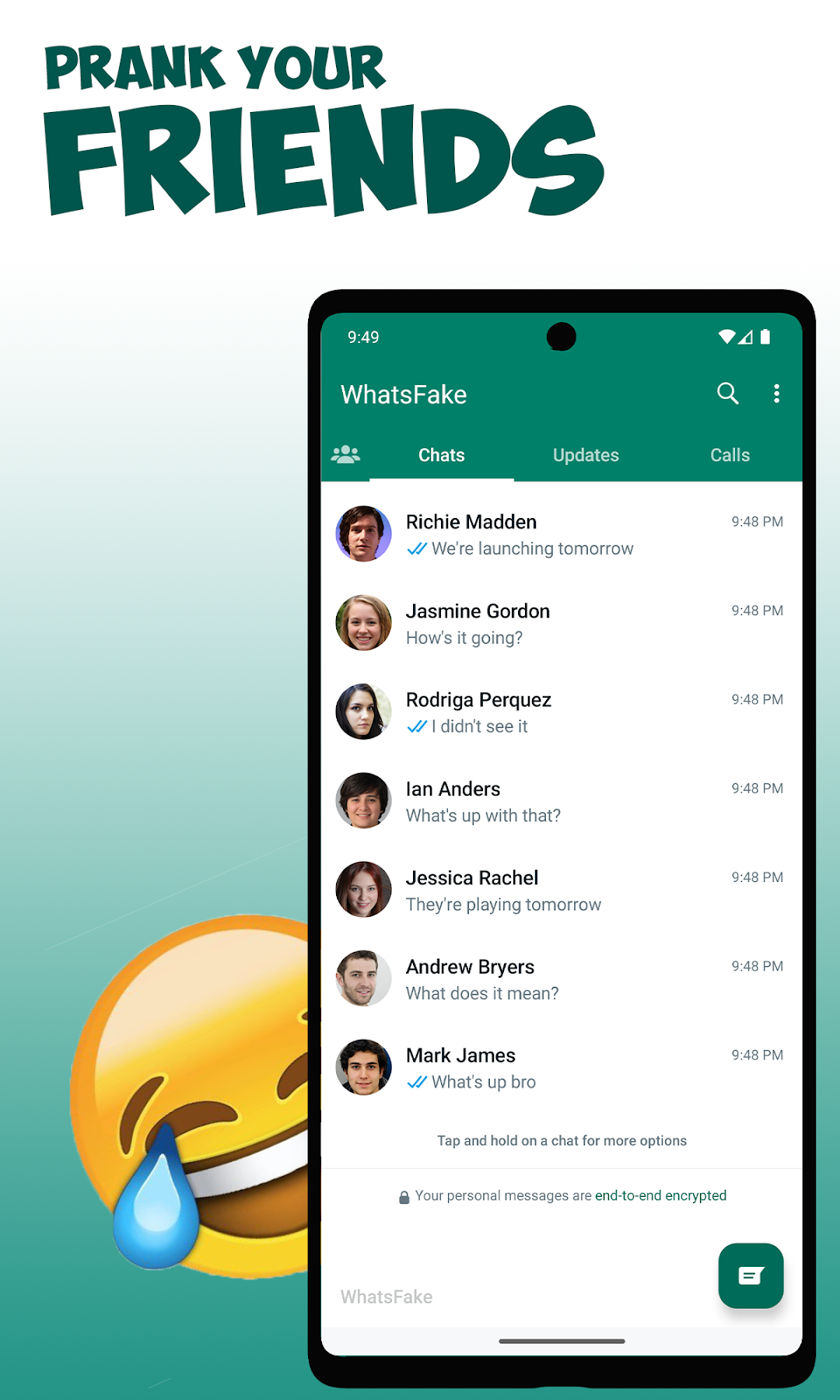
Fake Chat WhatsFake Prank Chat is a Entertainment application developed by Fresh Kiwi, but with the best Android emulator-LDPlayer, you can download and play Fake Chat WhatsFake Prank Chat on your computer.
Running Fake Chat WhatsFake Prank Chat on your computer allows you to browse clearly on a large screen, and controlling the application with a mouse and keyboard is much faster than using touchscreen, all while never having to worry about device battery issues.
With multi-instance and synchronization features, you can even run multiple applications and accounts on your PC.
And file sharing makes sharing images, videos, and files incredibly easy.
Download Fake Chat WhatsFake Prank Chat and run it on your PC. Enjoy the large screen and high-definition quality on your PC!
Easily prank your friends with this Fake Chat Conversation app - WhatsFake! Minimal effort required! Realistic mocks of chats, easily share any message with your friends and family!Use cases:
· Mock chats to share for promotional purposes
· Amuse yourself by having fictional chats with whoever you like!
· Or just prank your friends!
Please make sure not to deceive anyone using this app. USE RESPONSIBLY!
Features:
· Groups with multiple members
· Fake Video/Audio calls
· Control both sides of the conversation
· Dark mode
· Easily control both sides of the conversation
DISCLAIMER: THIS APP IS INTENDET FOR ENTERTAINMENT PURPOSES ONLY, WE ARE NOT AFFILIATED WITH ANY OTHER MESSAGING APP IN ANY WAY. THIS IS NOT A REAL MESSAGING APP!