Fake GPS Location: Joystick an is a Tools application developed by dgsmartstudio, but with the best Android emulator-LDPlayer, you can download and play Fake GPS Location: Joystick an on your computer.
Running Fake GPS Location: Joystick an on your computer allows you to browse clearly on a large screen, and controlling the application with a mouse and keyboard is much faster than using touchscreen, all while never having to worry about device battery issues.
With multi-instance and synchronization features, you can even run multiple applications and accounts on your PC.
And file sharing makes sharing images, videos, and files incredibly easy.
Download Fake GPS Location: Joystick an and run it on your PC. Enjoy the large screen and high-definition quality on your PC!
Fake gps location helps you mocking the geo restriction of your dating apps, as easy as changing your location and you will find new friends on any location-based social network.Installation:
For previous versions Lollipop (5.1) needs to move system app (required root access only for that action can be removed later).
Features:
- Change GPS location to the selected location
- Allows users to change location immediately with Joystick
- Enter latitude/longitude directly from the joystick
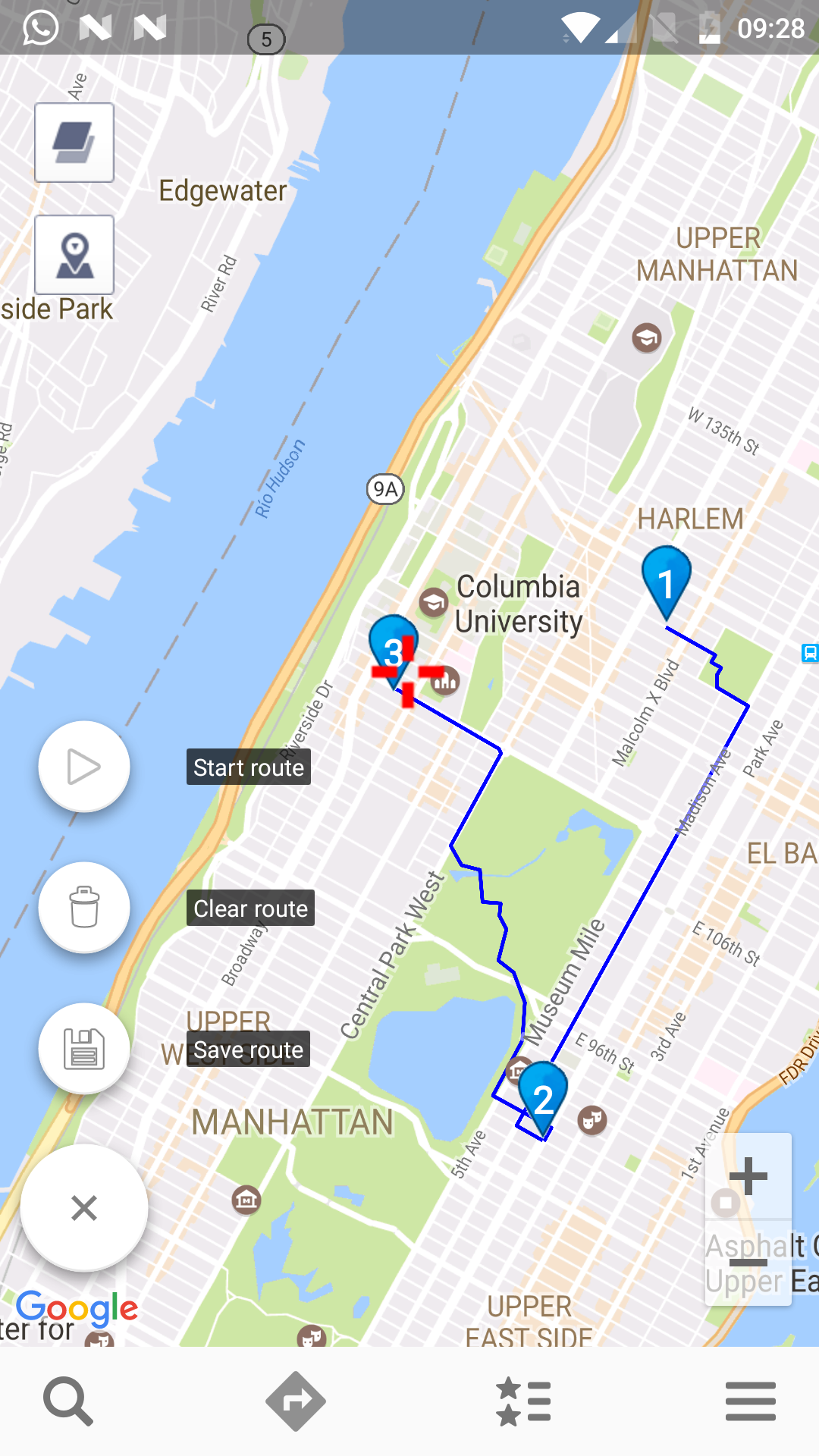
- Set points on the map to create route and to walk automatically
- For ROOTED devices you can mock locations without enabling "Allow mock locations" option. Please move app to /system/priv-app
Developer Mode:
Developer mode being activated
1. Settings - About phone - Software - Build number (7 clicks).
2. Settings - Developer Options - or mock locations Allow mock locations apps selection