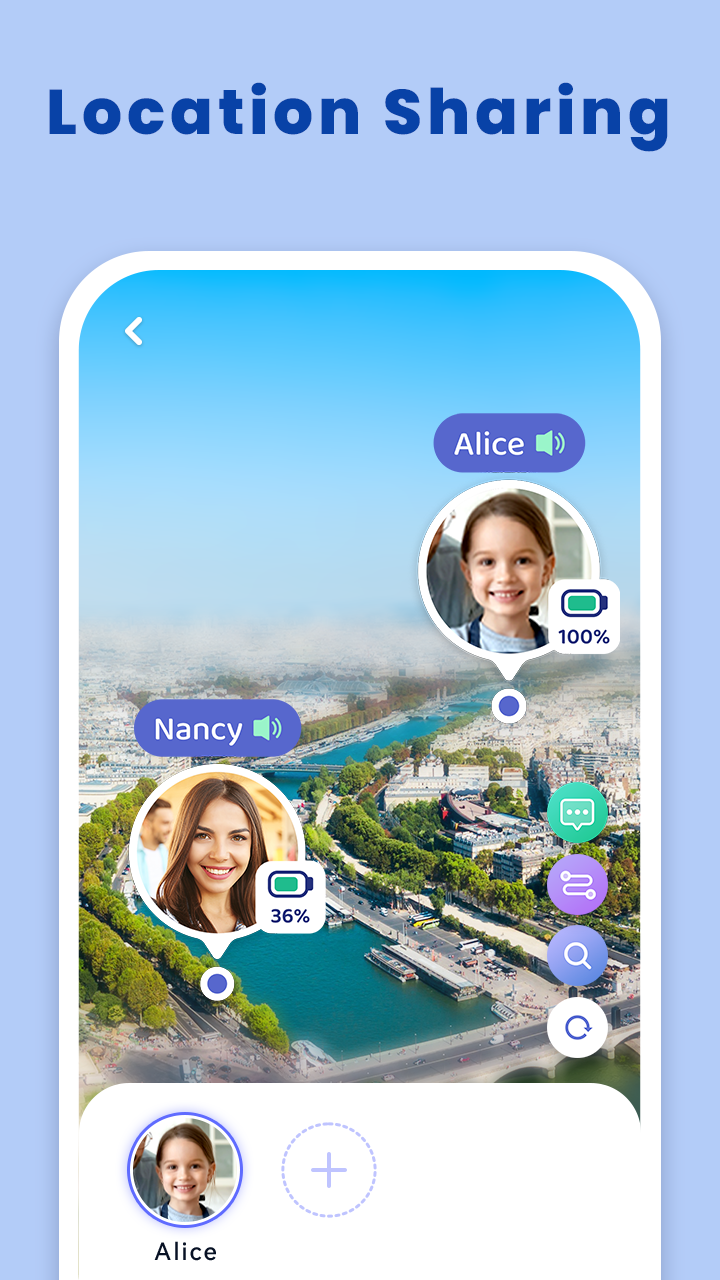
Family Tracker by Phone Number is a Parenting application developed by SoulApps Studio, but with the best Android emulator-LDPlayer, you can download and play Family Tracker by Phone Number on your computer.
Running Family Tracker by Phone Number on your computer allows you to browse clearly on a large screen, and controlling the application with a mouse and keyboard is much faster than using touchscreen, all while never having to worry about device battery issues.
With multi-instance and synchronization features, you can even run multiple applications and accounts on your PC.
And file sharing makes sharing images, videos, and files incredibly easy.
Download Family Tracker by Phone Number and run it on your PC. Enjoy the large screen and high-definition quality on your PC!
Isn't it true that we worry for our kids and want to know where they are? But we can't always be around them. In a situation like this, a safe and free family locator app could come in handy. So why not try this Family locator - GPS phone tracker app: FindU to find my kids through numbers?By using this free GPS Tracker for kids, you can easily track your kids' location and share phone location, enhancing love & security among your family members.
Family Locator - GPS location tracker app: FindU, easy to find my kids
🔎Phone Tracker by number free, know where they are all the time
📍Find my phone on the maps, and find the shortest route
👫Share real-time location to stay in touch
👪Ensure the safety of your kids with family locator app
🆘Respond to SOS signal rapidly when someone gets into trouble
🕛App usage: Find out how much time your kids spend using apps on their phones. Parental control has never been this easy
All you can do with the Family Locator App - free family location tracker App:
🧐Track kid’s mobile number location for free.
🧭Find kid location on the maps and track their real-time phone location.
🏃Find my kids, find my phone with the shortest route planned by the family locator app.
👨👩👧👦Family link add up to 4 people at a time, create your private groups
Three easy steps to start Family Locator - GPS Tracker for kids
✔️ Open the family locator, the location tracker app
✔️ Allow location permissions (Don worry, the phone tracker app won't collect or share your personal information)
✔️ Get or receive invitation code to create a family link
⭐If you are the host (Parents)
- Family tracker app will give you a code for the family link
- Enter the code on the mobile phone you want to track
- Click Find the Phone on the family locator app, let the location tracker app work on the background
⭐If you are the invited member (kids)
- Receive a code from your parents
- Enter the code on your mobile phone
- Life360 locator finder is ready to guard you!
Cautions:
- Please note, FindU: Phone Tracker by Number free can only be used to track kids’ location. Do not use it to track spouse or others even with their consent
- Make sure Internet is connected when using Family Locator App, also phone tracker by number, mobile number tracker. If the Internet signal is weak, family tracker app can't track location accurately.
- Before use this phone tracker app, please open Google Maps. Family tracker provides tracking service and display the movements on Google maps.
- If one of you close family locator app, GPS location & phone location can't be found. If you want to safeguard your kids and know where they are, you should tell them family GPS tracker is used for their life security and they should keep family tracker running background.