FF Skin Tool - Skin Max FF is a Entertainment application developed by KofflanCanta, but with the best Android emulator-LDPlayer, you can download and play FF Skin Tool - Skin Max FF on your computer.
Running FF Skin Tool - Skin Max FF on your computer allows you to browse clearly on a large screen, and controlling the application with a mouse and keyboard is much faster than using touchscreen, all while never having to worry about device battery issues.
With multi-instance and synchronization features, you can even run multiple applications and accounts on your PC.
And file sharing makes sharing images, videos, and files incredibly easy.
Download FF Skin Tool - Skin Max FF and run it on your PC. Enjoy the large screen and high-definition quality on your PC!
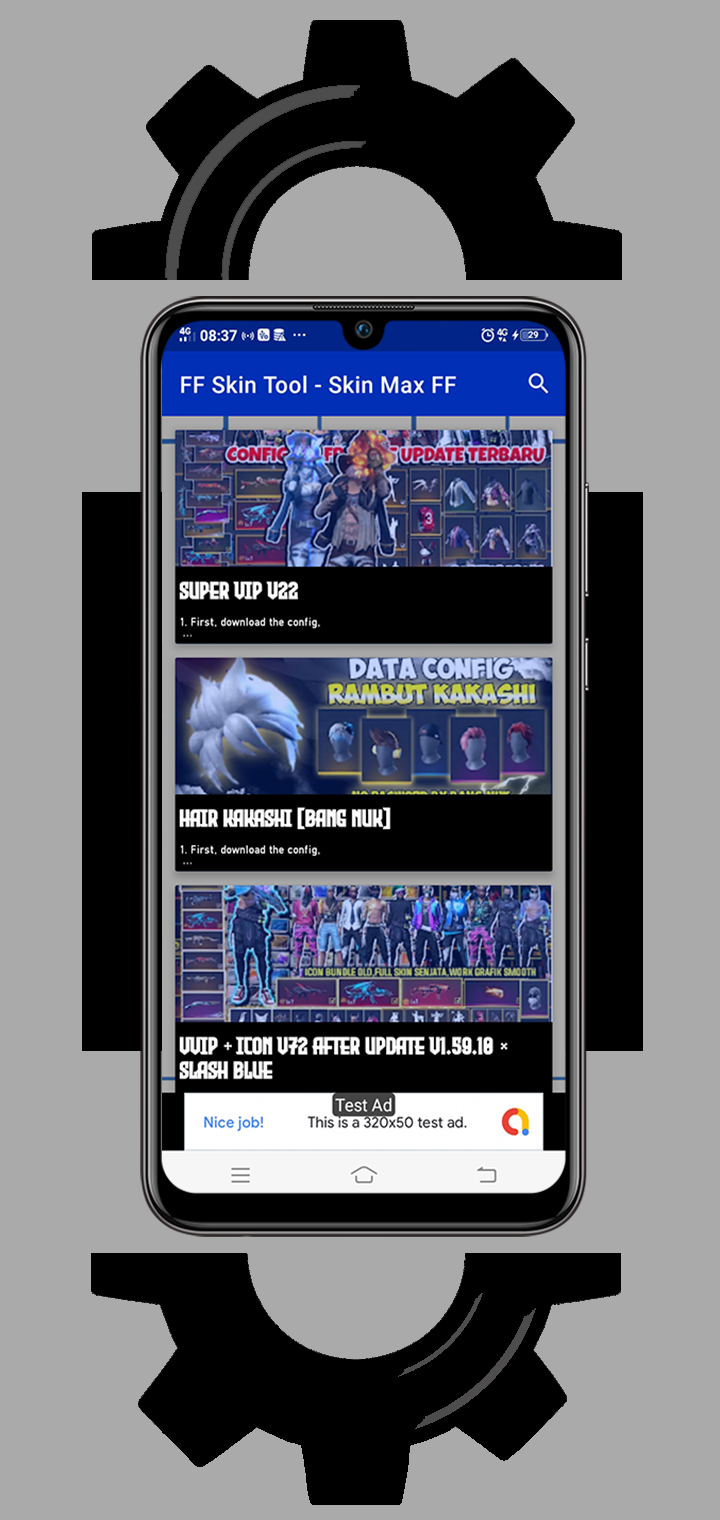
FF Skin Tool - Skin Max FFThis pro skin tools is an application that contains various kinds of skin tones such as ff skin config, emotes and weapons that are very complete and become a unit that you can use and choose at any time in this pro tool.
These pro tools are only focused on skins from config that you can download and without affecting your gameplay, no bugs, and one hundred percent works very well.
Bundles added in this pro tool include the following like:
✔️ Super VIP Skins
✔️ Hair config
✔️ VVIP skins
✔️ Config Icon
✔️ Emotes config
✔️ Bag Config
Several other configs from full skins to emote configs etc. will all be collected and added to this skin tool. With game tools like this, it will be very easy for those of you who want to change your game skin with the latest skin that we will add every update.
DISCLAIMER: NOT AN OFFICIAL FREE GARENA FIRE PRODUCT. NOT APPROVED BY OR RELATED TO GARENA. All rights reserved. In accordance with the provisions of Garena free fire.
Use these free tools properly, be a wise player knowing that this is just an UNOFFICIAL SKIN MOD.