FF4X RIGIDIT - Tool Headshot is a Tools application developed by AppsFFWS, but with the best Android emulator-LDPlayer, you can download and play FF4X RIGIDIT - Tool Headshot on your computer.
Running FF4X RIGIDIT - Tool Headshot on your computer allows you to browse clearly on a large screen, and controlling the application with a mouse and keyboard is much faster than using touchscreen, all while never having to worry about device battery issues.
With multi-instance and synchronization features, you can even run multiple applications and accounts on your PC.
And file sharing makes sharing images, videos, and files incredibly easy.
Download FF4X RIGIDIT - Tool Headshot and run it on your PC. Enjoy the large screen and high-definition quality on your PC!
FF4X RIGIDIT - Tool Headshot is your ultimate solution for optimizing gaming sensitivity settings and achieving professional-level performance. Customize your device and unlock the secrets used by top gamers for headshot accuracy.📌Main Features:
✅ Change Phone Settings Sensitivity:
You can adjust how sensitive your phone is for gaming. Choose your phone model and use the best settings sensitivity to get better headshots. FF4X RIGIDIT - Tool Headshot helps you make the most of your phone.
✅ Settings Sensitivity Top Players in-game FF:
See the sensitivity of the setting used by famous gamers like White444 and RuokFF. FF4X RIGIDIT - Tool Headshot shows you what the best players use, so you can play like them.
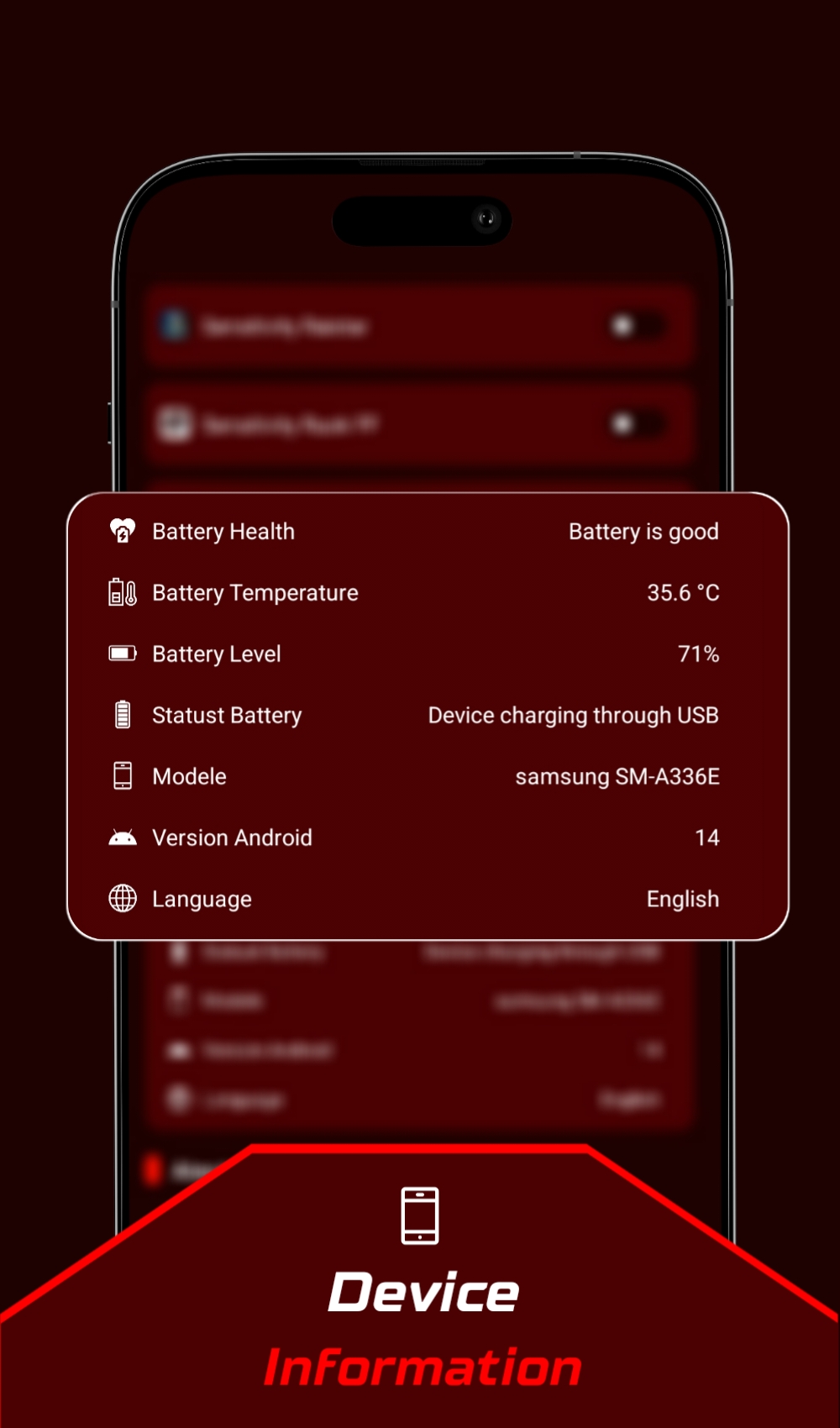
✅ Device Info:
Get details about your phone, like battery temperature and model info. FF4X RIGIDIT - Tool Headshot gives you everything you need to make your gaming better.
✅ Crosshair Feature:
Improve your aim with the crosshair tool. FF4X RIGIDIT - Tool Headshot helps you aim better and shoot more accurately.
app is made to give you accuracy, customization, and tips from the pros. Whether you play games for fun or seriously, our app will help you get more headshots. Download FF4X RIGIDIT - Tool Headshot now and make your gaming better!
With App, you join a group of gamers who want to be the best. Make your game better with the app and win more with better aiming in-game ff.
📌• Disclaimer:
This app is an unofficial tool for specific games. This app is not affiliated with or endorsed by any other brands and developers.
If you believe that we have violated your intellectual property rights or any other agreement, please contact us by email at. Mostafa.mounadijebelmbibi@gmail.com, and we will take appropriate action immediately.