FFendow Diamonds MAX Tool is a Tools application developed by Super Apps Tormenta, but with the best Android emulator-LDPlayer, you can download and play FFendow Diamonds MAX Tool on your computer.
Running FFendow Diamonds MAX Tool on your computer allows you to browse clearly on a large screen, and controlling the application with a mouse and keyboard is much faster than using touchscreen, all while never having to worry about device battery issues.
With multi-instance and synchronization features, you can even run multiple applications and accounts on your PC.
And file sharing makes sharing images, videos, and files incredibly easy.
Download FFendow Diamonds MAX Tool and run it on your PC. Enjoy the large screen and high-definition quality on your PC!
Start generating unlimited free diamond conversions with FFendow and become an advanced player in the battleground in no time.In FFendow you will find:
*Unlimited free diamond converter
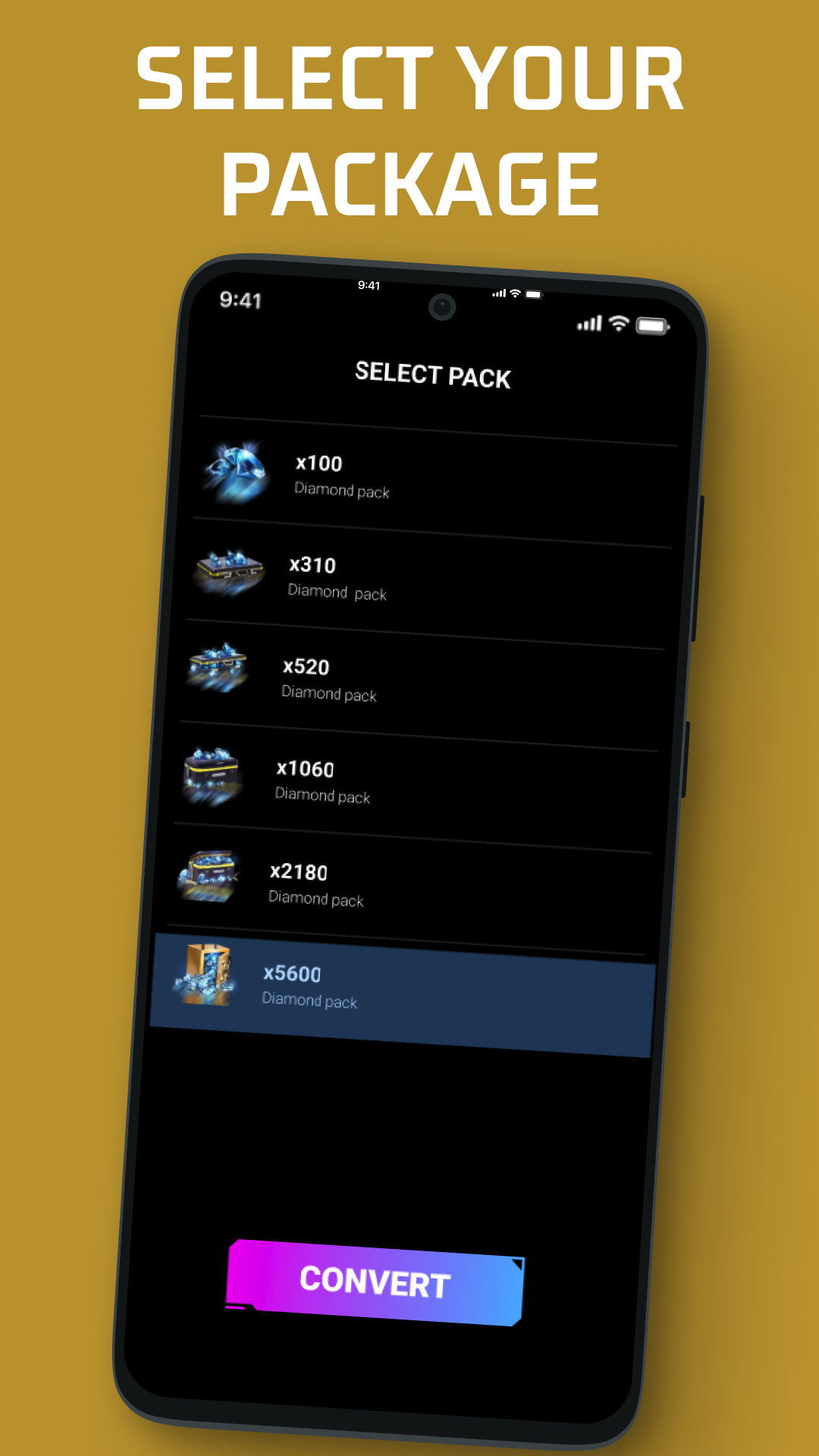
*Access to all conversion packs of diamonds
*Access to different currencies
*History of all diamonds conversions made
*Conversion results in seconds
Normally, diamonds are the most precious and scarce type of currency in the battle royal. Knowing how to invest diamonds well is a necessary skill to become a master, FFendow is a free diamonds tool that will help you make smarter investments. But for be an advanced, you certainly need a large volume of diamonds to spend equipping your character and buying accessories.
Calculating and making more effective investments involves getting more diamonds at a lower price. In this way, you will have extra diamonds to exchange for other items that will help you become an advanced investor.
** Types of unlimited diamond free converters
You will find two types of converters in FFendow to cover all your calculation needs.
-Unlimited free diamonds converter to money
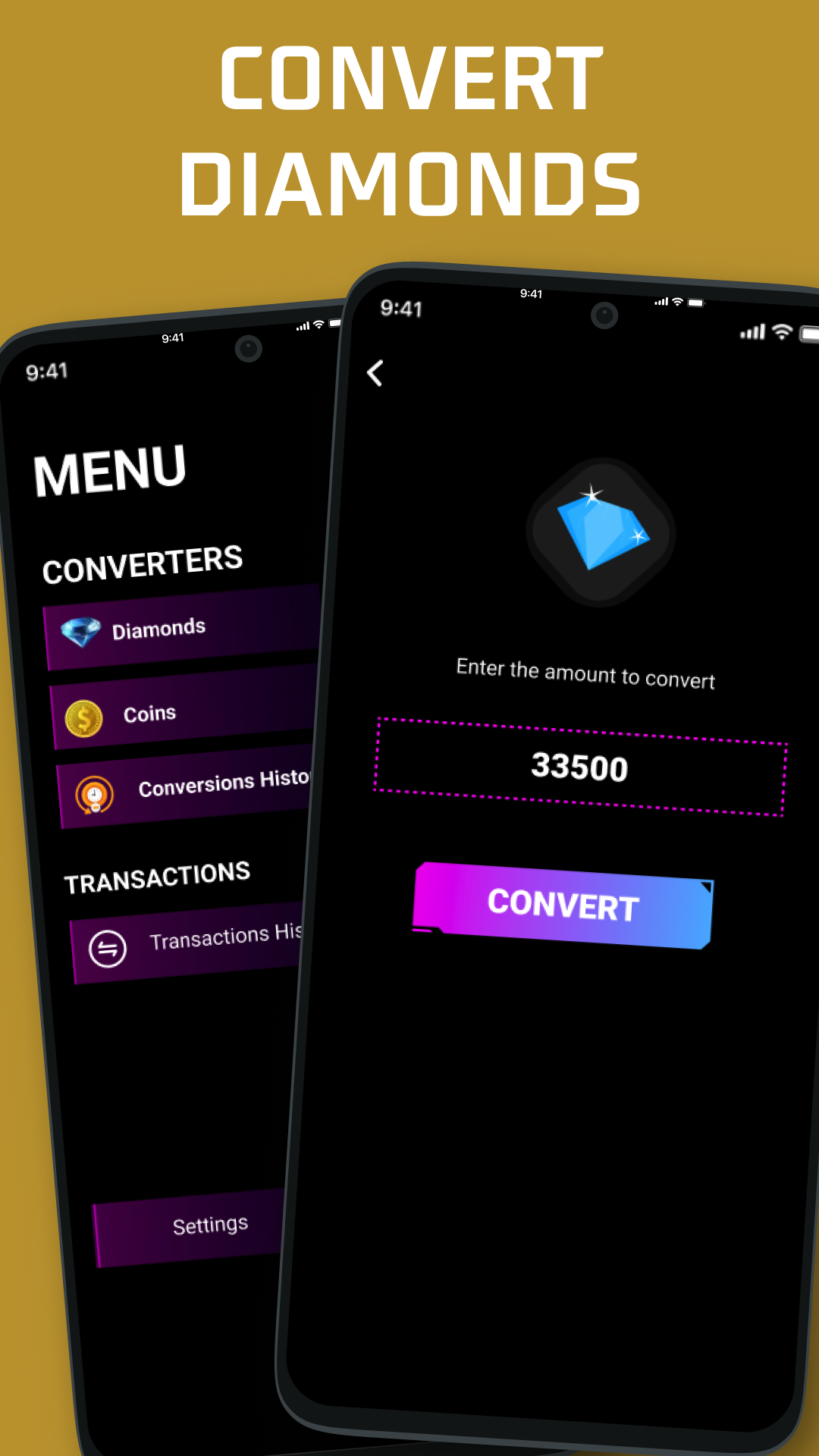
Surely this is the converter that you will use the most. Through this calculator tool you can convert a specific volume of diamonds you want to one of the available currencies.
To perform calculations and conversions, you only have to enter the number of diamonds you want to convert. Select a pack of diamonds and the currency in which to covert it. In just seconds you can see the result of the calculations.
-Unlimited free converter money to diamonds
This free tool converter will help you to better distribute your budget in diamonds. First of all, you must indicate the budget you have available to invest in diamonds. Then you must select the currency in which you want to make the coversion and the diamond pack. You will get the result in just seconds and you will be able to analyze how many diamonds you would get with your budget and plan which items to change them.
** Diamond income and expenses
FFendow, in addition to having calculation, also puts at your disposal a greater control of your diamonds.
Enter sum of diamonds if you have made a purchase or a new expense has been spent on something item.
** Keep control over the categories you have invested the most in
In each expense In diamonds, you can assign a category for that expense. Therefore, you will be able to clearly see in which categories you are spending more diamonds and which less. This information will allow you to control if your investments are balanced or unbalanced.
** Summaries and graphs
In the main screen of FFendow unlimited diamonds free calculator you will be able to see the graphs with the main and most important statistics of your investments. In a single glance you can have control of your expenses in diamonds.