File Transfer: FileSharing App is a Tools application developed by Noxxeus Apps, but with the best Android emulator-LDPlayer, you can download and play File Transfer: FileSharing App on your computer.
Running File Transfer: FileSharing App on your computer allows you to browse clearly on a large screen, and controlling the application with a mouse and keyboard is much faster than using touchscreen, all while never having to worry about device battery issues.
With multi-instance and synchronization features, you can even run multiple applications and accounts on your PC.
And file sharing makes sharing images, videos, and files incredibly easy.
Download File Transfer: FileSharing App and run it on your PC. Enjoy the large screen and high-definition quality on your PC!
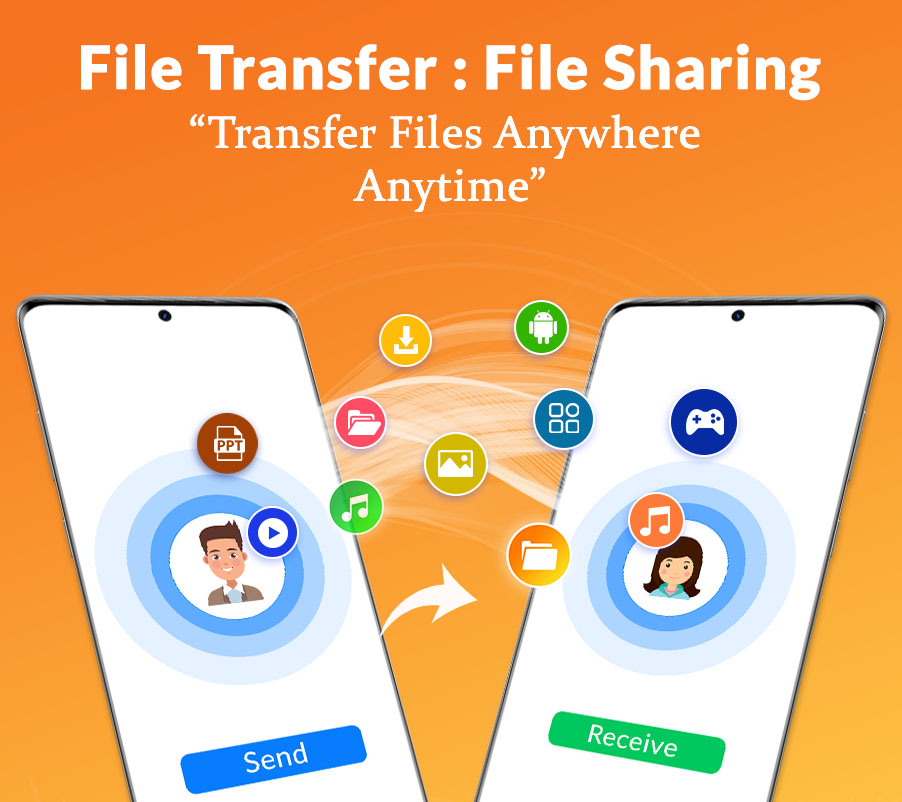
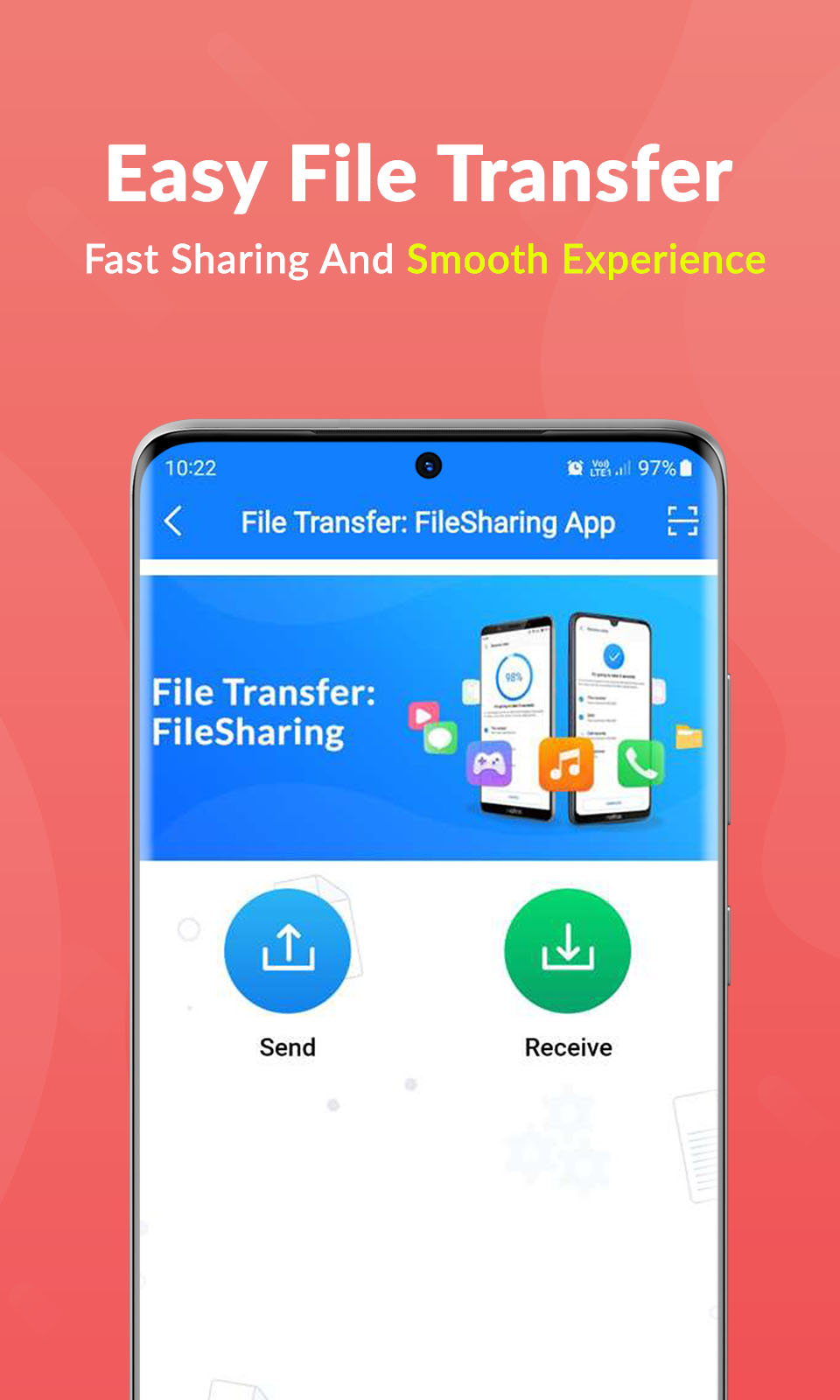
File Transfer and File Sender, the perfect solution for all your transfer needs. With just a few simple steps, you can connect and transfer videos, photos, music, apps, e-books, PDF documents, and more at lightning speed to another device.File Sender is a fast and efficient file sharing app that allows you to share files, apps, videos, and more without the need for an internet connection. This app aims to help users become familiar with the transfer process.
Now is the time to discover the best and most commonly used file sharing app, File Transfer & File Sharing. This application offers a free and enjoyable experience, providing guidance on how to use it effectively.
By using this app, you can connect two or more smartphones and easily share photos, applications, and other media.
Why choose File Transfer and File Sender as the best alternative to Shareit & Xender?
- Instantly share large files
- Receive files in any format
- Superior alternative to Shareit and Jio Switch
- No mobile data usage required
- Lightning-fast transfer speed
How does it work?
Step 1:Select the app you wish to share using File Transfer and Sender.
Step 2:Choose the files you want to share in the File Sender App.
Step 3:Scan the QR code.
Step 4:Click "Send."
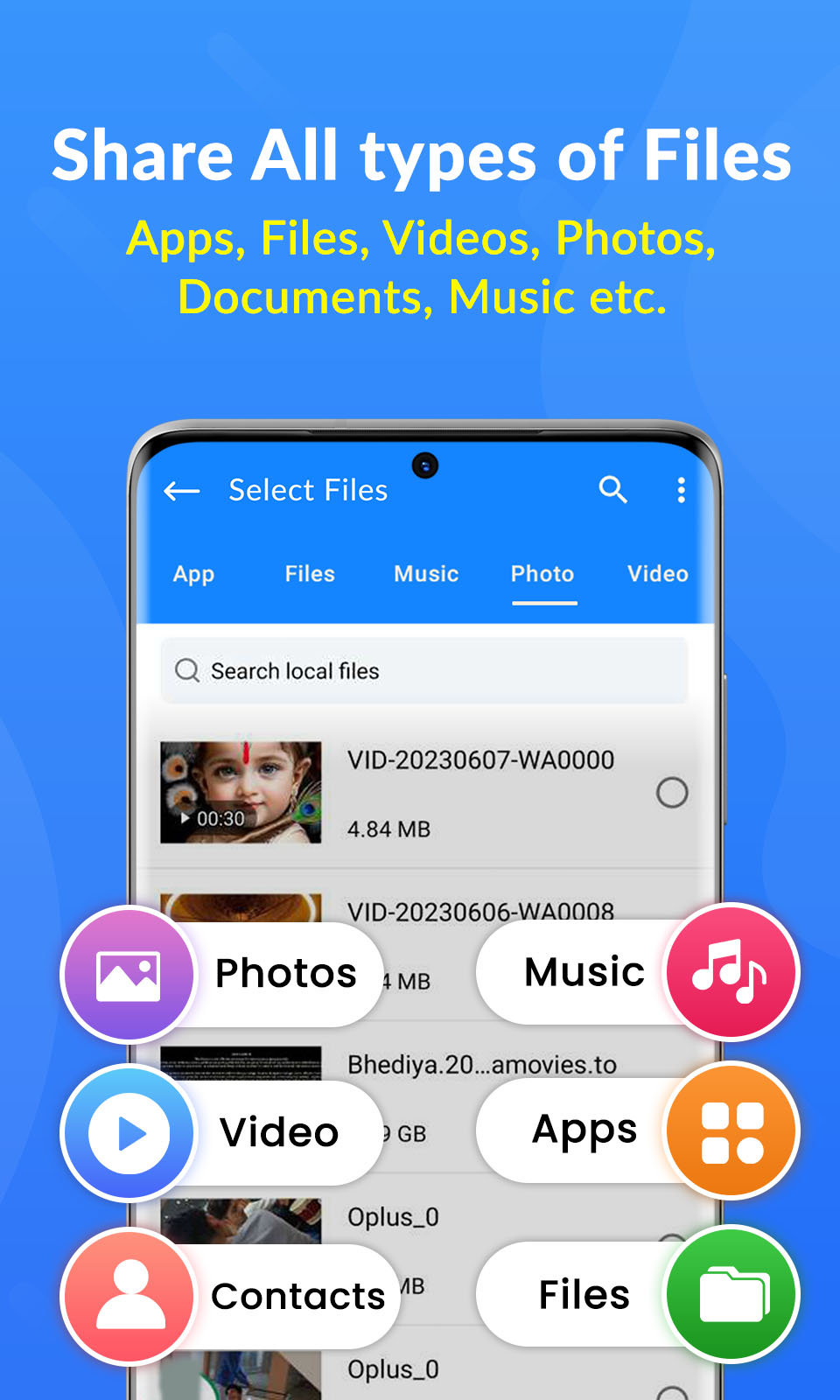
Support for a wide range of file types
- Share apps, photos, videos, music, e-books, office documents, and more.
- No file size limits, upload as much as you want.
- Transfer multiple files at once, including folder transfers using File Sender.
If you encounter any issues, please don't hesitate to contact us.
DISCLAIMER:
All trademarks and copyrights mentioned belong to their respective owners.