FileBin ,Photos Video Recovery is a Tools application developed by Benzo Do, but with the best Android emulator-LDPlayer, you can download and play FileBin ,Photos Video Recovery on your computer.
Running FileBin ,Photos Video Recovery on your computer allows you to browse clearly on a large screen, and controlling the application with a mouse and keyboard is much faster than using touchscreen, all while never having to worry about device battery issues.
With multi-instance and synchronization features, you can even run multiple applications and accounts on your PC.
And file sharing makes sharing images, videos, and files incredibly easy.
Download FileBin ,Photos Video Recovery and run it on your PC. Enjoy the large screen and high-definition quality on your PC!
Using FileBin now you can recover deleted videos, restore photos, undelete recently deleted apps, and other files.FileBin Features:
-Effortlessly backup your Android apps, media files & more.
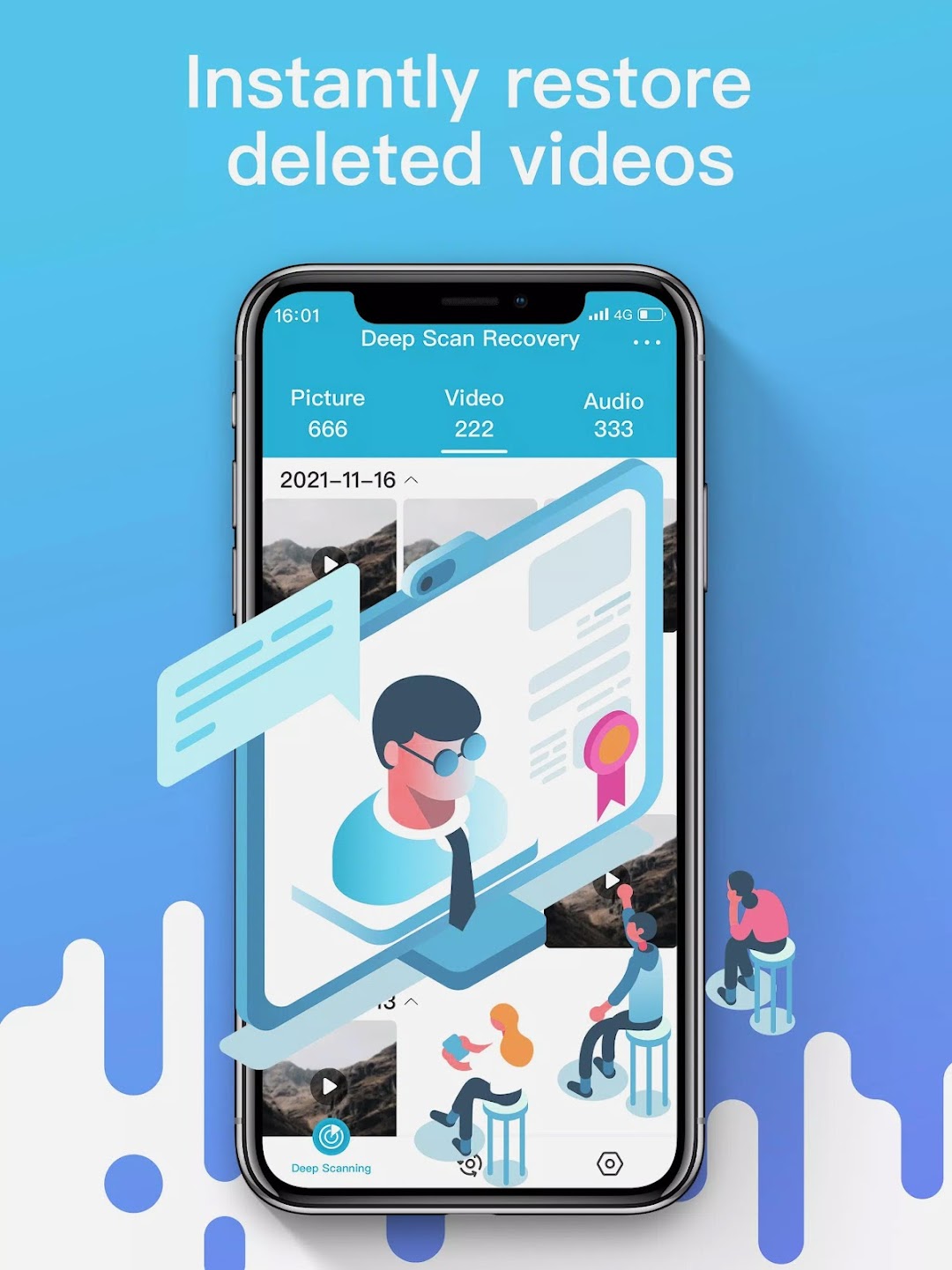
-Instantly retrieve important files, recently deleted apps, photos, and videos.
-Deleted photo recovery tool - photo recovery with ease!
-Deleted video recovery, restored photos, or undelete any media.
-No need to root your device.
Backup & file recovery
FileBin works precisely like a recycle bin for your phone! Once you've downloaded the app, it'll automatically backup your recently deleted data without root privileges, allowing you to undelete files, restore photos, and recover deleted videos.
Instantly restore deleted apps
FileBin turns app restore into a breeze. Deleted apps and photo recovery are instantaneous and straightforward — enter your recycle bin, click on the app you wish to restore, and voila - it will instantly reappear on your device.
The freedom to make mistakes
Once you install FileBin, you receive a smart tool, which will help protect your valuable files, backup and restore photos, recover recently deleted videos or any other data!