Fisherman And His Wife English
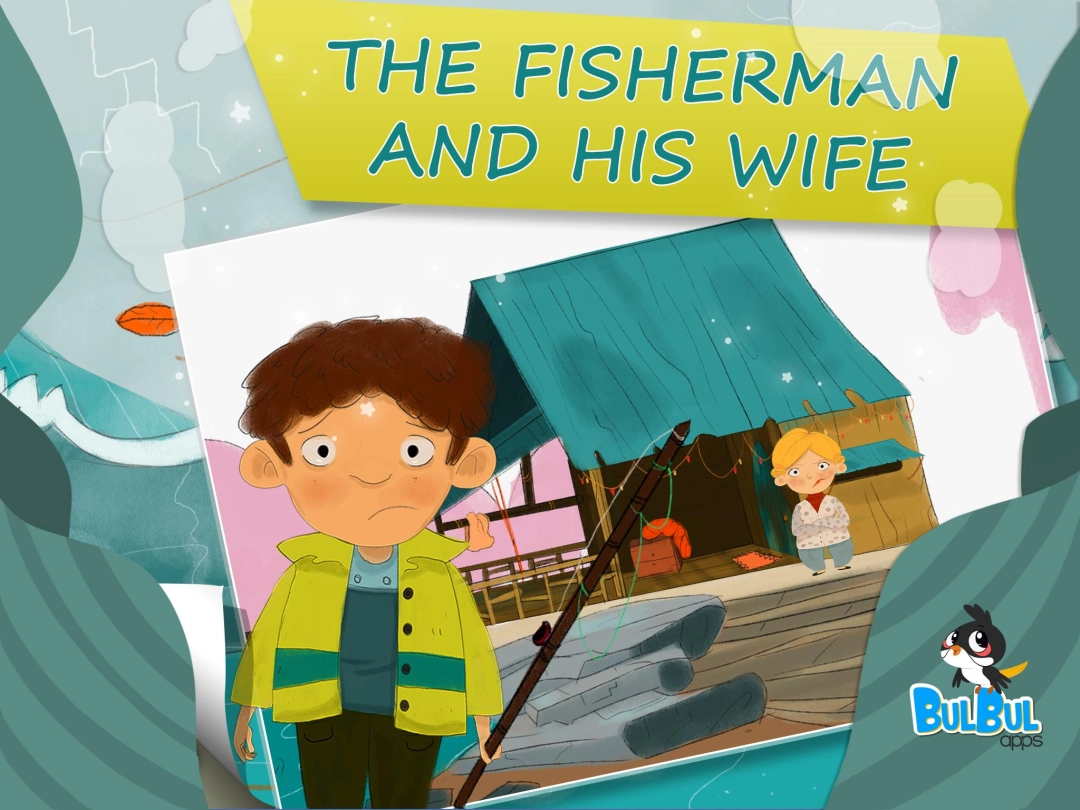
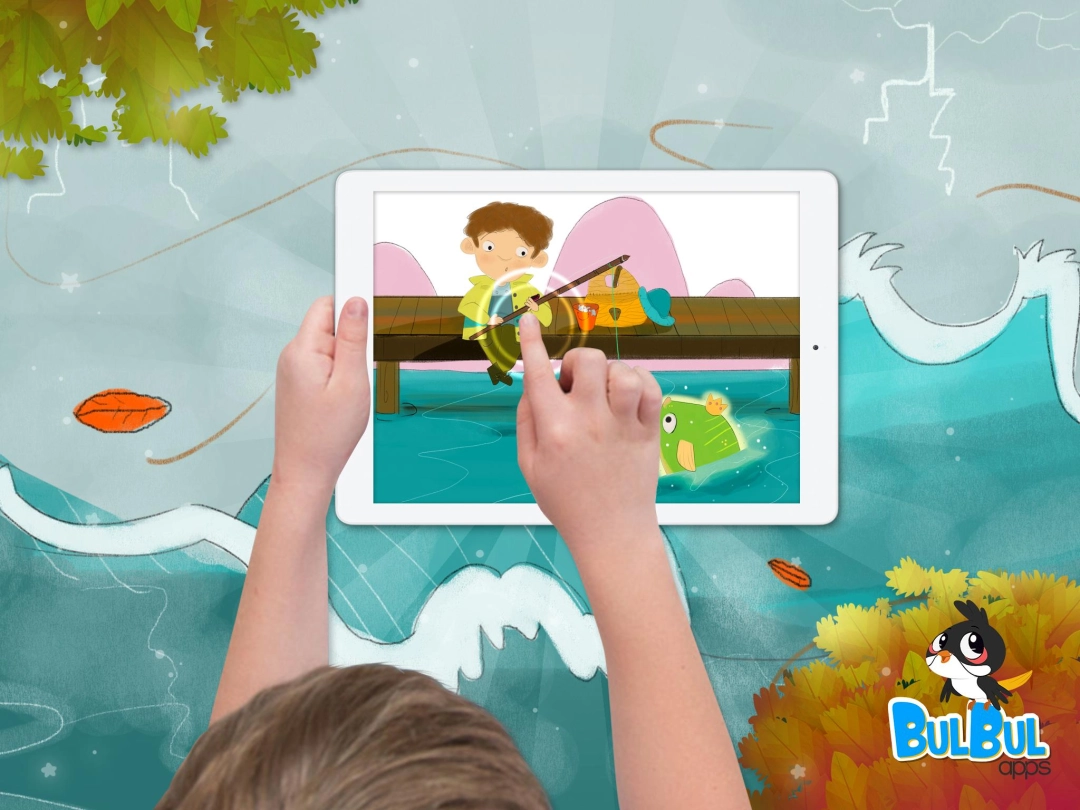
There once was a poor fisherman who lived with his wife, in a small shack by the sea. One day the fisherman catches a golden flounder, which claims to be an enchanted prince.<p>Read this beautifully illustrated classic that’s brought to life by Bul
Fisherman And His Wife English is developed and provided by Bulbul Inc..
Screenshots and Videos of Fisherman And His Wife English PC


How to Download and Run Fisherman And His Wife English on PC
 1
1Download and install LDPlayer on your computer
 2
2Locate the Play Store in LDPlayer's system apps, launch it, and sign in to your Google account
 3
3Enter "Fisherman And His Wife English" into the search bar and search for it
 4
4Choose and install Fisherman And His Wife English from the search results
 5
5Once the download and installation are complete, return to the LDPlayer home screen
 6
6Click on the game icon on the LDPlayer home screen to start enjoying the exciting game