Fishing Calendar is a Weather application developed by The AppDev Studio, but with the best Android emulator-LDPlayer, you can download and play Fishing Calendar on your computer.
Running Fishing Calendar on your computer allows you to browse clearly on a large screen, and controlling the application with a mouse and keyboard is much faster than using touchscreen, all while never having to worry about device battery issues.
With multi-instance and synchronization features, you can even run multiple applications and accounts on your PC.
And file sharing makes sharing images, videos, and files incredibly easy.
Download Fishing Calendar and run it on your PC. Enjoy the large screen and high-definition quality on your PC!
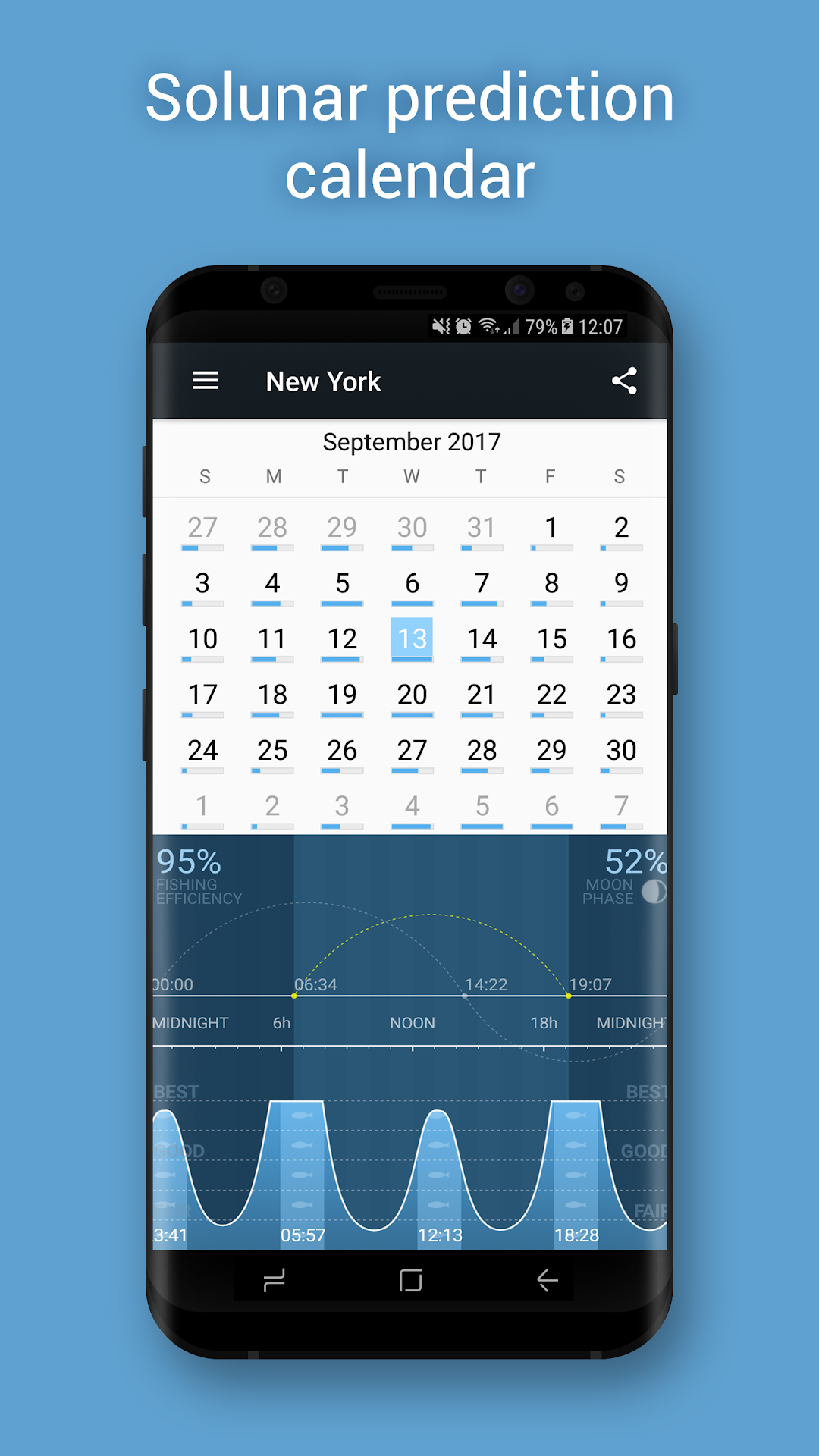
Fishing Calendar is an advanced Solunar prediction calendar that shows you the best fishing times for any location at any time. Every angler knows that the best bite times are when the fish are feeding, typically at dusk and dawn. But there are other factors to consider. With the help of a Fishing Calendar you will increase your catch!Some of the features:
- Prediction of the best fishing times
- Infinite prediction calendar
- Day and month view of fishing efficiency
- Moonrise, moonset and moon overhead times
- Moon Phase
- Sunrise and sunset times
- Minor and major periods
- Worldwide calendar for any location
- Imperial and metric units