Fitness Band - Fitness Tracker is a Health&Fitness application developed by Metaverse Labs, but with the best Android emulator-LDPlayer, you can download and play Fitness Band - Fitness Tracker on your computer.
Running Fitness Band - Fitness Tracker on your computer allows you to browse clearly on a large screen, and controlling the application with a mouse and keyboard is much faster than using touchscreen, all while never having to worry about device battery issues.
With multi-instance and synchronization features, you can even run multiple applications and accounts on your PC.
And file sharing makes sharing images, videos, and files incredibly easy.
Download Fitness Band - Fitness Tracker and run it on your PC. Enjoy the large screen and high-definition quality on your PC!
Elevate your health journey with Fitness Band - Fitness Tracker, the perfect app for Fitbit users to monitor daily activity, workouts, sleep, and nutrition. Sync your Fitbit data seamlessly to Health Connect, and see how your stats come together to support your wellness goals.Wide Compatibility:
Works with all Fitbit trackers and smartwatches, pulling data directly from your Fitbit account to deliver detailed metrics.
🚀 Key Features
✅ Track Daily Activity – Monitor steps, distance, calories burned, floors climbed, and active minutes.
✅ Advanced Sleep Tracking – Analyze your Sleep Score and view graphs of time spent in light, deep, and REM sleep.
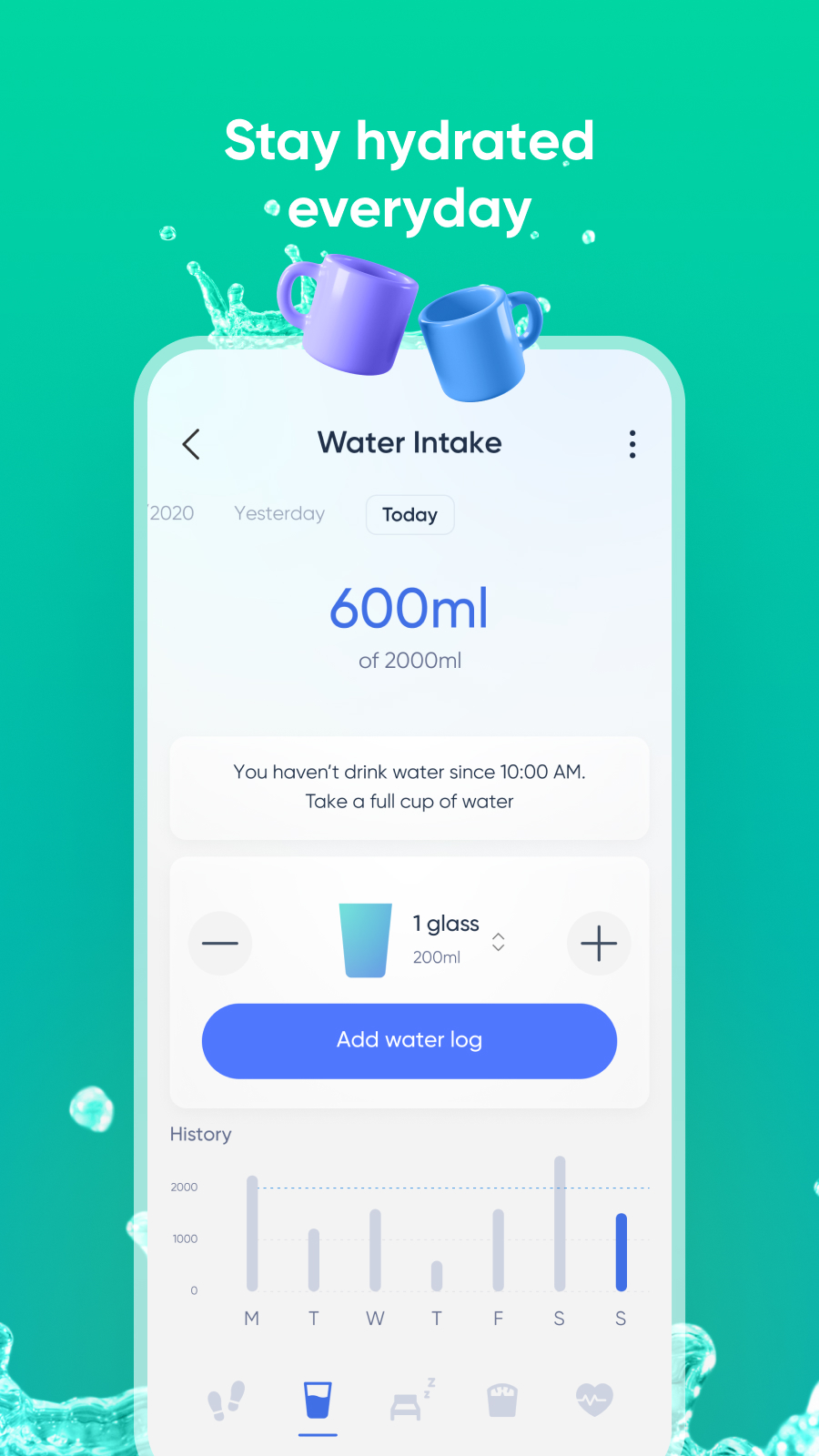
✅ Nutrition & Weight Management – Log food, water, and calories, set weight goals, and track progress.
✅ 24/7 Heart Rate Monitoring – Check daily, weekly, or monthly BPM trends, resting heart rate, and time in heart rate zones during workouts.
✅ Seamless Data Sync – Connect your Fitbit data to Health Connect for a unified health overview.
How to Use Fitness Band - Fitness Tracker?
1️⃣ Log in with your Fitbit account via the app.
2️⃣ Grant Fitness Band access to the Fitbit data you want to track.
3️⃣ Sync your data to Health Connect.
4️⃣ Explore your activity, sleep, and health stats!
Perfect for fitness enthusiasts, Fitness Band - Fitness Tracker helps you stay on top of your wellness with detailed insights from your Fitbit tracker.
⚠️ Before You Start
🌐 Ensure a stable internet connection for data syncing.
🔒 Your data is queried directly from your Fitbit account and securely inserted into Health Connect.
Note: This app provides reporting functions only and is a supporting tool for Fitbit devices. For device-related issues, contact Fitbit’s official support.
🔹 Download Fitness Band - Fitness Tracker Now to track your Fitbit stats, monitor sleep, and achieve your health goals! Take control of your fitness today!
📩 Questions? Leave a review or visit:
🔗 Privacy Policy: https://metaverselabs.ai/privacy-policy/
🔗 Terms of Use: https://metaverselabs.ai/terms-of-use/
Disclaimer: This app is not affiliated with or endorsed by Fitbit. It is a supporting app focused on metrics reporting for Fitbit devices.