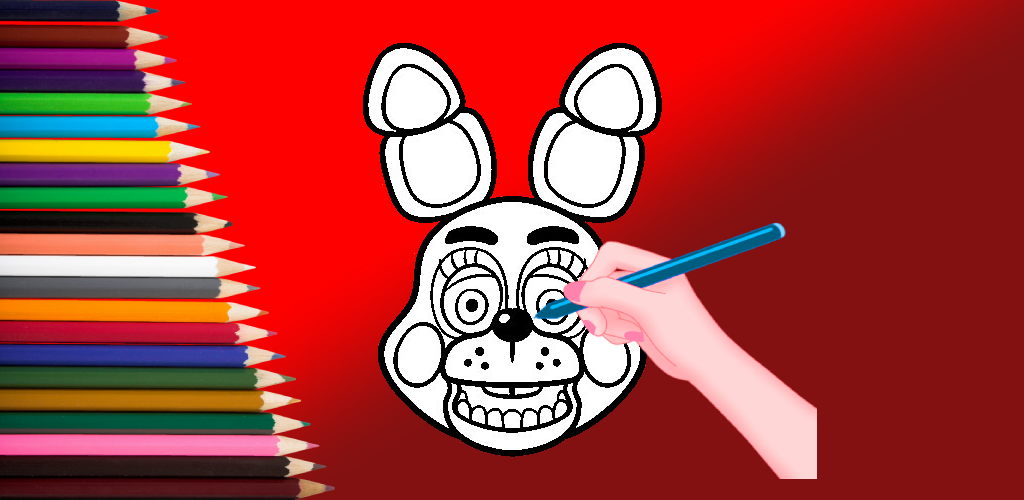
Five Coloring Book is a Art&Design application developed by kekokeko6400, but with the best Android emulator-LDPlayer, you can download and play Five Coloring Book on your computer.
Running Five Coloring Book on your computer allows you to browse clearly on a large screen, and controlling the application with a mouse and keyboard is much faster than using touchscreen, all while never having to worry about device battery issues.
With multi-instance and synchronization features, you can even run multiple applications and accounts on your PC.
And file sharing makes sharing images, videos, and files incredibly easy.
Download Five Coloring Book and run it on your PC. Enjoy the large screen and high-definition quality on your PC!
Coloring Five Coloring Book is a fun game that develops and stimulates the creativity through different activities.By dyeing us, we can relieve stress and boredom. Not just pages to color for Anime.
Have fun filling up colors just by touch in this new and enhanced coloring game. Different characters comes with different colors. Show your artistic talent by downloading this app. Share with your friends!
The coloring Five Coloring Book is one of the best and famous coloring games.
To learn how to draw, you need skills, but to learn how to color, you just need to use matching colors so that the image you produce is harmonious.
For those looking for a Five Coloring Book, you can use this application as the right choice.
Before using a Five coloring book, you should first look for references for primary colors and also supporting colors. Coloring anime is easy, but if you don't have an idea, it won't be easy.
Therefore, in the Five Coloring Book Application, there are many color choices that can be a source of looking for ideas and inspiration. So, you don't need to be confused to get started.
There are several characters in the Five Coloring Book such as Cartoon, Games, etc.
The Five Coloring Book application has many designs that can entertain you. And also the coloring pages in this application will also continue to be updated.
You can paint, draw or doodle whenever they desire to. Doodling, painting, and drawing were never so easy and amusing.
Both, boys and girls will love this coloring game of coloring and drawing book pages.
Five Coloring Book Coloring book game has been designed for girls and boys where they can color their favorite Five Coloring Book coloring pages.
if you like this app or if you have any feedback take a moment and keep your review below about this Five Coloring Book coloring book to help us improve this app, we hope you enjoying this coloring pages game.
BEST FEATURES: Five Coloring Book Coloring :
it will help you to learn more about painting.
Doodling, painting, and drawing have never been so easy and fun.
We believe that you need to include something colorful to let your friends play and learn at the same time and that's why we integrated these colorful interfaces.
Big collection of Five Coloring Book cartoon books for adults to play daily
Amazing graphics and sound effects
HOW TO PLAY: Five Coloring Book Coloring game :
1- Choose one toy's pictures.
2- Select your colors.
3- Start painting you're favorite characters.
4- Save or share your work.
5- The drawings can be saved in the application or in a gallery for editing and continue at any time.
6-The app works on all devices.
DISCLAIMER:
This application is made by fans, and it is unofficial. The content in this app is not affiliated with, endorsed, sponsored, or specifically approved by any company. This app is mainly for entertainment and for all fans to enjoy these wallpapers. If we have violated any copyright by use of any images included in this app, please get in touch with us at email and we shall promptly remove it. Thank you!