

Flowers Coloring Book is a Education application developed by Element196, but with the best Android emulator-LDPlayer, you can download and play Flowers Coloring Book on your computer.
Running Flowers Coloring Book on your computer allows you to browse clearly on a large screen, and controlling the application with a mouse and keyboard is much faster than using touchscreen, all while never having to worry about device battery issues.
With multi-instance and synchronization features, you can even run multiple applications and accounts on your PC.
And file sharing makes sharing images, videos, and files incredibly easy.
Download Flowers Coloring Book and run it on your PC. Enjoy the large screen and high-definition quality on your PC!
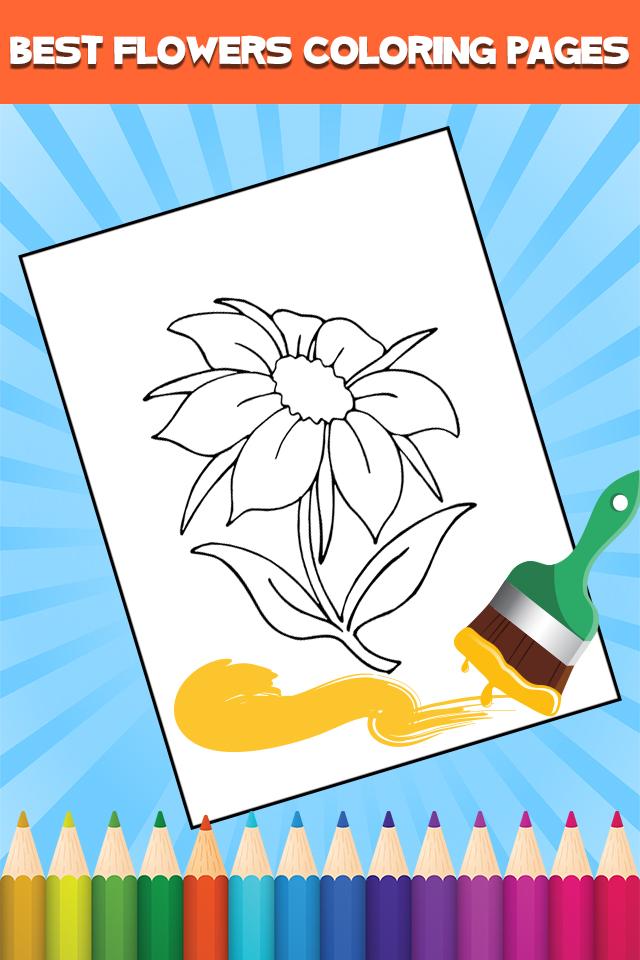
Become an artist with us! Flowers are very important, they make us happy and we need them in our houses. Their colors are very beautiful and we thought to create a Flowers Coloring Book. You can have fun and learn colors. This app is perfect for you and your family. With the very colorful palettes, there are hundreds of colors for you to use.Variety of paintbrushes: crayons, pen, marker, brush, pencil and more. The painting can develop your imagination and innovation.
Features:
- Download this app;
- You can use it online or offline;
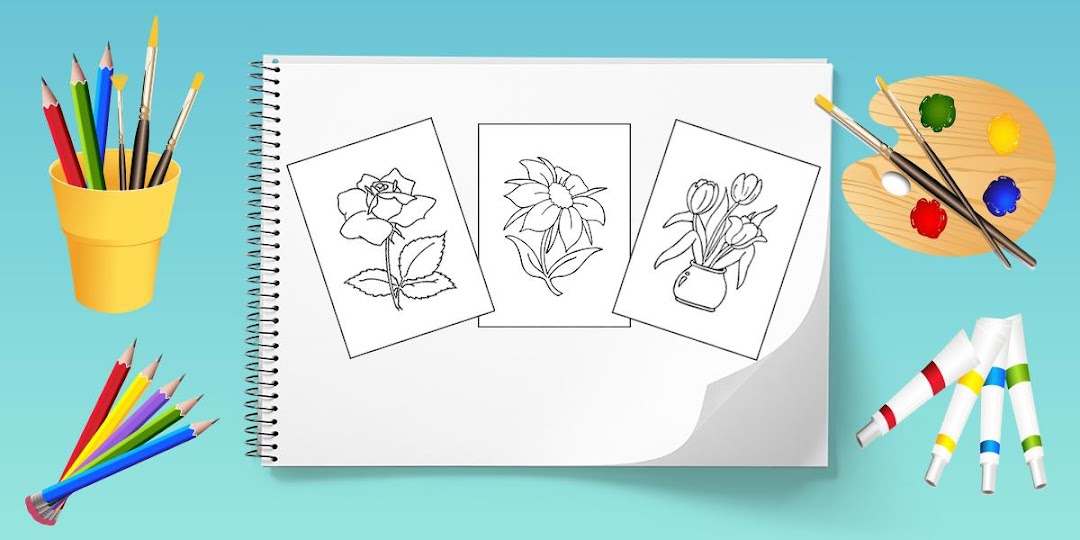
- Kids coloring book with Many beautiful flowers pictures;
- A realistic coloring experience;
- Provides the best coloring experience on phone and tablet;
- Colorful palette;
- Share your creativity with your friends!
Have fun and a creative moment with Flowers Coloring pages for kids App!