FM Music Story is a Music&Audio application developed by MOBILE TOOLS, but with the best Android emulator-LDPlayer, you can download and play FM Music Story on your computer.
Running FM Music Story on your computer allows you to browse clearly on a large screen, and controlling the application with a mouse and keyboard is much faster than using touchscreen, all while never having to worry about device battery issues.
With multi-instance and synchronization features, you can even run multiple applications and accounts on your PC.
And file sharing makes sharing images, videos, and files incredibly easy.
Download FM Music Story and run it on your PC. Enjoy the large screen and high-definition quality on your PC!
FM Music Story - MusicFM, Music Box, Music FM, Free Music is a free music app, easy to stream and listen to millions of music videos and songs for freeFM Music Story Main Features:
enjoy your favorite music
- The search function is very fast, you can find what you need in 1 minute.
- Enter song title/singer/album or song keywords to find out exactly what you're looking for.
- Daily updates with the latest songs and popular playlists.
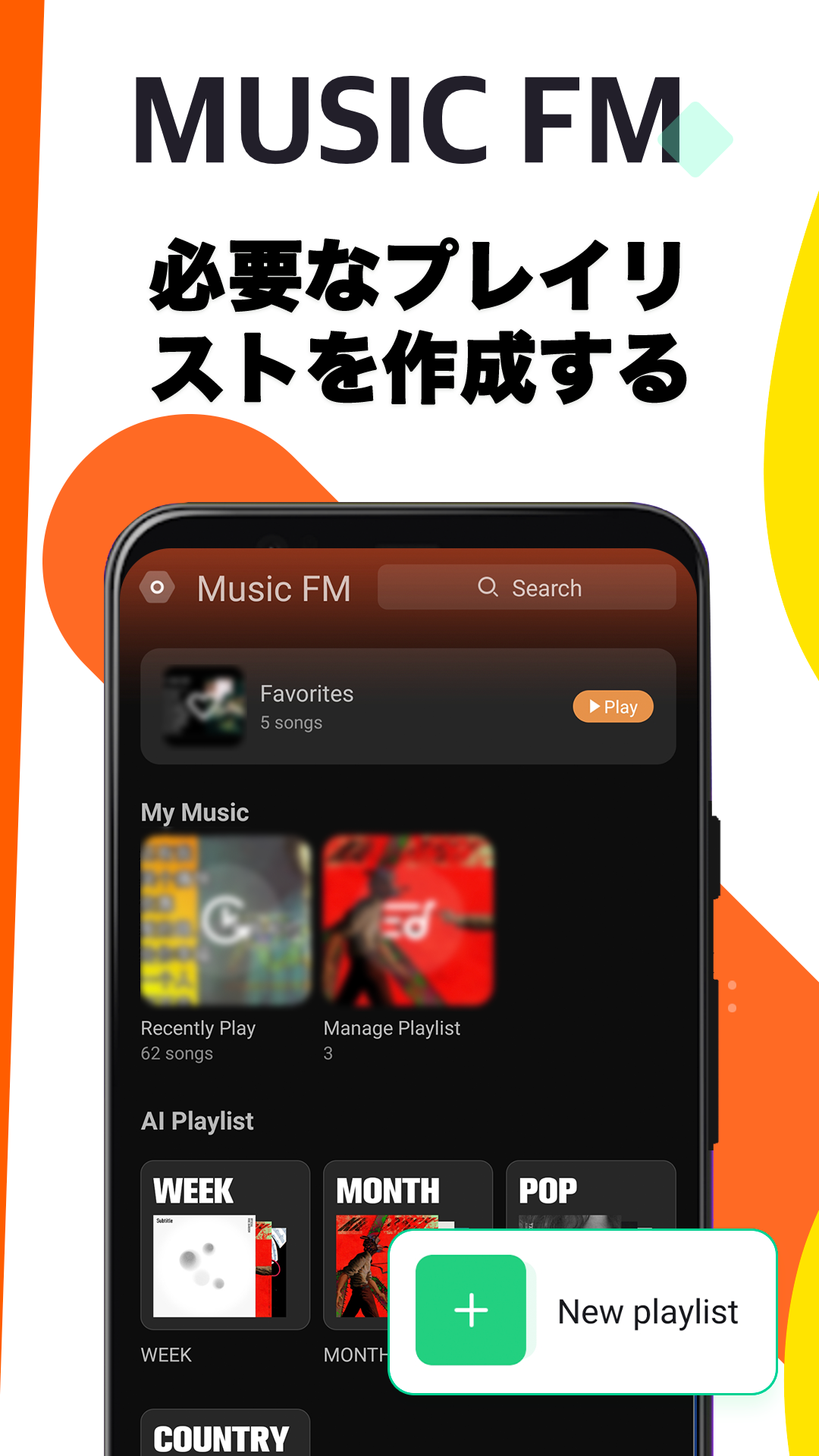
create your own playlist
- Create your own playlist for free
- Manage playlists, sort songs
free music player
Users can listen to music for free without in-app purchases.
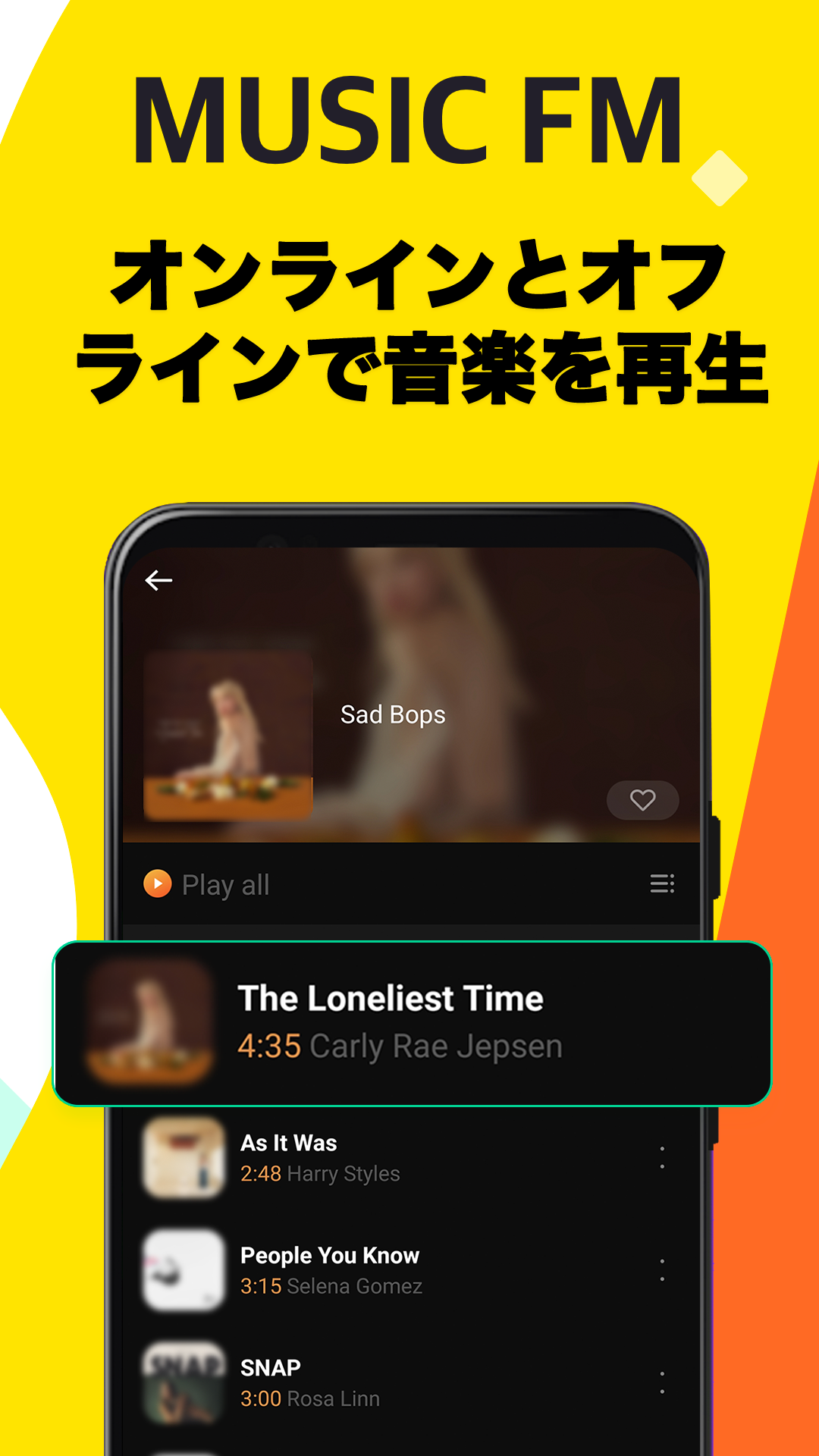
- Play mp3 songs in background
- Downloaded music for offline playback
- Shuffle, cycle and repeat play
-Alarm Clock
FM Music Story is a completely free music player app. No in-app purchases.
FM Music Story is still the best and fastest music app ever! Just try it, you won't need to look for another free music app.
Disclaimer:
FM Music Story is a third-party software compliant with YouTube API Terms of Service, all videos are played via YouTube's official API embedded player. YouTube protects the rights of copyright holders through its Content ID system, and if you see a video that you believe is infringing someone's copyright, you can report the video to YouTube using a copyright takedown notice. I can do it.
If you have any questions, feel free to contact us at hitoyukilysutashi@gmail.com.
All videos are provided by public third party media service YouTube. All trademarks and copyrights belong to their respective owners and are used herein under fair use and the Digital Millennium Copyright Act.